In today’s fast-paced business environment, keeping projects on track, teams aligned, and deadlines met is more challenging than ever. That’s where project management software comes in helping businesses of all sizes streamline workflows, track progress, and improve collaboration.
Even small teams can benefit from the right tools, while large enterprises often rely on robust platforms to manage complex projects and resources. Choosing the right software can make the difference between smooth operations and constant chaos.
Top Project Management Tools to Consider in 2026
Choosing the right project management tool depends on your team’s size, workflow style, and project complexity. Here’s a deeper look at some of the most trusted platforms today:
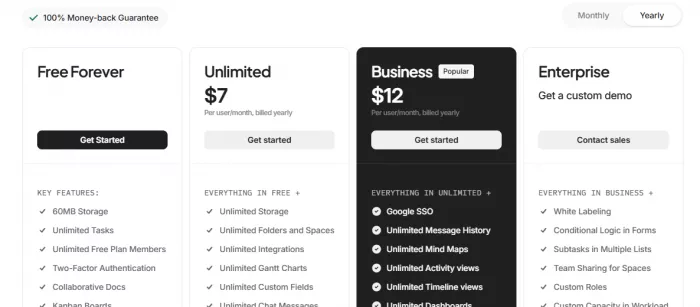
1. ClickUp https://clickup.com/
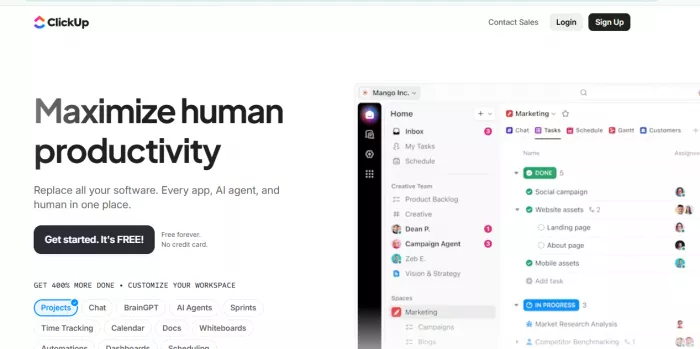
Overview: ClickUp is a versatile all-in-one platform designed to handle everything from simple task management to complex workflows.
Key Features: Task lists, Kanban boards, Gantt charts, dashboards, goal tracking, automation, and over 1,000 app integrations.
Best For: Teams of all sizes, especially those looking to consolidate multiple tools into one platform.
Why It Stands Out: Its high level of customization allows teams to tailor workflows, set priorities, and track productivity efficiently. ClickUp’s automation reduces repetitive tasks, saving time across projects.
2. Asana https://asana.com/

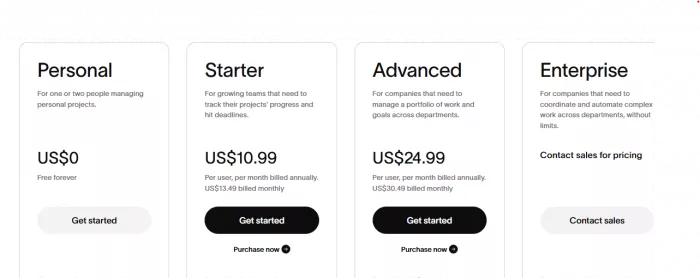
Overview: Asana is a widely popular project management tool focused on task planning and team collaboration.
Key Features: Task dependencies, timelines, boards, list views, reporting dashboards, workload management, and integrations with popular apps.
Best For: Creative teams, marketing, and operational projects where visual tracking of tasks and dependencies is important.
Why It Stands Out: Asana makes it easy to see who is responsible for what and when, keeping teams aligned and on schedule. Its intuitive interface is beginner-friendly yet powerful enough for complex projects.
3. Monday.com https://monday.com/
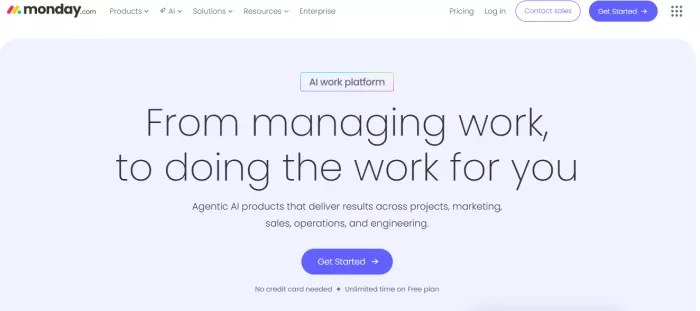
Overview: Monday.com is a flexible work operating system, offering highly visual and customizable workflow management.
Key Features: Customizable boards, automation, timeline & Gantt views, dashboards, and advanced reporting.
Best For: Teams that require flexibility in project tracking and want to automate routine processes.
Why It Stands Out: Its visual approach makes progress easy to track at a glance, and automations reduce manual follow-ups. Teams can adapt Monday.com to virtually any workflow.
4. Trello https://trello.com/
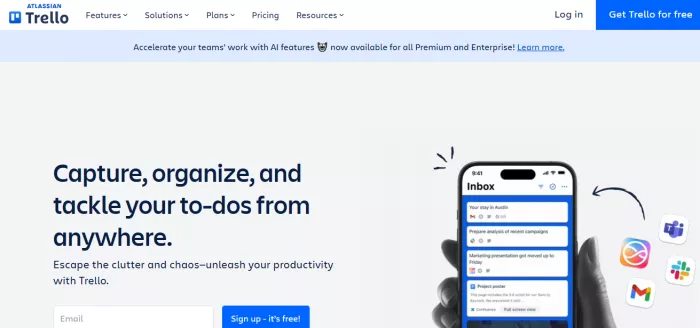
Overview: Trello is a simple, Kanban-style project management tool perfect for visual task tracking.
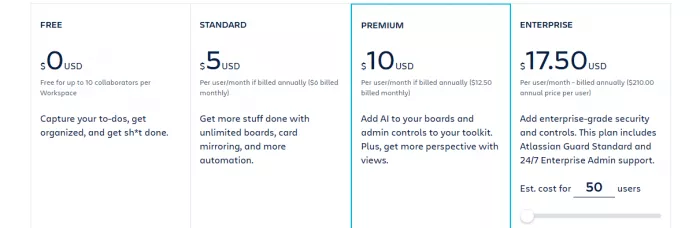
Key Features: Boards, lists, cards, checklists, due dates, labels, and Power-Ups (integrations).
Best For: Small teams, startups, or personal project management where simplicity is key.
Why It Stands Out: Trello’s drag-and-drop interface is extremely intuitive, making it easy to organize and monitor tasks without steep learning curves.
5. Jira Jira.com
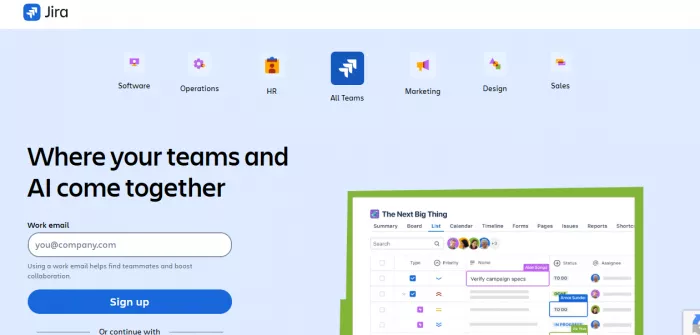
Overview: Jira is the go-to tool for software development and Agile teams.
Key Features: Scrum boards, Kanban boards, sprint planning, bug & issue tracking, reporting, and integrations with development tools.
Best For: Software development teams and companies practicing Agile methodology.
Why It Stands Out: Jira excels at tracking detailed technical workflows, managing sprints, and providing transparency for development teams. Its reporting features help identify bottlenecks quickly.
6. Zoho Projects https://www.zoho.com/projects/
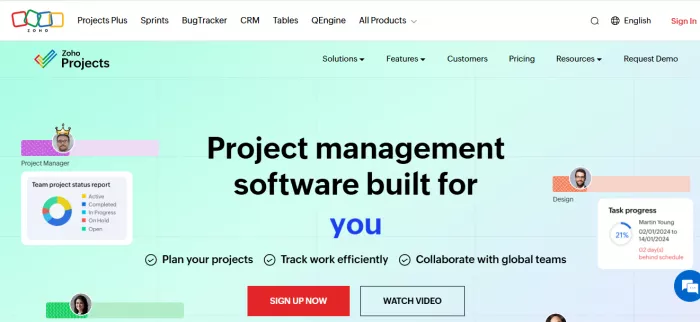
Overview: Zoho Projects is an affordable and feature-rich platform for small-to-medium businesses.
Key Features: Task management, Gantt charts, timesheets, reporting, issue tracking, and integrations with other Zoho apps.
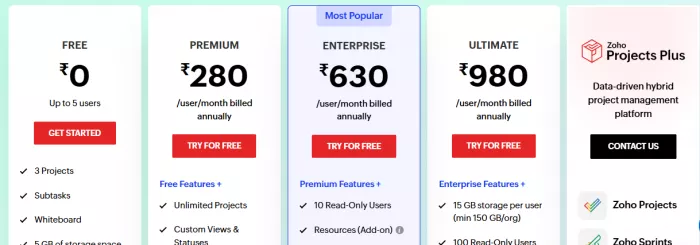
Best For: SMBs and teams looking for a cost-effective solution with essential project management capabilities.
Why It Stands Out: Zoho Projects combines ease-of-use with powerful reporting and tracking, making it an ideal choice for growing businesses on a budget.
How to Choose the Right Tool
When selecting project management software, consider:
● Ease of use – Your team should adopt it quickly without extensive training.
● Collaboration features – Tools that integrate chat, file sharing, and task comments enhance teamwork.
● Customization & automation – Reduce repetitive tasks and adapt workflows to your business.
● Reporting & dashboards – Track progress, performance, and deadlines in one place.
A free trial or demo is often the best way to see if a tool fits your team’s needs.
Final Thoughts: Personalized Insight
Project management software is no longer optional; it's essential for running a productive, organized, and successful business. Personally, I’ve seen how teams struggle without clear task tracking and communication, and how quickly adopting the right tool transforms workflow efficiency.
Whether you’re a small team wanting simplicity or a large enterprise needing robust project oversight, there’s a solution for you. Take the time to understand your team’s needs, test a couple of platforms, and commit to one that grows with your business. Doing this isn’t just about managing projects it’s about giving your team the freedom to focus on innovation, creativity, and delivering results that truly matter.
By choosing wisely, you don’t just manage tasks, you empower your team to work smarter, stay aligned, and achieve more.
Comments