What you'll learn?
- Set up and configure Aider AI on your local development environment.
- Leverage AI-driven code suggestions to accelerate coding and reduce errors.
- Manage Git branches and commits seamlessly with natural language commands.
- Refactor, fix bugs, and enhance codebases using Aider’s conversational AI interface.
- Integrate Aider into team workflows for collaborative, agile software development.
- Troubleshoot and resolve common challenges when using Aider with real-world projects.
- Incorporate best practices for code quality, security, and ethical AI interactions.
Course Modules
Getting Started with Aider AI
- Overview of Aider AI and Its Capabilities
- System Requirements and Installation
- Linking Aider to Your Git Repositories
- Aider’s Command-Line Interface Basics
- Your First AI-Powered Code Session
Navigating the Aider Workflow
- Project Initialization and Setup
- Natural Language Interactions: How Aider Communicates
- Understanding Context and File Scope
- Using Aider to Explore Existing Code
- Configuring Preferences and Settings
Core Features: Coding with Aider
- AI-Driven Code Generation and Modification
- Guided Code Refactoring
- Automated Bug Detection and Fixes
- Generating Documentation and Comments
- Prompt Engineering for Precise Results
- Using Aider’s Undo and Revert Features
AI for Git: Version Control Made Easy
- Branch Management with Natural Language
- Committing and Reviewing Changes via Aider
- Merge Conflict Resolution with AI Support
- Tracking Code Evolution and History
- Tagging and Releasing with AI Assistance
Advanced Prompting and Conversational Programming
- Crafting Effective Prompts for Complex Tasks
- Iterative Development with AI Feedback Loops
- Context Management for Large Codebases
- Chaining Multiple Commands and Edits
- Fine-Tuning Communication for Clarity
Collaboration in Teams with Aider
- Setting Up Multi-User Access
- Shared Contexts and Collaborative Editing
- Reviewing and Merging Team Contributions
- Integrating Aider into Agile Workflows
- Handling Permissions and Security
Integrating Aider with External Tools
- Connecting with IDEs and Editors
- Automation Scripts and Aider APIs
- Synchronizing with Issue Trackers
- Continuous Integration Pipelines
- Workflow Automation Examples
Real-World Projects and Use Cases
- Case Study: Refactoring a Legacy Codebase
- Building a Feature from Scratch with AI Assistance
- Automating Repetitive Coding Tasks
- Enhancing Code Quality in Open Source Projects
- Debugging in a Production Environment
- Team Coding Challenge with Aider
Troubleshooting, Limitations, and Best Practices
- Common Pitfalls and How to Avoid Them
- Optimizing Prompt Design for Efficiency
- Understanding Aider’s AI Limitations
- Security Considerations in Code Generation
- Maintaining Code Consistency with AI Collaborators
Ethics, Privacy, and the Future of AI Development
- Responsible Use of AI in Software Engineering
- Data Privacy and Confidentiality Concerns
- Copyright and Licensing Implications
- Bias and Fairness in AI-Generated Code
- Emerging Trends in AI-Driven Development
- Career Paths and Continuous Learning
What is unique about this training program?
- Operates directly through Git, ensuring every AI change is versioned and reviewable
- Optimized for multi-file refactoring driven by natural language instructions
- Uses repository context to maintain consistency across functions and modules
- Designed for terminal-based workflows rather than IDE-dependent assistance
- Emphasizes diff-based edits, reducing risk compared to overwrite-style generators
- Aligns AI assistance with existing code review and collaboration practices
Certification
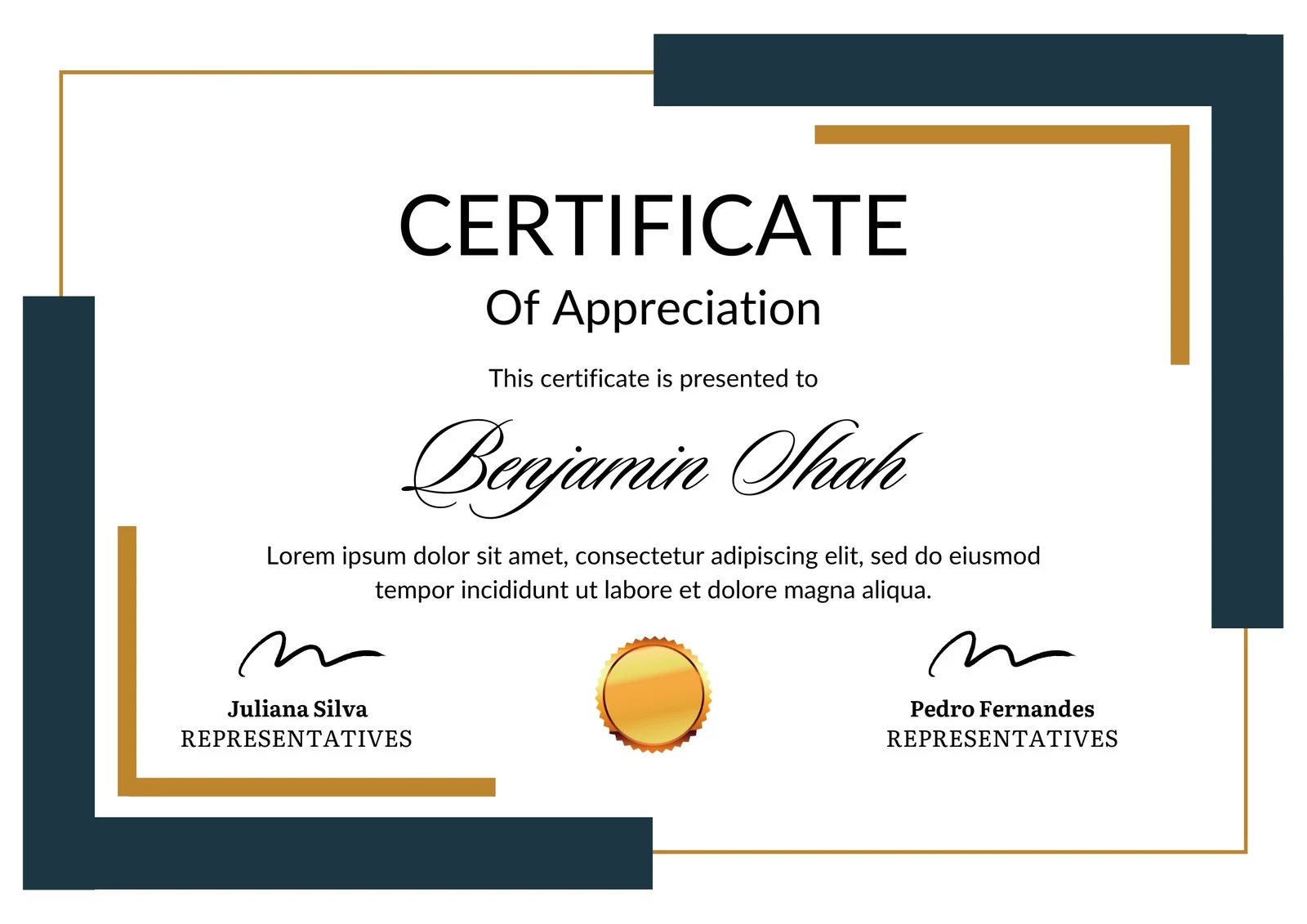
This is how the NSDC and Skill India certificate will appear under the current approved format (subject to updates by the authorities).

Vinod Mehra
Software Development | Tech & Gadgets Enthusiast<p>Vinod Mehra is an AI Tools Strategist, Tech Entrepreneur, and Business Consultant with 22+ years of experience in digital transformation, software development, and growth strategy.</p><p>Over the p...
Course Reviews
No reviews yet for this course!