What you'll learn?
- Navigate the CapCut AI interface and set up projects for maximum efficiency.
- Utilize AI-powered editing tools like auto-captions, smart cuts, and background removal.
- Incorporate AI-generated text, voiceovers, and music seamlessly into your videos.
- Master advanced techniques in effects, transitions, color grading, and scene enhancement.
- Automate repetitive editing tasks using CapCut’s batch processing and smart templates.
- Design engaging social media video content optimized for different platforms.
- Integrate CapCut with other creative tools and streamline content workflows.
- Apply best practices in ethical AI video editing while maximizing creative potential.
Course Modules
Getting Started with CapCut AI
- Introduction to CapCut AI and Its Key Features
- System Requirements and Installation
- Creating and Managing Projects
- Navigating the User Interface
- Understanding Cloud Storage and Project Sync
Importing and Organizing Media
- Importing Video, Images, and Audio
- Organizing Clips with Folders and Bins
- Managing Asset Libraries and Stock Media
- Understanding Supported Formats
- Efficient Timeline Management
AI-Powered Editing Essentials
- Using Auto-Cut for Seamless Edits
- AI Scene Detection and Clipping
- Smart Background Removal and Blur
- Auto-Captioning and Subtitle Generation
- Applying AI Filters and Enhancements
Advanced AI Tools and Techniques
- AI-Powered Object Tracking
- Face and Motion Recognition Effects
- Customizing AI Transitions and Animations
- Color Grading with AI Suggestions
- Automatic Reframing and Resizing
- Noise Reduction and Clarity Enhancement
Sound Design with AI
- AI Voiceover Generation
- Auto Audio Sync and Lip Sync
- Music Recommendation and Auto Beat Matching
- Removing Unwanted Noise with AI
- Enhancing Dialogue and Sound Effects
Text, Titles, and Graphics Automation
- AI-Generated Titles and Lower Thirds
- Dynamic Text and Motion Graphics
- Branding with Intros, Outros, and Watermarks
- Integrating Stickers and Emojis Using AI Tools
- Personalizing Templates with AI Recommendations
Smart Templates and Batch Processing
- Leveraging AI-Driven Video Templates
- Automating Editing for Multiple Clips
- Batch Exporting for Social Platforms
- Creating Consistent Video Series with Templates
- Optimizing Workflow for High Output
Social Media Content Creation
- Customizing Aspect Ratios for Various Platforms
- AI-Powered Trends and Hashtag Suggestions
- Collaborative Editing and Sharing
- Exporting with Platform-Specific Settings
- Measuring Engagement with Integrated Analytics
Integrations and Workflow Optimization
- Connecting CapCut with Cloud Drives and External Libraries
- Integrating with TikTok, YouTube, and Instagram
- Automating Cross-Platform Publishing
- Importing Assets from Other Creative Tools
- Project Backup and Collaboration Tips
Real-World Projects and Case Studies
- Editing a Viral TikTok Video from Start to Finish
- Creating a Professional YouTube Vlog with AI Tools
- Designing Branded Content for Instagram Reels
- Batch Editing a Multi-Scene Promo Video
- Client Collaboration and Feedback Integration
- Adapting CapCut AI for Business and Marketing Needs
Ethics, Best Practices, and Career Development
- Ethical Use of AI in Video Editing
- Managing Copyright and Attribution
- Understanding Deepfakes, Privacy, and Consent
- Building a Professional Portfolio with CapCut AI
- Staying Updated with New Features and Trends
What is unique about this training program?
- Integrates AI features directly into a full-featured video editor rather than operating as a standalone generator
- Strong mobile-first optimization, making AI-assisted editing practical for short-form creators
- Automated captioning and beat-sync tools tuned for social platform formats
- Combines template-driven workflows with manual control, unlike fully automated video tools
- Native support for trend-based effects and transitions updated in near-real time
- Low barrier to experimentation due to real-time preview and iterative editing flow
Certification
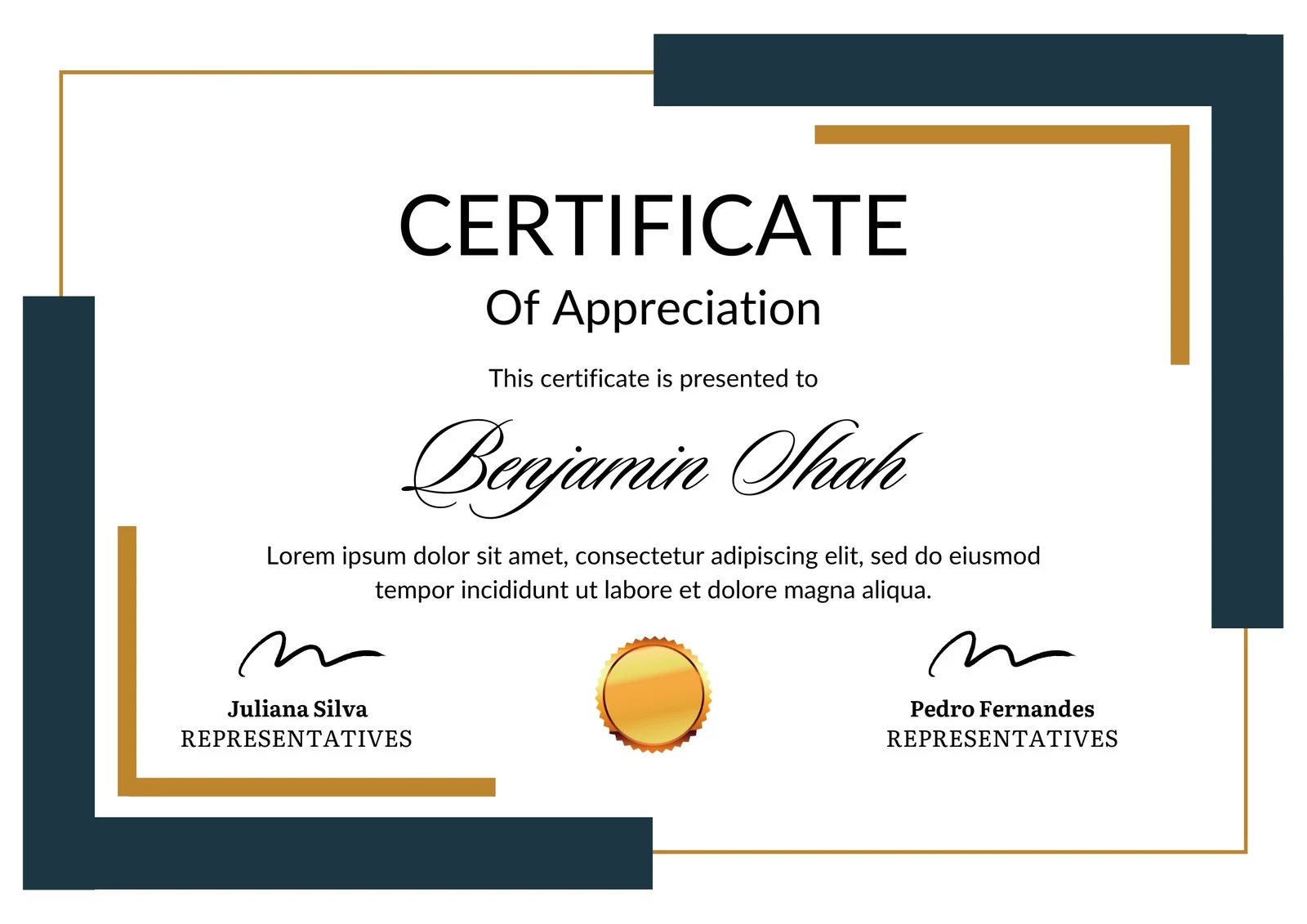
This is how the NSDC and Skill India certificate will appear under the current approved format (subject to updates by the authorities).

Vinod Mehra
Software Development | Tech & Gadgets Enthusiast<p>Vinod Mehra is an AI Tools Strategist, Tech Entrepreneur, and Business Consultant with 22+ years of experience in digital transformation, software development, and growth strategy.</p><p>Over the p...
Course Reviews
No reviews yet for this course!