What you'll learn?
- Navigate the ComfyUI node-based interface with confidence and efficiency.
- Build custom AI image generation pipelines from modular components.
- Harness advanced prompt engineering to achieve precise creative results.
- Integrate external models and advanced features like ControlNet into ComfyUI workflows.
- Debug, optimize, and automate multi-step creative processes for scalability and performance.
- Apply ComfyUI to real-world projects in concept art, design, and media production.
- Understand the ethical considerations and best practices in generative AI creation.
Course Modules
Introduction to ComfyUI and Generative AI
- What is ComfyUI?
- The Rise of Node-Based AI Tools
- Core Concepts in Generative AI
- ComfyUI vs. Other Popular Interfaces
- Setting your Creative Goals
Installation, Setup, and Interface Tour
- System Requirements and Installation Guide
- Configuring ComfyUI for Your Hardware
- Navigating the Node Workspace
- Project Management and Saving Work
- Importing Resources and Assets
Nodes, Workflows, and Pipeline Design
- Understanding Node Types and Functions
- Linking and Arranging Nodes
- Building Your First Simple Workflow
- Managing Parameters and Variables
- Best Practices for Scalable Workflows
Prompt Crafting and Conditioning
- Foundations of Prompt Engineering
- Negative Prompts and Output Control
- Prompt Scheduling and Conditioning Flows
- Incorporating Textual Inversion
- Case Studies: Crafting for Different Styles
Integrating Models and Advanced Features
- Loading Custom Checkpoints and LoRAs
- Working with Multiple Models
- Harnessing ControlNet within ComfyUI
- Utilizing Variational Autoencoders (VAE)
- Working with Samplers and Schedulers
Intermediate Image Generation Techniques
- Multi-Step and Iterative Generation
- Resolution Upscaling and Detail Enhancement
- Batch Processing and Bulk Outputs
- Guided Inpainting and Outpainting
- Image-to-Image and Masked Editing
Advanced Workflow Customization and Automation
- Scripting and Custom Nodes
- Automating Workflow Steps
- Parameter Randomization and Seeding
- Resource Optimization Strategies
- Integrating with External Tools and APIs
- Using ComfyUI Extensions
Troubleshooting, Debugging, and Optimization
- Interpreting Node Errors and Logs
- Workflow Debugging Strategies
- Performance Bottlenecks and Solutions
- Memory and Resource Management Tips
- Maintaining Workflow Reliability
Real-World Creative Projects with ComfyUI
- Concept Art Generation
- Character and Product Design
- Storyboarding and Visual Development
- Applying ComfyUI in Media Production
- Showcasing and Exporting Final Works
- Collaborative Projects with Teams
- Portfolio Building Tips
Ethics, Best Practices, and Future Trends
- Ethical Considerations in Generative AI
- Intellectual Property and Copyright Issues
- Responsible AI Usage and Fairness
- Community Resources and Networking
- Exploring the Roadmap: ComfyUI Updates and Trends
Certification
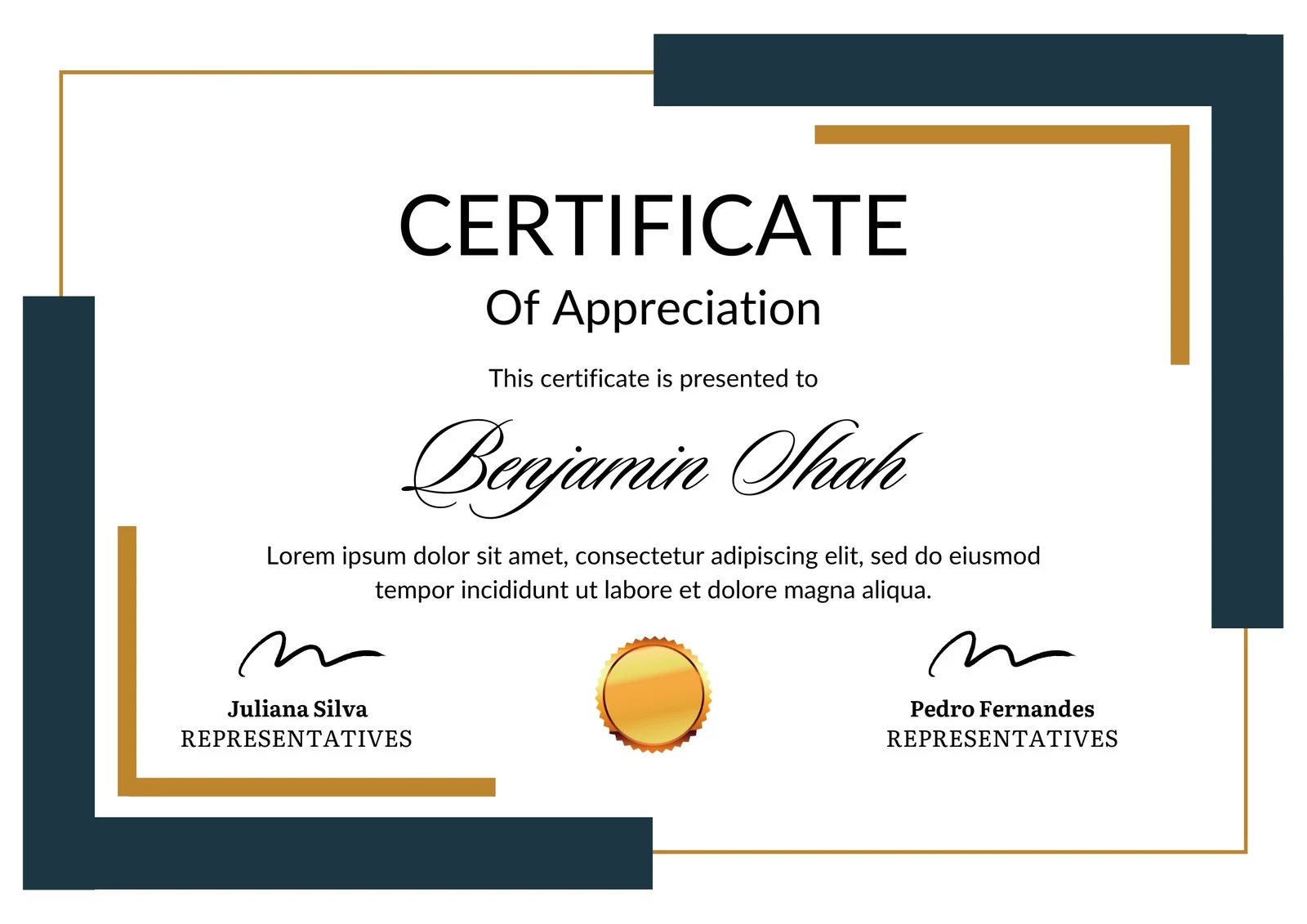
This is how the NSDC and Skill India certificate will appear under the current approved format (subject to updates by the authorities).

Vinod Mehra
Software Development | Tech & Gadgets EnthusiastVinod Mehra is an AI Tools Strategist, Tech Entrepreneur, and Business Consultant with 22+ years of experience in digital transformation, software development, and growth strategy.Over the p...
Course Reviews
No reviews yet for this course!