What you'll learn?
- Seamlessly set up and configure Cursor for your development environment.
- Navigate and utilize Cursor’s AI-powered features for coding, documentation, and debugging.
- Leverage context-aware code completions to boost productivity and code quality.
- Master in-editor code refactoring and instant documentation generation.
- Integrate Cursor with GitHub and other tools for enhanced version control and collaboration.
- Customize Cursor’s AI capabilities to fit specific languages, frameworks, and workflows.
- Apply advanced Cursor workflows to real-world projects and team environments.
- Understand privacy, ethical considerations, and future trends in AI-powered coding assistants.
Course Modules
Getting Started with Cursor
- What is Cursor? Overview and Capabilities
- Installation and Initial Setup
- System Requirements and Compatibility
- Configuring Your Development Environment
- Understanding Cursor’s User Interface
Core Features and Navigation
- AI-Powered Autocomplete Explained
- Navigating Cursor’s Menus and Commands
- Project Structure and File Management
- Quick Access Shortcuts
- Customization Options
Boosting Productivity with AI-Assisted Coding
- Context-Aware Code Suggestions
- Intelligent Code Completions
- Efficient Snippet Insertion
- Using AI to Write Boilerplate Code
- Multi-Language Support
Debugging and Error Resolution with Cursor
- AI-Driven Error Detection
- Automatic Code Explanations
- Refactoring Suggestions
- In-Editor Debugging Tools
- Applying Fixes with a Single Click
- Tracking and Managing Issues
Documentation and Knowledge Management
- Instant Documentation Generation
- Keeping Docs In Sync with Code
- Creating and Managing Code Comments
- Incorporating External Documentation Resources
- Best Practices for Maintainable Docs
Integration with GitHub and Collaboration Tools
- Linking Cursor to GitHub Projects
- Branching and Pull Requests in Cursor
- Seamless Collaboration with Teams
- Managing Merge Conflicts Using AI
- Integrating Third-Party Extensions
Advanced Cursor Customization and Workflows
- Customizing AI Model Parameters
- Setting Up Language/Framework-Specific Behaviors
- Building Macros and Shortcuts
- Automating Repetitive Tasks with AI
- Managing Extensions and Plugins
- Workspace Configuration for Teams
Real-World Projects: Applying Cursor in Practice
- End-to-End Workflow Demonstration
- From Prototype to Production
- AI-Driven Code Reviews
- Team Project Simulation
- Case Studies: Cursor in Large Codebases
- Measuring Productivity Gains
Ethics, Privacy, and the Future of AI-Driven Development
- Understanding Data Privacy with Cursor
- Ethical Use of AI in Software Development
- AI Limitations and Bias Awareness
- Preparing for the Future of AI-Assisted Coding
- Career Opportunities with AI-Integrated Development
What is unique about this training program?
- Codebase-aware AI understands and navigates entire repositories, not just single files
- Enables inline refactoring and multi-file edits through natural language commands
- Tight IDE integration prioritizes editing speed over chat-style code assistance
- Context persistence across sessions improves accuracy on long-running projects
- Designed for iterative development workflows rather than one-off code generation
- Emphasizes developer control with reversible changes instead of autonomous execution
Certification
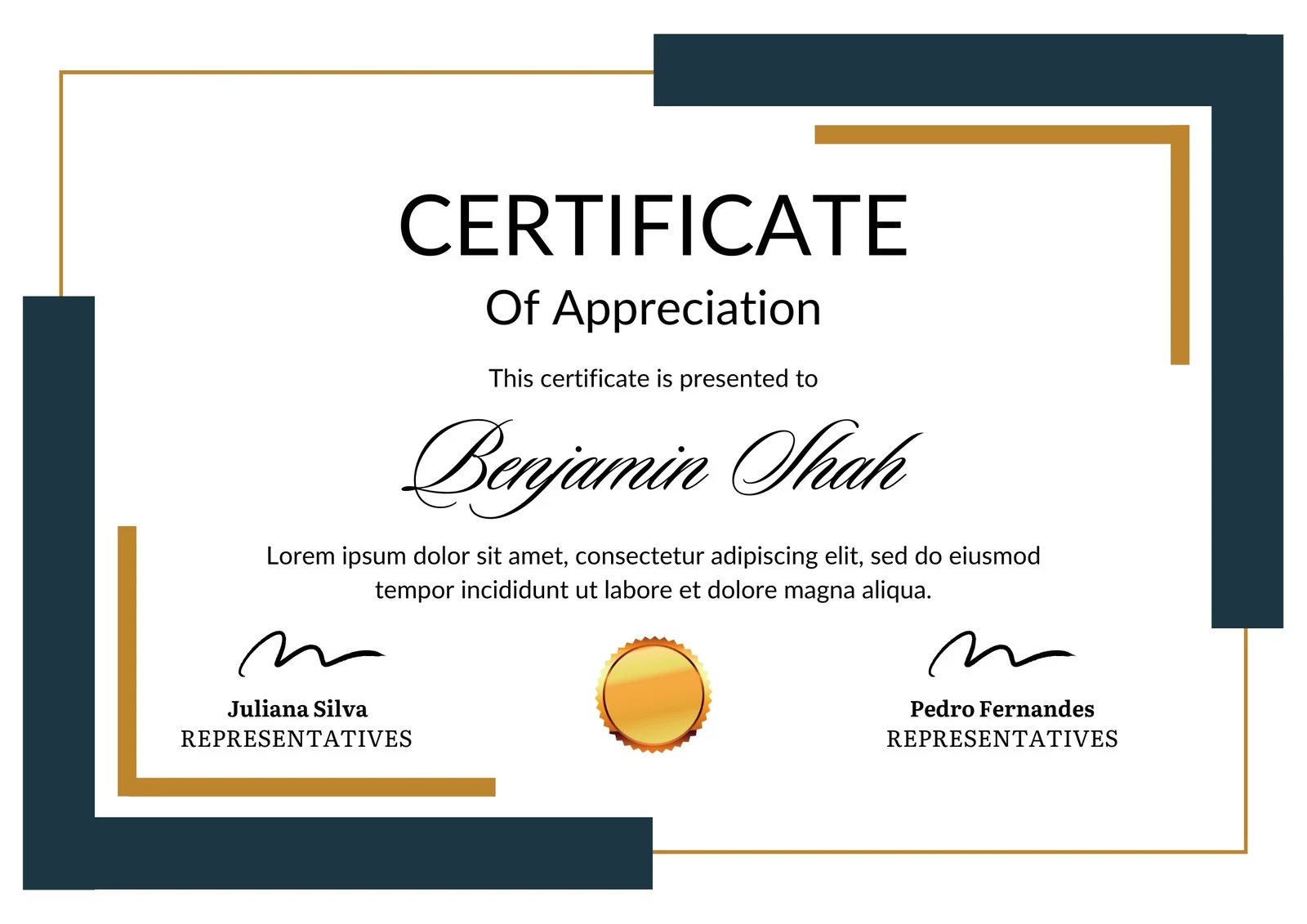
This is how the NSDC and Skill India certificate will appear under the current approved format (subject to updates by the authorities).

Vinod Mehra
Software Development | Tech & Gadgets Enthusiast<p>Vinod Mehra is an AI Tools Strategist, Tech Entrepreneur, and Business Consultant with 22+ years of experience in digital transformation, software development, and growth strategy.</p><p>Over the p...
Course Reviews
No reviews yet for this course!