What you'll learn?
- Quickly navigate Descript’s interface and streamline your creative workflow.
- Edit audio and video content seamlessly with text-based tools and real-time preview.
- Utilize powerful AI features such as overdubbing, filler word removal, and automatic transcription.
- Enhance productions with multitrack editing, sound design, and video compositing.
- Collaborate efficiently with teams using comments, versioning, and cloud-sync capabilities.
- Integrate external media, templates, and advanced export settings for professional output.
- Implement best practices for content repurposing, accessibility, and publishing across platforms.
Course Modules
Getting Started with Descript
- What is Descript?
- Account Setup and Workspace Tour
- Exploring the Descript Dashboard
- Importing Audio and Video Files
- Understanding File Formats and Project Organization
The Descript Interface: Basics and Beyond
- Navigating the Main Editor
- Timeline and Script View Explained
- Understanding Scenes, Tracks, and Layers
- Customizing the Workspace
- Keyboard Shortcuts for Speed
Text-Based Audio & Video Editing Fundamentals
- Automated Transcription Workflow
- Making Edits via Text
- Split, Join, and Rearrange Content
- Clip Creation and Storyboarding
- Real-Time Playback and Preview
AI Tools: Overdub and Studio Sound
- What is Overdub?
- Creating and Training a Voice Model
- Text-to-Speech Audio Editing
- Studio Sound for High-Quality Audio Enhancement
- Ethics and Use Cases of AI Voice
Advanced Editing Techniques
- Multitrack Editing Essentials
- Audio Effects and Sound Design
- Video Compositing and Layout Tools
- Precision Editing with Timeline
- Syncing Audio and Video
Removing Filler Words & Cleaning Up Content
- Detecting Filler Words and Silence
- Batch Removal Techniques
- Generating Automatic Highlights
- Best Practices for Polished Narratives
- Speeding Up Repetitive Cleaning Tasks
Media Management and Importing Assets
- Adding External Images, Music, and Video
- Utilizing Templates and Stock Libraries
- Organizing Media Bins and Resources
- Asset Replacement and Relinking
- Managing Large Projects Efficiently
Collaboration and Team Workflow
- Inviting Collaborators and Sharing Files
- Commenting and Versioning
- Cloud Sync and File Management
- Role-Based Permissions
- Live Collaboration Features
Exporting and Publishing Your Projects
- Export Formats and Settings
- Customizing Video and Audio Exports
- Publishing Directly to Social Platforms
- Creating Captions and Subtitles
- Ensuring Accessibility and Compliance
Content Repurposing & Best Practices
- Repurposing Long-Form Content into Clips
- Creating Audiograms and Promotional Content
- Cross-Platform Publishing Strategies
- Backing Up and Archiving Projects
- Content Accessibility Tips
Descript Integrations and Automation
- Connecting with Other Apps (Zoom, Google Drive, etc.)
- API and Automation Basics
- Integrating with Podcast Hosts and Social Tools
- Workflow Automation Examples
- Staying Up-to-Date with New Features
Ethics, Copyright, and Future-Proofing Your Skills
- Ethics in AI Audio & Video Editing
- Copyright and Fair Use Overview
- Securing Your Content
- Adapting to Rapidly Evolving Tools
- Building a Career with Descript Expertise
What is unique about this training program?
- Audio-first editing model enables direct text-based control over video and podcast timelines
- Transcript-driven editing reduces dependency on traditional waveform or frame-level tools
- Built-in voice cloning and filler-word removal designed for spoken-content workflows
- Tight alignment between recording, editing, and publishing within a single environment
- Designed for long-form spoken media rather than short-form visual-first generation
- Supports collaborative editing through shared transcripts instead of project timelines
Certification
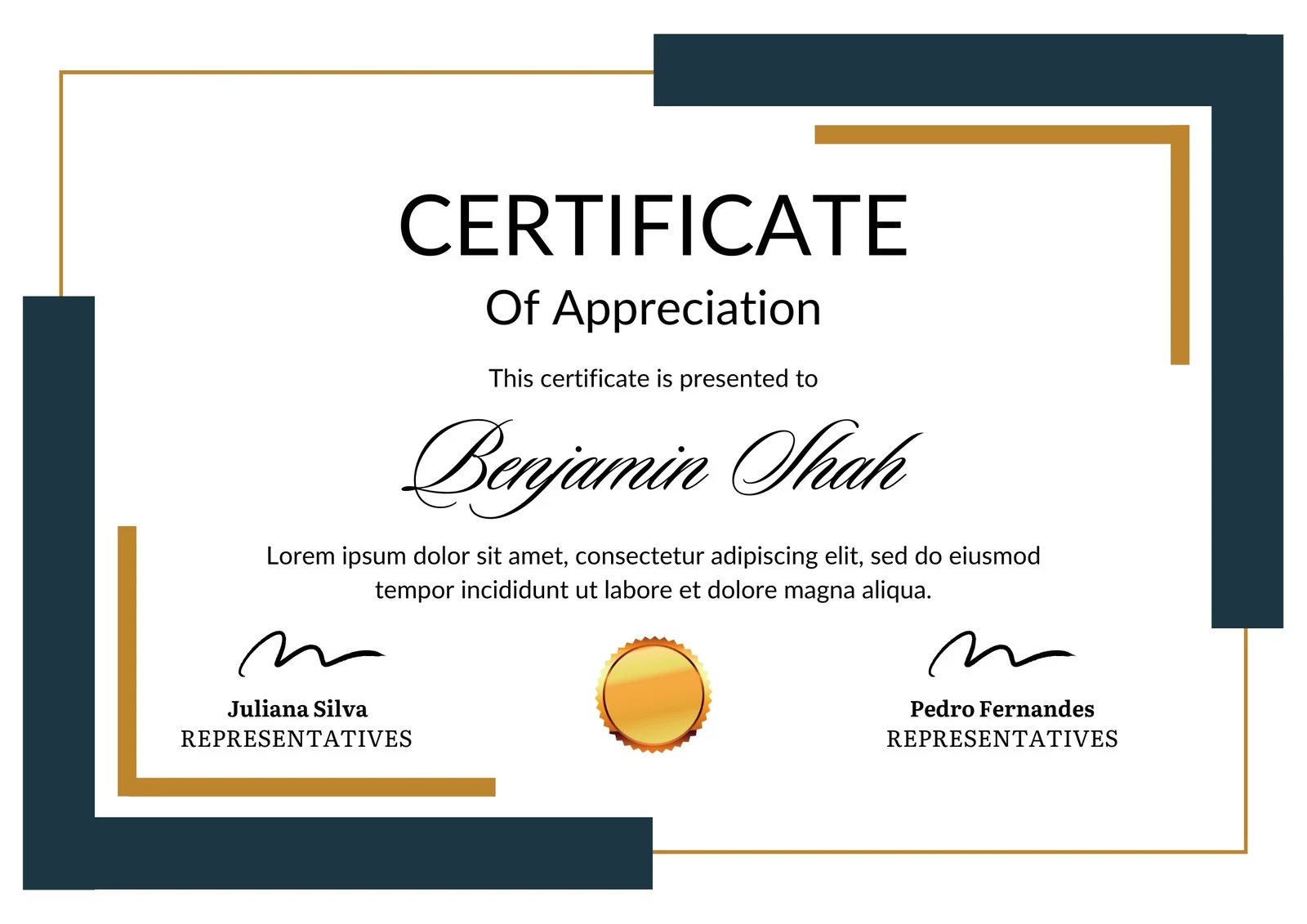
This is how the NSDC and Skill India certificate will appear under the current approved format (subject to updates by the authorities).
Vinod Mehra
Software Development | Tech & Gadgets Enthusiast<p>Vinod Mehra is an AI Tools Strategist, Tech Entrepreneur, and Business Consultant with 22+ years of experience in digital transformation, software development, and growth strategy.</p><p>Over the p...
Course Reviews
No reviews yet for this course!