What you'll learn?
- Integrate AI-powered features within Figma to streamline repetitive design tasks.
- Leverage generative AI tools for rapid wireframing, content creation, and asset generation.
- Utilize intelligent plugins and widgets to enhance collaboration and accelerate feedback cycles.
- Implement advanced automation for layout, color, and typography suggestions.
- Design accessible, user-friendly prototypes quickly with AI-assisted recommendations.
- Master best practices for AI-driven design iteration and project management.
- Export, share, and collaborate on AI-enhanced projects efficiently with teams and stakeholders.
Course Modules
Getting Started with Figma AI
- What is Figma AI?
- Figma account setup and interface overview
- Installing and enabling AI features
- Comparing classic Figma versus Figma AI
- Exploring the Figma Community for AI resources
Understanding Figma’s AI Features
- Overview of integrated AI tools
- Smart autocorrect for design
- AI image and icon generation
- Text generation and copy suggestions
- AI-powered layout assistance
AI-Driven Wireframing and Ideation
- Generating wireframes with prompts
- Rapid mockups using AI templates
- Ideation workflows with AI suggestions
- Utilizing AI for user flow mapping
- Tips for iterative brainstorming with AI
Automating Design: Layout, Colors, and Typography
- AI-based layout optimization
- Smart color palette recommendations
- Typography pairings and hierarchy suggestions
- Theme adaptation and brand consistency with AI
- Balancing automation with creative control
Generative Asset Creation
- Creating illustrations with AI
- Generating icon sets
- Auto-generating user avatars and images
- Refining AI assets for real-world use
- Copyright and licensing for AI-generated assets
Boosting Team Collaboration with AI
- AI-assisted design reviews
- Smart versioning and history tracking
- Automated handoff documentation
- Commenting and resolving feedback with AI
- Synchronizing updates across teams
AI-Assisted Prototyping and Usability Testing
- Building interactive prototypes faster
- Leveraging AI for accessibility checks
- Contextual usability testing with AI
- Mock user flows for validation
- Exporting and sharing prototype insights
Extending Figma AI: Plugins and Integrations
- Exploring top AI plugins for Figma
- Integrating external AI APIs
- Connecting Figma AI with workflow tools (e.g., Slack, Jira)
- Customizing AI automation scripts
- Best practices for plugin safety and privacy
Real-World Projects: Applying Figma AI
- Case study walkthroughs
- Designing a full UI kit with AI
- Branding a website from scratch with AI support
- Optimizing a mobile app flow using AI
- Project-based challenges and solutions
Ethics, Privacy, and the Future of AI in Design
- Ethical considerations in AI-assisted design
- Managing user data and privacy
- Addressing bias in AI-generated content
- AI limitations and responsible usage
- Career trends and staying current with Figma AI
What is unique about this training program?
- Hands-on Figma AI workflows for wireframing, assets, and prototyping
- Real projects: full UI kit, website branding, and mobile app optimization
- Covers AI plugins and integrations with Slack and Jira
- Dedicated focus on ethics, copyright, privacy, and bias
- Balances automation with creative control
Certification
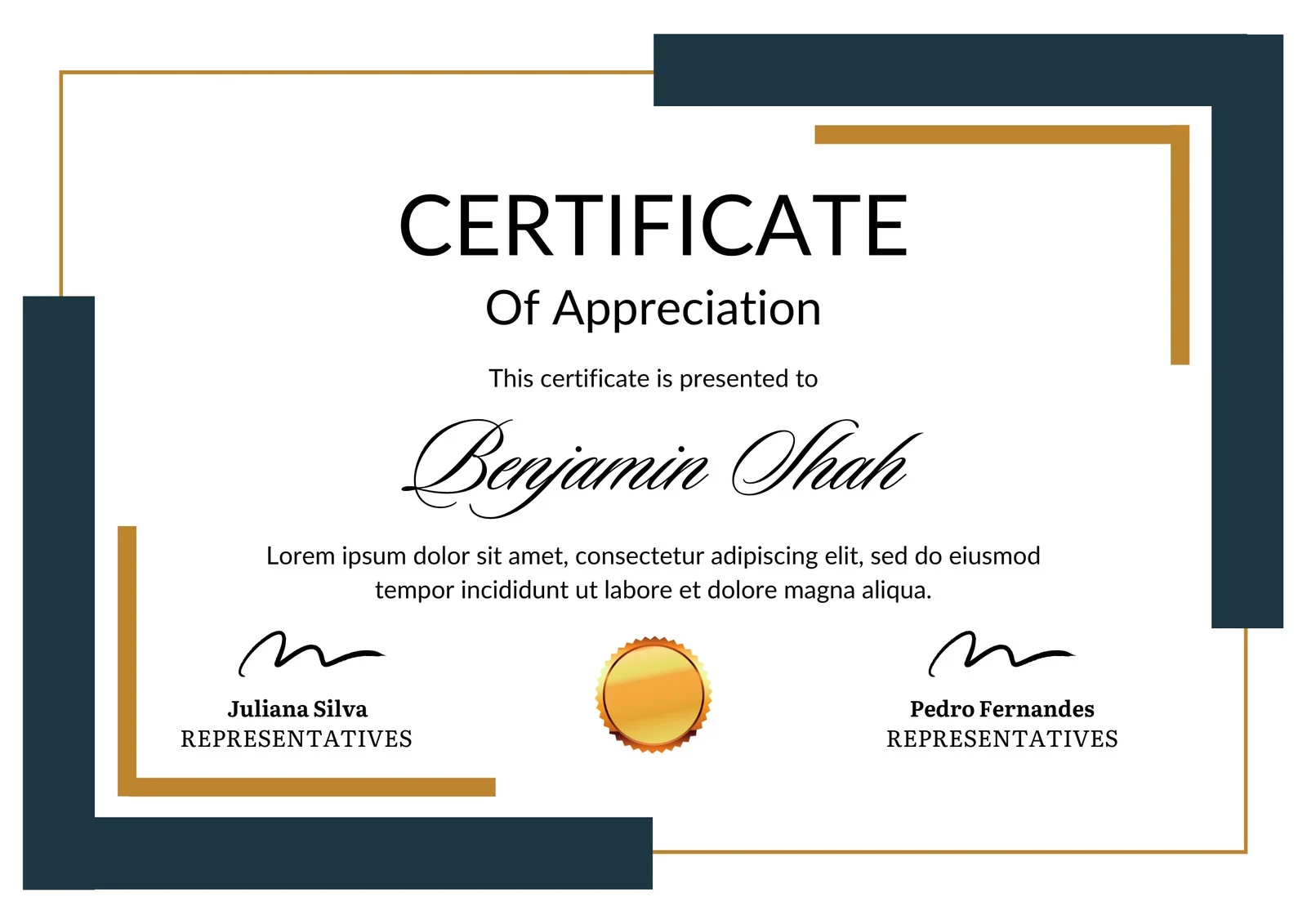
This is how the NSDC and Skill India certificate will appear under the current approved format (subject to updates by the authorities).

Vinod Mehra
Software Development | Tech & Gadgets EnthusiastVinod Mehra is an AI Tools Strategist, Tech Entrepreneur, and Business Consultant with 22+ years of experience in digital transformation, software development, and growth strategy.Over the p...
Course Reviews
No reviews yet for this course!