What you'll learn?
- Navigate the Framer AI interface with confidence and efficiency.
- Rapidly generate web layouts and elements using AI-powered tools.
- Customize and fine-tune designs through hands-on editing and smart components.
- Incorporate interactive and animated features to bring prototypes to life.
- Seamlessly collaborate, share, and gather feedback in real-time.
- Integrate external assets, code, and data for advanced prototypes.
- Apply best practices for responsive and accessible design.
- Develop a professional workflow from ideation to published website.
Course Modules
Getting Started with Framer AI
- Overview of Framer and Its AI Capabilities
- Setting Up Your Framer Account
- Navigating the Framer Workspace
- Understanding the AI-Driven Design Process
- Creating Your First AI-Generated Project
Mastering the User Interface
- Exploring Design and Editing Panels
- Working with Layers and Frames
- Managing Projects and Pages
- Utilizing the Asset Library
- Customizing Project Settings
AI-Powered Layout and Content Creation
- Generating Layouts with AI Prompts
- Using AI to Design Headers, Footers, and Sections
- Auto-Populating Content with AI Suggestions
- Smart Text and Image Placement
- Refining AI-Generated Designs
Design Customization and Styling
- Editing Colors, Typography, and Styles
- Building and Reusing Design Tokens
- Designing with Components and Variants
- Applying Responsive Design Principles
- Ensuring Visual Consistency
Interactivity and Animation Basics
- Adding Links and Navigation
- Enabling States and Interactions
- Animating Elements with AI Assistance
- Triggering Transitions and Microinteractions
- Previewing Interactive Prototypes
- Testing User Flows
Advanced Features and Integrations
- Embedding Videos and Media
- Integrating Figma or Sketch Files
- Importing External Data
- Embedding Custom Code
- Leveraging Framer's Plugin Ecosystem
- Using Advanced Layout Grids
Collaboration and Real-Time Feedback
- Sharing Prototypes for Review
- Collaborative Editing in Framer
- Gathering Comments and Feedback
- Version Control and Project History
- Managing Permissions and Access
Responsive and Accessible Design
- Designing for Multiple Screen Sizes
- AI-Assisted Accessibility Checks
- Optimizing for Mobile and Desktop
- Semantic HTML and ARIA Guidelines
- Usability Testing for Accessibility
Publishing and Handoff
- Exporting and Publishing Websites
- Generating Shareable Links
- Preparing Developer Handoffs
- Integrating Custom Domains
- Framer Analytics Basics
- Maintaining and Updating Live Sites
Portfolio Projects and Real-World Applications
- Choosing Capstone Projects
- Implementing a Landing Page with AI
- Creating Multi-Page Websites
- Interactive Case Study Example
- Showcasing Animations and Transitions
- Preparing Your Portfolio for Clients
Ethics, Best Practices, and Career Guidance
- Ethical AI Usage in Web Design
- Maintaining User Privacy and Data Security
- Best Practices for AI-Assisted Prototyping
- Staying Up-to-Date with Framer Updates
- Building a Career with Framer Skills
What is unique about this training program?
- Learn Framer hands-on by building real websites, not through theory.
- Covers the full flow: design, build, animate, and publish live.
- Shows how to turn prompts and AI into production-ready responsive sites.
- Teaches layout, components, and CMS for scalable, reusable pages.
- Includes interactions, animations, and effects without writing code.
- Covers custom domains, SEO settings, and one-click publishing.
- Builds judgment on when to use AI generation versus manual design control.
Certification
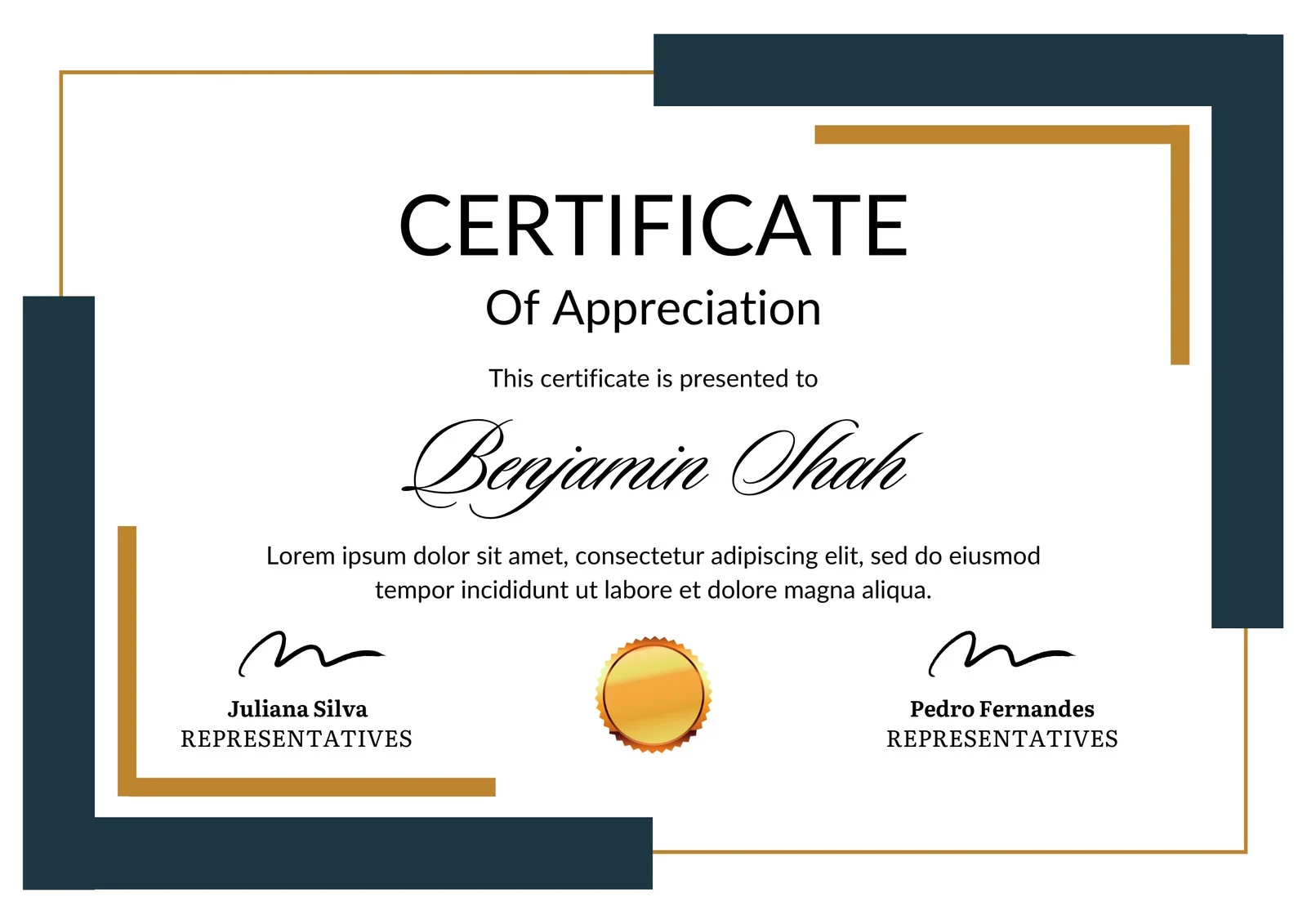
This is how the NSDC and Skill India certificate will appear under the current approved format (subject to updates by the authorities).

Shubham Sharma
Laravel DeveloperCourse Reviews
No reviews yet for this course!