What you'll learn?
- Understand the fundamentals of AI-driven video generation with Google Veo.
- Navigate the Veo interface and craft effective video prompts.
- Leverage advanced prompt engineering to control narrative, visual style, and duration.
- Integrate reference images, sound, and text overlays to enhance video outputs.
- Optimize settings for quality, style consistency, and format requirements.
- Apply editing techniques and post-processing workflows with generated videos.
- Implement ethical guidelines for responsible use and content ownership.
- Develop portfolio-ready projects for commercial, educational, or artistic use.
Course Modules
Introduction to Google Veo and AI Video Generation
- Overview of AI Video Creation Landscape
- Google Veo: Capabilities and Use Cases
- Key Concepts: Prompts, Renders, Seeds, and Styles
- Comparing Veo to Other Video Generation Tools
- Course Workflow and Success Tips
Getting Started: Account Setup and User Interface
- Creating and Accessing a Google Veo Account
- Navigating the Veo Dashboard
- Project Creation and Management
- Understanding Input and Output Formats
- Exploring Documentation and Support Resources
Fundamentals of Prompt-Based Video Creation
- What Makes an Effective Video Prompt?
- Describing Scenes, Actions, and Emotions
- Specifying Length and Resolution
- Prompt Templates and Examples
- Iterative Testing for Better Outputs
Core Features: Styles, Controls, and Advanced Options
- Selecting and Customizing Visual Styles
- Controlling Motion, Pacing, and Scene Transitions
- Setting Aspect Ratios, Durations, and Output Resolutions
- Seed Management for Consistency
- Batch Generation and Render Queues
Integrating Multimedia: Images, Audio, and Text Overlays
- Uploading and Using Reference Images
- Incorporating Audio Tracks or Narration
- Adding Dynamic Text and Graphic Overlays
- Legal Considerations for Inputs and Assets
- Optimizing Multimedia for Final Output
Advanced Prompt Engineering and Fine-Tuning
- Multi-Scene Sequences and Storyboarding
- Controlling Lighting, Camera Movement, and Effects
- Prompt Chaining for Complex Narratives
- Debugging and Improving Prompt Results
- Previsualization for Planning Larger Projects
Editing, Post-Processing, and Workflow Integration
- Exporting and Downloading Video Outputs
- Using External Editors (e.g., Premiere, Final Cut)
- Color Grading and Audio Matching
- Combining Multiple AI-Generated Clips
- Optimizing for Different Platforms (YouTube, TikTok, etc.)
- Archiving and Managing Video Assets
Practical Applications and Industry Use Cases
- Marketing and Social Media Campaigns
- Filmmaking and Storytelling
- Education and Training Videos
- Animation and Experimental Art
- Prototyping and Ideation for Agencies
Ethical Use, Copyright, and Responsible AI Video Creation
- Understanding AI-Generated Content Rights
- Addressing Deepfake and Misinformation Risks
- Privacy, Consent, and Representation
- Ensuring Inclusive and Bias-Free Content
- Best Practices for Transparent Use
Portfolio Projects and Next Steps
- Designing Your Capstone Project Brief
- Iterative Project Feedback and Improvement
- Showcasing Work for Clients or Employers
- Joining the Veo Creator Community
- Staying Updated: Resources and Future Developments
Certification
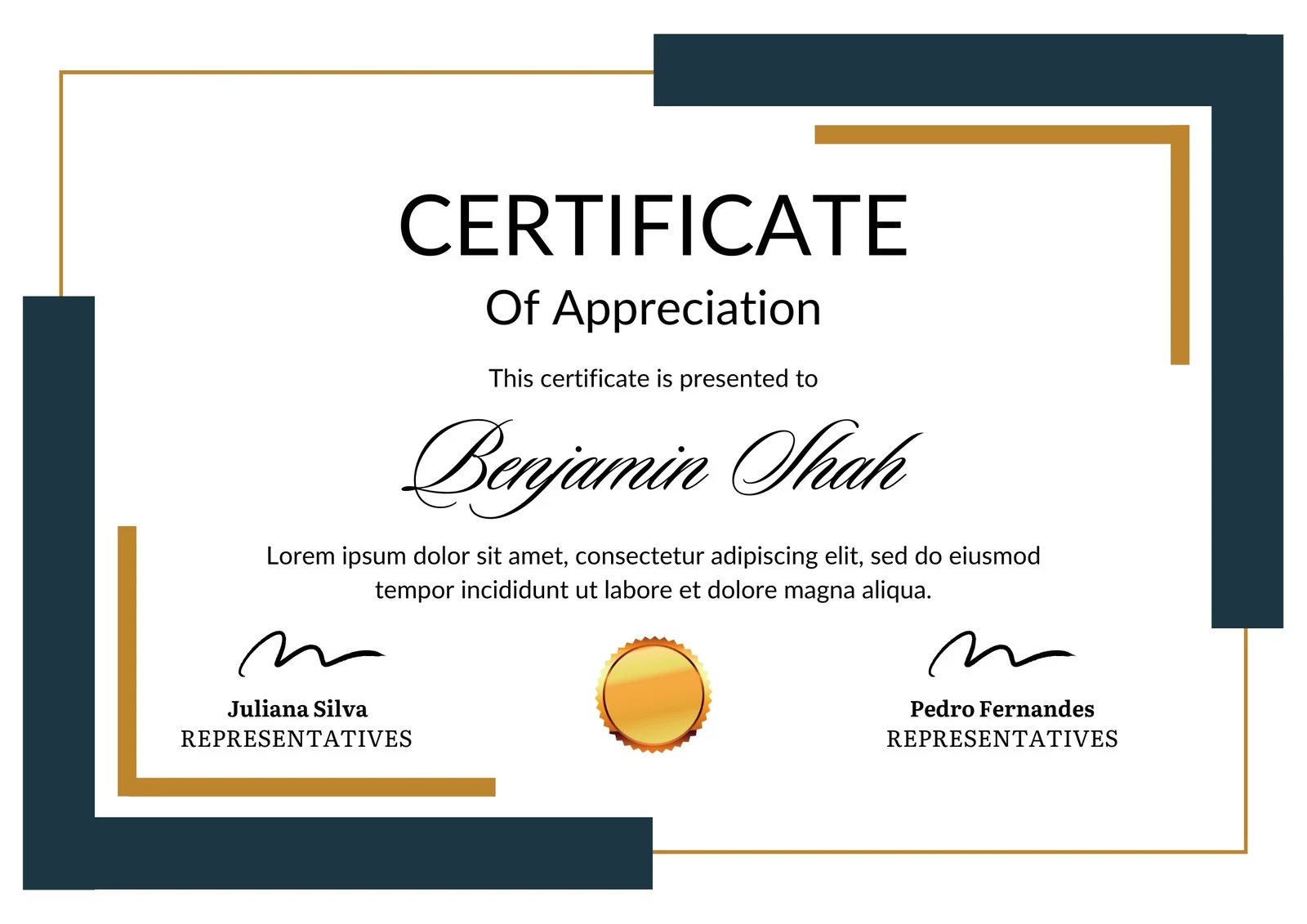
This is how the NSDC and Skill India certificate will appear under the current approved format (subject to updates by the authorities).
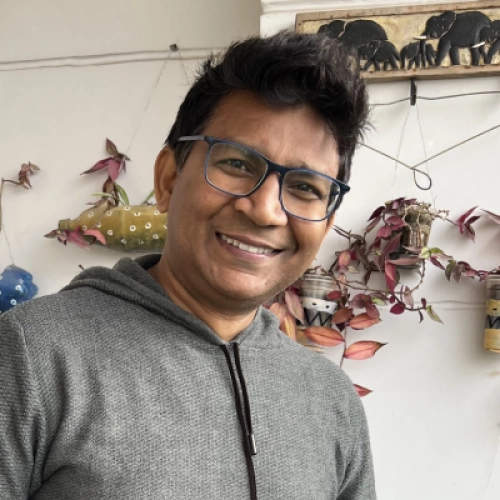
Vinod Mehra
Software Development | Tech & Gadgets EnthusiastVinod Mehra is an AI Tools Strategist, Tech Entrepreneur, and Business Consultant with 22+ years of experience in digital transformation, software development, and growth strategy.Over the p...
Course Reviews

Emma Burton
What I appreciated most was that the course didn’t just throw a bunch of “perfect prompts” at you. It actually helped me understand why certain Veo generations were going wrong. The parts on camera movement and refining prompts were especially useful because I was definitely overloading my prompts before. Once I started simplifying them and being more deliberate about movement and scene details, the results became a lot more consistent. There are a few sections I moved through pretty quickly, but overall I picked up several things I’m actually using now.
Amanda Brown
I work in content creation so most of my interest in Veo is practical: I need short visual sequences that can actually fit into social posts, promos and campaign ideas. The course helped me stop treating every generation as a one-off experiment and start planning clips around the final edit. The sections on shot structure and continuity were especially useful because I could generate several scenes that felt like they belonged together instead of stitching random clips into a timeline. That has made Veo much more useful in my actual workflow not just something fun to experiment with.