What you'll learn?
- Seamlessly integrate Microsoft Copilot into your daily workflow across Word, Excel, PowerPoint, Outlook, and Teams.
- Automate repetitive tasks and streamline document creation with natural language commands.
- Generate professional reports, presentations, and data analyses using AI-driven insights and content suggestions.
- Master Copilot’s prompt engineering for targeted outcomes and maximum productivity.
- Leverage Copilot for enhanced collaboration, meeting management, and communication.
- Customize Copilot interactions with business data sources and organizational knowledge.
- Apply Copilot responsibly, understanding data privacy, security, and ethical considerations.
Course Modules
Getting Started with Microsoft Copilot
- What is Microsoft Copilot?
- Supported Applications and Platforms
- Prerequisites and Licensing
- Initial Setup and Access
- Understanding Copilot’s Capabilities and Scope
Navigating the Copilot Interface
- Launching Copilot in Microsoft 365 Apps
- Access Points and Shortcuts
- Overview of Copilot’s Command Panel
- Understanding Suggestions and Responses
- Personalizing Your Copilot Experience
Core Features: Word, Excel, and PowerPoint
- AI-Assisted Document Authoring in Word
- Automating Data Analysis in Excel
- Designing Slides and Content in PowerPoint
- Summarization and Text Generation
- Template Utilization and Content Refinement
- Using Copilot for Real-Time Editing
Enhancing Communication with Copilot in Outlook and Teams
- Writing Smart Emails with Copilot
- Summarizing Conversations and Threads
- Scheduling and Task Management Automation
- Meeting Preparation and Recap in Teams
- Improving Collaboration with AI Suggestions
- Search and Knowledge Mining in Teams
Prompt Engineering for Effective AI Assistance
- Understanding Prompt Structure
- Crafting Clear and Targeted Prompts
- Contextualizing Requests for Better Results
- Utilizing Follow-Up and Iterative Prompts
- Troubleshooting Common Prompt Issues
Data Analysis and Visualization with Copilot
- Generating Insights in Excel
- Creating Visualizations and Charts with Prompts
- Automating Reporting Workflows
- Integrating External Data Sources
- Scenario Planning and Predictive Modeling
- Interpreting AI-Generated Data Insights
Advanced Techniques for Power Users
- Customizing Copilot Recommendations
- Using Copilot with Macros and Existing Workflows
- Leveraging Copilot in Microsoft Loop, OneNote, and More
- Configuring Third-Party Integrations
- Optimizing Productivity Through Automation
- Power User Shortcuts and Time-Savers
Practical Projects: Real-World Copilot Applications
- Automating a Monthly Report Workflow
- Designing a Dynamic Presentation from Outlines
- Managing a Product Launch in Outlook and Teams
- Data-Driven Decision Making with Excel Copilot
- End-to-End Project Collaboration Across M365 Apps
- Creating a Knowledge Base with AI Assistance
- Documenting Best Practices and Lessons Learned
Security, Privacy, and Responsible AI Use
- Understanding Data Handling and User Privacy
- Copilot’s Compliance and Security Features
- Managing Access and Permissions
- Ethical Considerations and Bias
- Staying Updated on AI Governance
Future-Proofing Your Skills with Microsoft Copilot
- Keeping Pace with Copilot Updates and Innovations
- Resources and Communities for Continuous Learning
- Integrating Copilot into Organizational Change
- Preparing for AI-Augmented Careers
- Contributing Feedback to the Microsoft Copilot Ecosystem
What is unique about this training program?
- Deep integration with Microsoft 365 apps like Word, Excel, Outlook, Teams, and PowerPoint
- Context-aware assistance powered by Microsoft Graph using your files, emails, calendar, and chats
- Automates real work tasks such as email drafting, summaries, data analysis, and slides creation
- Enterprise-grade security, compliance, and admin controls for business environments
- Custom Copilot creation with Copilot Studio to build tailored AI helpers for specific workflows
Certification
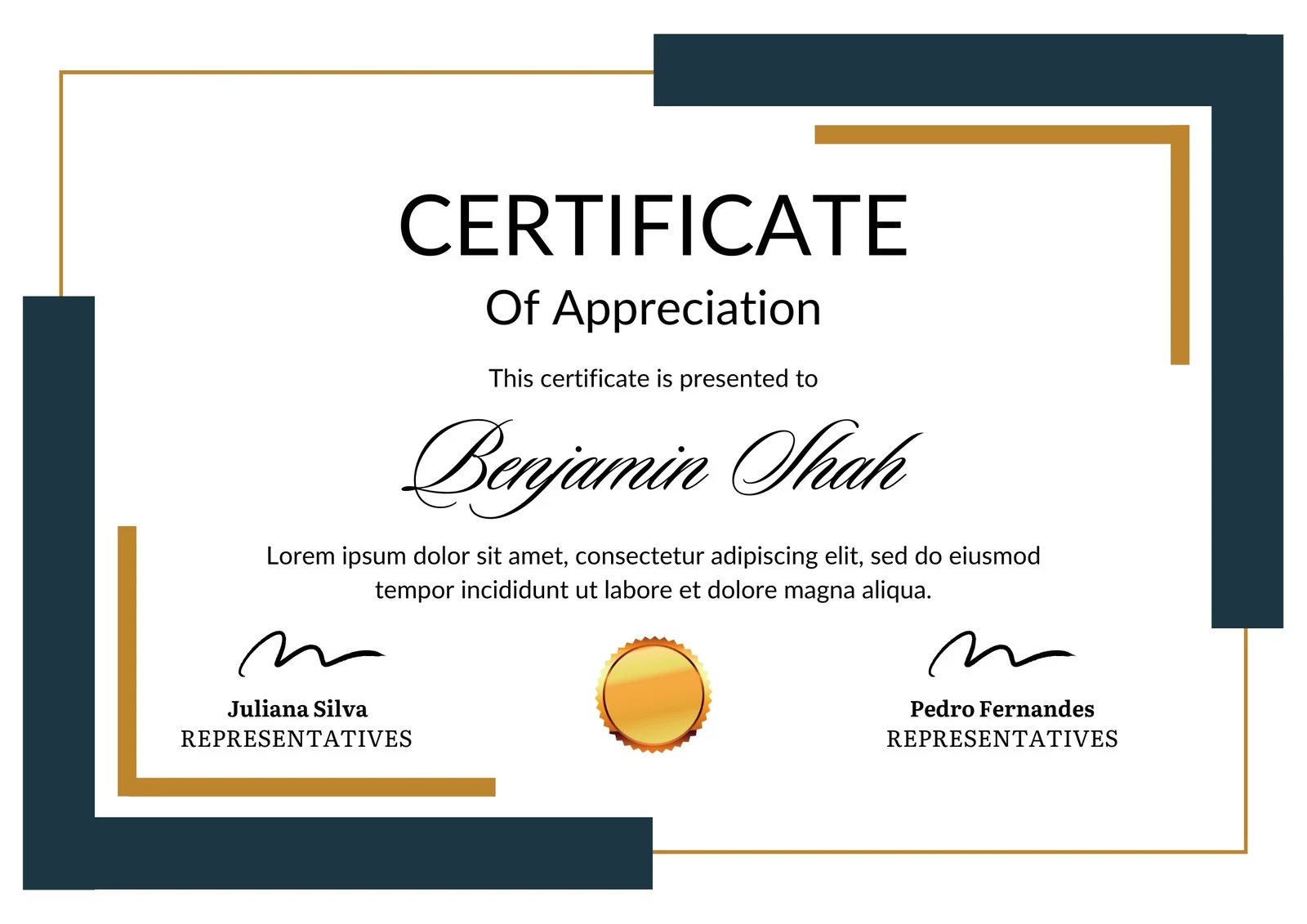
This is how the NSDC and Skill India certificate will appear under the current approved format (subject to updates by the authorities).

Vinod Mehra
Software Development | Tech & Gadgets Enthusiast<p>Vinod Mehra is an AI Tools Strategist, Tech Entrepreneur, and Business Consultant with 22+ years of experience in digital transformation, software development, and growth strategy.</p><p>Over the p...
Course Reviews
No reviews yet for this course!