What you'll learn?
- Set up and configure Notion AI to seamlessly integrate with your existing Notion workspace.
- Harness AI-driven content generation for notes, documents, and project planning.
- Automate repetitive tasks and processes using Notion AI's smart suggestions and templates.
- Leverage advanced organizational strategies such as databases, linked pages, and AI-powered knowledge management.
- Collaborate effectively with teams using AI-assisted communication and project tracking tools.
- Implement best practices for security, privacy, and ethical use of AI in your workspace.
- Design custom automations and integrate Notion AI with external tools for end-to-end workflows.
- Apply advanced Notion AI features to real-world use-cases such as meeting management, research, and knowledge synthesis.
Course Modules
Getting Started with Notion AI
- Introduction to Notion AI: Capabilities and Benefits
- Setting Up Notion AI in Your Workspace
- Understanding the User Interface and Accessing AI Features
- Configuration and Personalization of AI Settings
- Overview of Use Cases and Workflow Integration
AI-Enhanced Content Creation
- Generating Notes, Summaries, and Action Points
- AI-Powered Brainstorming and Ideation
- Drafting and Refining Documents with AI
- Automated Meeting Minutes and Task Lists
- Formatting, Styling, and Improving Readability Using AI Tools
Organizing Workspaces with Notion AI
- AI Suggestions for Page Structure and Hierarchy
- Building and Managing Databases with AI Assistance
- Linking and Relating Information for Smart Knowledge Management
- Smart Filtering, Sorting, and Search via AI
- Templates and Automation of Recurring Structures
Task and Project Management Automation
- Creating and Assigning Tasks Using AI
- Automated Progress Tracking and Reminders
- Generating Status Reports and Summaries
- Managing Deadlines and Priorities Efficiently
- AI-Assisted Retrospectives and Project Debriefs
Collaborative Workflows and Communication
- AI-Powered Meeting Notes and Agendas
- Intelligent Commenting, Tagging, and Notifications
- Co-authoring Documents with AI Assistance
- Streamlining Team Communication Using AI Summaries
- Managing Permissions and Access with AI Suggestions
Advanced AI Automations and Integration
- Creating Custom AI Workflows
- Connecting External Tools (Zapier, Slack, Google Workspace, etc.)
- Building Automated Pipelines and Triggers
- Batch Processing and Repetitive Task Elimination
- Enhancing Productivity with AI-Driven Integrations
- Monitoring and Optimizing Automation Performance
Real-World Applications and Use Cases
- Knowledge Base Creation and Management
- Research Organization and Literature Reviews
- Personal Productivity Methods: Journaling, Goal Tracking, and Habits
- Client Management and CRM Solutions with AI
- Event and Meeting Planning Automation
- Educational Lesson Planning and Study Aids
- Content Creation Workflow for Blogs and Social Media
Best Practices: Security, Ethics, and Future Trends
- Ensuring Privacy and Data Security with Notion AI
- Ethical Considerations in AI-Assisted Workspaces
- Maintaining Transparency and Human Oversight
- Evaluating and Troubleshooting AI Output
- Future Developments in Notion AI and Productivity Tools
What is unique about this training program?
- Native integration with Notion databases and pages enables AI actions directly on structured workspace content
- Database-aware prompting allows summarization, tagging, and rewriting at scale across linked records
- Supports formula-driven and property-based AI workflows that general-purpose chat tools cannot replicate
- Training focuses on building repeatable AI-assisted systems, not one-off content generation
- Useful for teams managing documentation, product specs, or knowledge bases within Notion
- Learning Notion AI reduces reliance on external AI tools for internal operations
Certification
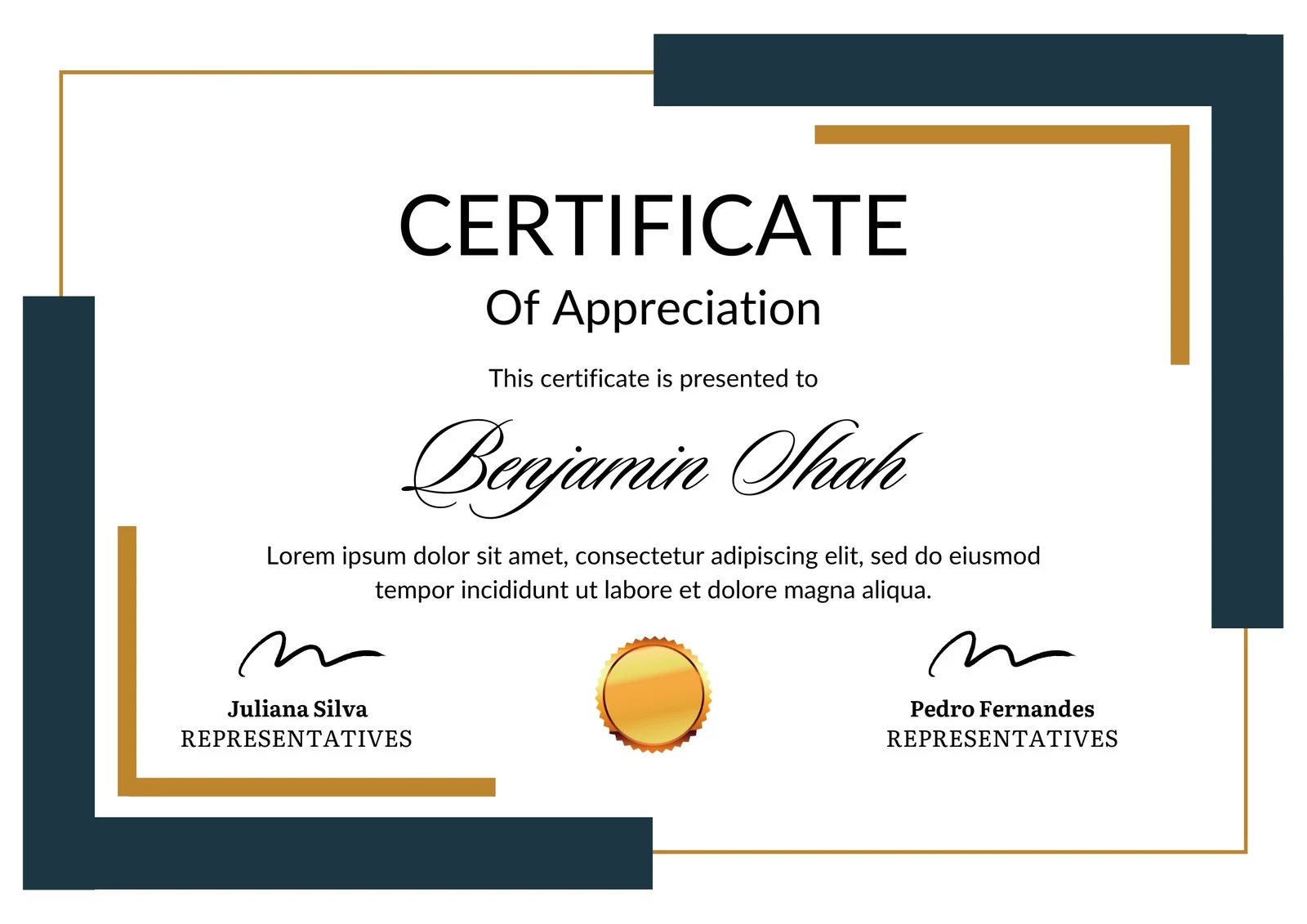
This is how the NSDC and Skill India certificate will appear under the current approved format (subject to updates by the authorities).

Vinod Mehra
Software Development | Tech & Gadgets Enthusiast<p>Vinod Mehra is an AI Tools Strategist, Tech Entrepreneur, and Business Consultant with 22+ years of experience in digital transformation, software development, and growth strategy.</p><p>Over the p...
Course Reviews
No reviews yet for this course!