What you'll learn?
- Set up and navigate your Otter.ai account for optimal use across devices.
- Record, transcribe, and edit conversations and meetings with high accuracy.
- Utilize advanced speaker identification and customization tools for clear, organized transcripts.
- Create collaborative workspaces, share transcripts, and manage team permissions.
- Integrate Otter.ai with third-party platforms like Zoom, Google Meet, and Microsoft Teams.
- Apply advanced search, highlight, and export features to maximize meeting and research productivity.
- Ensure data privacy, secure sharing, and understand ethical considerations in transcription workflows.
Course Modules
Getting Started with Otter.ai
- Overview of Otter.ai and Its Core Use Cases
- Account Creation and Initial Setup
- Device Compatibility: Mobile, Web, and Desktop
- Navigating the Otter.ai Interface
- Adjusting User Preferences and Notifications
Recording and Transcribing Audio
- Recording Live Conversations and Meetings
- Importing Pre-recorded Audio and Video Files
- Understanding Supported File Formats
- Best Practices for High-Quality Transcription
- Live vs Uploaded Transcription Workflows
Editing and Refining Transcripts
- Understanding AI-generated Transcripts
- Editing Text for Accuracy
- Speaker Identification and Customization
- Timestamp Management and Correction
- Adding Comments and Labels to Transcripts
Collaboration, Sharing, and Organization
- Creating and Managing Folders and Workspaces
- Sharing Transcripts with Individuals and Teams
- Setting Permissions and Access Levels
- Real-Time Collaboration Features
- Using Otter.ai for Team Projects
Advanced Features and Workflow Optimization
- Voiceprints and Custom Vocabulary
- Using Highlights, Comments, and Tags
- Smart Search and Keyword Extraction
- Bulk Editing and Batch Export
- Automated Summaries and Meeting Insights
Integrating Otter.ai into Your Workflow
- Connecting Otter.ai with Zoom and Microsoft Teams
- Integrating with Google Meet and Calendar
- Automated Meeting Note Generation
- Third-Party Workflow Automation (Zapier, etc.)
- Mobile App Strategies for On-the-Go Transcription
Exporting and Leveraging Transcripts
- Exporting Transcripts in Multiple Formats
- Syncing with Cloud Storage (Google Drive, Dropbox)
- Creating Meeting Minutes from Transcripts
- Data Visualization and Analysis Tools
- Practical Applications: Research, Content Creation, and Accessibility
Privacy, Security, and Ethical Use of Transcription
- Data Security in Otter.ai
- Managing Sensitive Information and User Consent
- Ethical Considerations in Recording and Transcription
- Sharing Transcripts Responsibly
- Setting Retention Policies and Deleting Data
What is unique about this training program?
- Real-time transcription optimized for live meetings rather than post-call processing
- Speaker identification and meeting summaries tuned for multi-participant discussions
- Native calendar and conferencing integrations reduce manual upload workflows
- Action-item and decision extraction focused on operational meetings, not content creation
- Searchable audio-text alignment enables fast recall across long meeting histories
- Designed for ongoing meeting intelligence rather than one-off transcription tasks
Certification
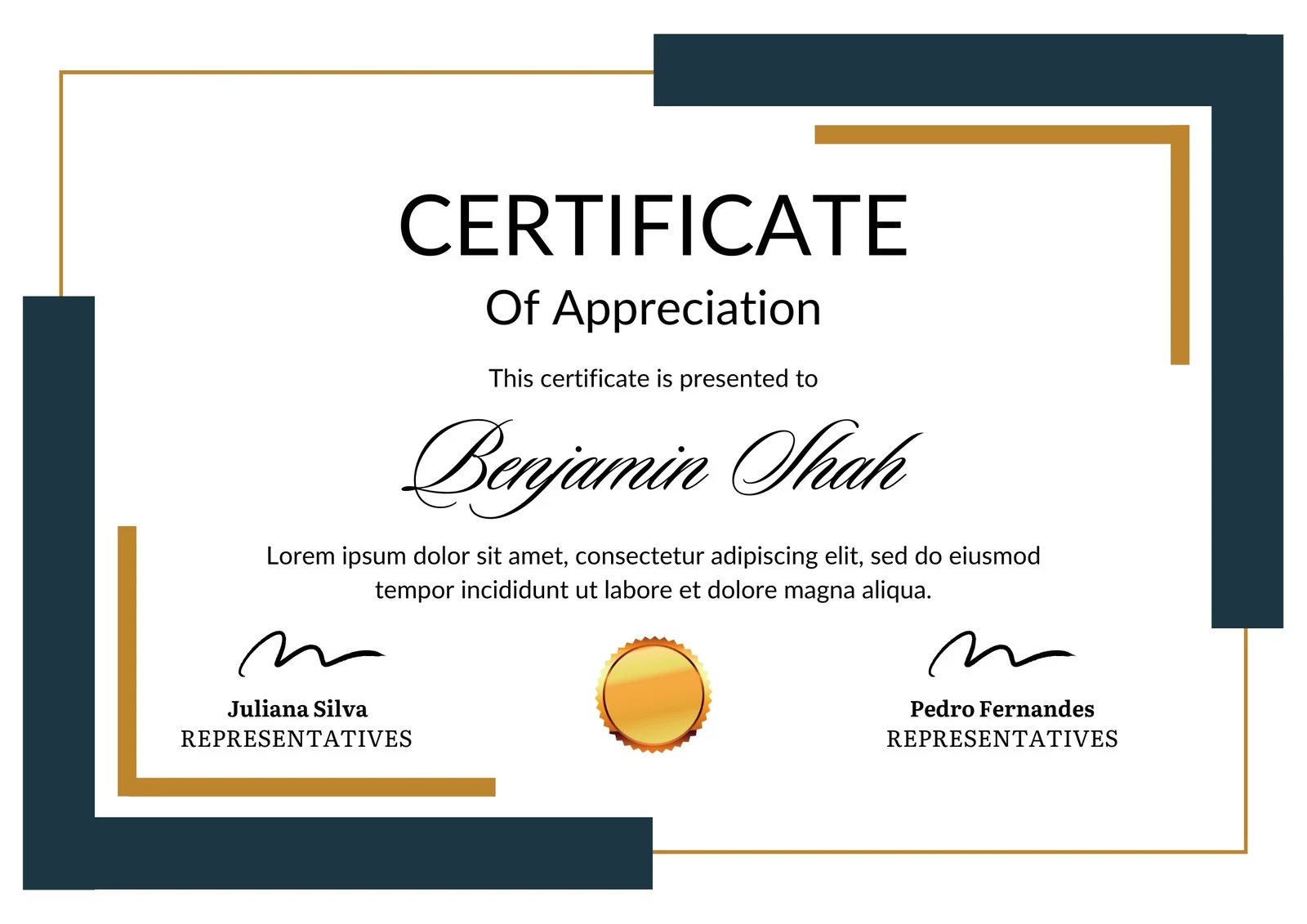
This is how the NSDC and Skill India certificate will appear under the current approved format (subject to updates by the authorities).
Vinod Mehra
Software Development | Tech & Gadgets Enthusiast<p>Vinod Mehra is an AI Tools Strategist, Tech Entrepreneur, and Business Consultant with 22+ years of experience in digital transformation, software development, and growth strategy.</p><p>Over the p...
Course Reviews
No reviews yet for this course!