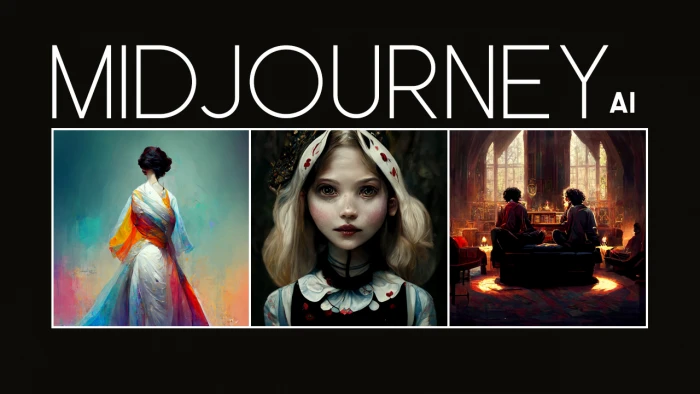
What you'll learn?
- Master the art of prompt engineering to achieve precise artistic control.
- Develop a keen understanding of Midjourney's parameters for fine-tuning outputs.
- Generate consistent characters, objects, and styles across multiple images.
- Leverage advanced techniques like remixing, image prompts, and multi-prompts.
- Optimize image composition and aesthetics for professional-grade results.
- Integrate Midjourney into existing design workflows for enhanced creativity.
- Navigate the Midjourney community and understand ethical AI art practices.
- Produce high-quality, publishable AI art for personal and commercial projects.
Course Modules
Foundations of AI Art & Midjourney Setup
- What is Generative AI and Midjourney?
- Setting Up Your Midjourney Account & Discord Integration
- Understanding the Basic Discord Commands
- Navigating the Midjourney Interface & Gallery
- First Steps: Generating Your Initial Images
- Troubleshooting Common Setup Issues
The Art of Basic Prompt Engineering
- Deconstructing the Anatomy of a Prompt
- Keywords, Adjectives, and Nouns: Building Blocks
- Controlling Subject, Style, and Environment
- Understanding Basic Quality & Detail Descriptors
- Iterative Prompt Refinement: Learn by Doing
Mastering Midjourney Parameters
- Introduction to Essential Parameters (--ar, --v, --s, --q)
- Controlling Aspect Ratios for Different Platforms
- Stylization (--s) and Quality (--q) Deep Dive
- Understanding Chaos (--c) and Weirdness (--w)
- Seed Values (--seed) for Reproducibility
- Using Negative Prompts (--no) to Exclude Elements
Advanced Prompting Techniques & Multi-Prompts
- Weighting Keywords with Double Colons (::)
- Creating Complex Scenes with Multi-Prompts
- Controlling Specific Elements in a Scene
- Understanding Prompt Permutations
- Strategic Use of Emojis and Symbols in Prompts
Image to Image: Remixing & Image Prompts
- Using Existing Images as Prompts (Image Prompts)
- Controlling Influence with Image Weight (--iw)
- The Power of Remix Mode for Iteration
- Blended Images: Combining Multiple Sources
- Practical Applications of Image Prompts
Achieving Consistency & Character Design
- Strategies for Consistent Character Appearance
- Maintaining Object and Environment Consistency
- Using Reference Images for Consistency
- Developing a Unique Visual Style Across Generations
- Prompting for Specific Poses and Expressions
Advanced Tools & Workflow Enhancements
- Pan, Zoom Out, and Custom Zoom for Expanding Images
- The "Describe" Command: Reverse Engineering Prompts
- Vary (Strong) and Vary (Subtle) for Refinement
- Upscale (Subtle) vs. Upscale (Creative)
- Using the /shorten command for prompt analysis
Aesthetics, Composition & Artistic Control
- Guiding Composition: Rule of Thirds, Leading Lines
- Prompting for Specific Lighting and Mood
- Integrating Artistic Styles: Painters, Movements, Eras
- Understanding Color Theory in AI Art
- Creating Depth and Perspective in Your Images
Iteration, Curation & Upscaling Strategies
- Efficient Workflow for Generating and Iterating
- Best Practices for Image Curation and Selection
- Choosing the Right Upscaler for Your Needs
- Exporting and Preparing Images for Use
- Organizing Your Midjourney Gallery
Practical Projects & Real-World Applications
- Designing Album Covers or Book Art
- PCreating Concept Art for Games/Films
- Generating Marketing Graphics & Ads
- Developing Personal Branding Visuals
- Integrating Midjourney with Other Design Software (e.g., Photoshop)
- Showcasing Your AI Art Portfolio
Ethics, Community & The Future of AI Art
- Understanding Copyright and Licensing for AI Art
- Ethical Considerations in Generative AI
- Navigating the Midjourney Community & Discord Etiquette
- Staying Updated with Midjourney Updates and New Features
- The Evolving Landscape of AI Art and Its Impact
- Building Your Presence as an AI Artist
What is unique about this training program?
- Generates high-quality, artistic visuals from simple natural-language prompts.
- Interprets abstract or complex descriptions with creative and stylistic nuance.
- Offers advanced customization through parameters such as stylize, aspect ratio, and chaos.
- Allows region-specific edits without altering the entire composition.
- Strong community-driven ecosystem via Discord for collaboration and inspiration.
- Produces outputs in diverse artistic styles including surreal, cinematic, and painterly.
- Supports image remixing and variation for rapid creative iteration.
- Enables creation of consistent visual themes and styles across projects.
- Provides privacy-focused options like stealth mode for controlled visibility.
- Ideal for designers, marketers, artists, and creators seeking fast visual ideation.
Certification
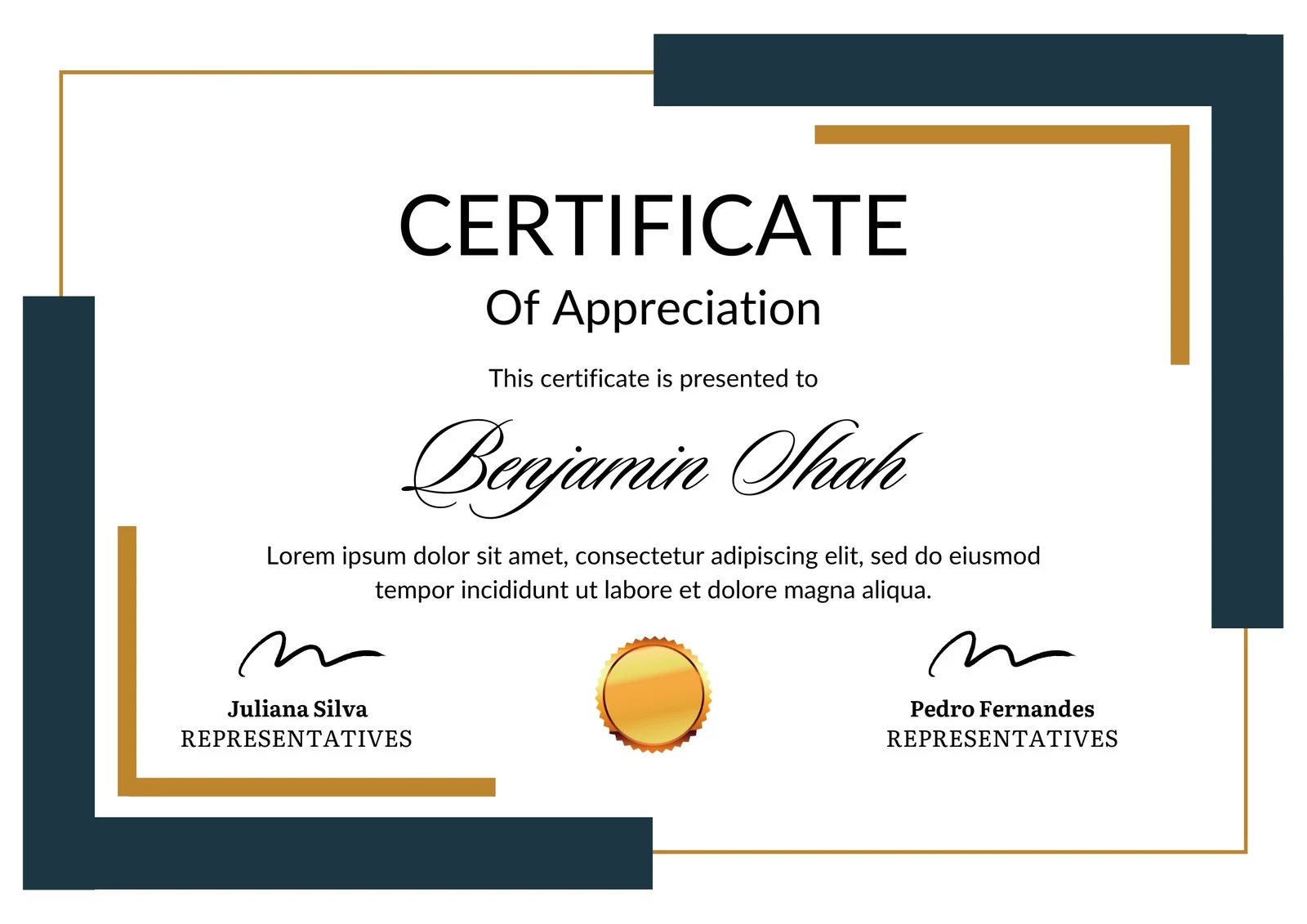
This is how the NSDC and Skill India certificate will appear under the current approved format (subject to updates by the authorities).
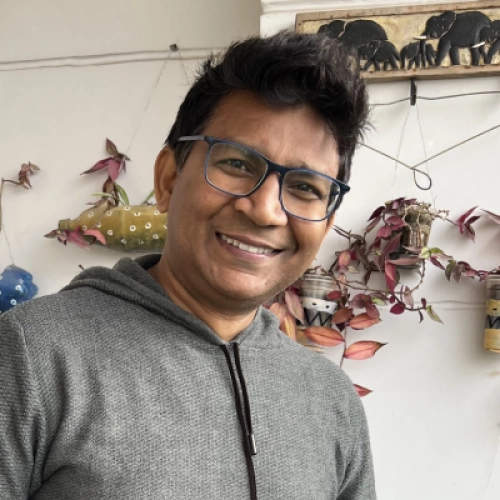
Vinod Mehra
Software Development | Tech & Gadgets Enthusiast<p>Vinod Mehra is an AI Tools Strategist, Tech Entrepreneur, and Business Consultant with 22+ years of experience in digital transformation, software development, and growth strategy.</p><p>Over the p...
Course Reviews
No reviews yet for this course!