What you'll learn?
- Master the basics of Tome AI for creating dynamic, visually-rich presentations.
- Automate slide and content creation using advanced AI tools and templates.
- Leverage AI-driven storytelling to structure impactful narratives for business or education.
- Efficiently collaborate with teams and manage feedback within Tome AI’s platform.
- Integrate media, data, and third-party tools to enhance interactivity and audience engagement.
- Apply advanced customization techniques for branding and personalization.
- Export, share, and present your Tome AI projects seamlessly across platforms.
- Address ethical considerations and develop a forward-thinking workflow with AI-driven design.
Course Modules
Getting Started with Tome AI
- Overview of Tome AI and Its Capabilities
- Creating Your First Project
- Navigating the Tome Interface
- Account Setup and Preferences
- Exploring Templates and Example Decks
Fundamentals of AI-Powered Presentation Design
- Principles of Effective Visual Storytelling
- AI Assistance in Structuring Your Content
- Automated Layouts and Slide Generation
- Customizing Themes and Styles
- Using AI to Generate Slide Content
Automating Content Creation
- AI-Driven Text Creation and Summarization
- Generating Images and Graphics with AI
- Importing Content from External Sources
- Utilizing Pre-Built Slide Templates
- Editing and Refining Auto-Generated Content
- Quick Fixes for Common Content Issues
Engaging Storytelling with Tome AI
- Narrative Building Blocks in Presentations
- Storyboarding with AI Suggestions
- Balancing Data and Emotion in Storytelling
- Sequencing Slides for Maximum Impact
- Sample Stories and Case Studies
- Adapting Storytelling to Different Audiences
Collaboration and Feedback Workflows
- Inviting Collaborators and Sharing Projects
- Commenting and Real-Time Feedback
- Version Control and Revision History
- Assigning Tasks and Managing Contributions
- Managing Permissions and Access
Media, Data, and Interactivity Enhancements
- Embedding Images, Videos, and GIFs
- Adding Live Data and Analytics Visuals
- Interactive Elements and Audience Polling
- Using Charts and Infographics
- Sourcing and Crediting Media Responsibly
- Enhancing Accessibility and Inclusivity
Advanced Customization and Branding
- Applying Custom Fonts and Color Schemes
- Integrating Company Logos and Branding Assets
- Advanced Layout Adjustments
- Personalizing Templates for Different Use Cases
- Automating Brand Compliance with AI
Integrations and Productivity Hacks
- Connecting Tome AI with External Tools
- Importing Data from Google Sheets and Excel
- Syncing with Project Management Platforms
- Utilizing 3rd-Party AI Plugins
- Best Practices for Efficient Workflows
Exporting, Sharing, and Presenting
- Exporting Presentations to PDF and PPTX
- Seamless Web and Live Presentation Modes
- Sharing Secure Viewing Links
- Presenting Directly from Tome AI
- Offline Access Strategies
Real-World Projects: From Brief to Brilliant
- Case Study 1: Sales Pitch Deck
- Case Study 2: Educational Lesson Plan
- Developing a Personal Portfolio Using Tome AI
- Interactive Product Demo Walkthrough
- Team Report with Live Data Integration
- Peer Review and Feedback Exercises
Future Trends & Ethical Use of AI in Presentations
- The Evolving Role of AI in Content Creation
- Ethical Considerations and Bias Mitigation
- Maintaining Authenticity in AI-Generated Work
- Staying Ahead: Continuous Learning Resources
- Building a Responsible AI-Driven Workflow
What is unique about this training program?
- Presentation generation is structured around narrative blocks rather than slide-by-slide design
- Converts raw prompts into ordered story flows instead of isolated visuals or text snippets
- Emphasizes layout automation and visual hierarchy over manual slide formatting
- Designed for pitch decks, strategy narratives, and explainers rather than generic documents
- Reduces dependence on design tools by abstracting grids, spacing, and typography logic
- Prioritizes coherence across slides, unlike template-heavy presentation alternatives
Certification
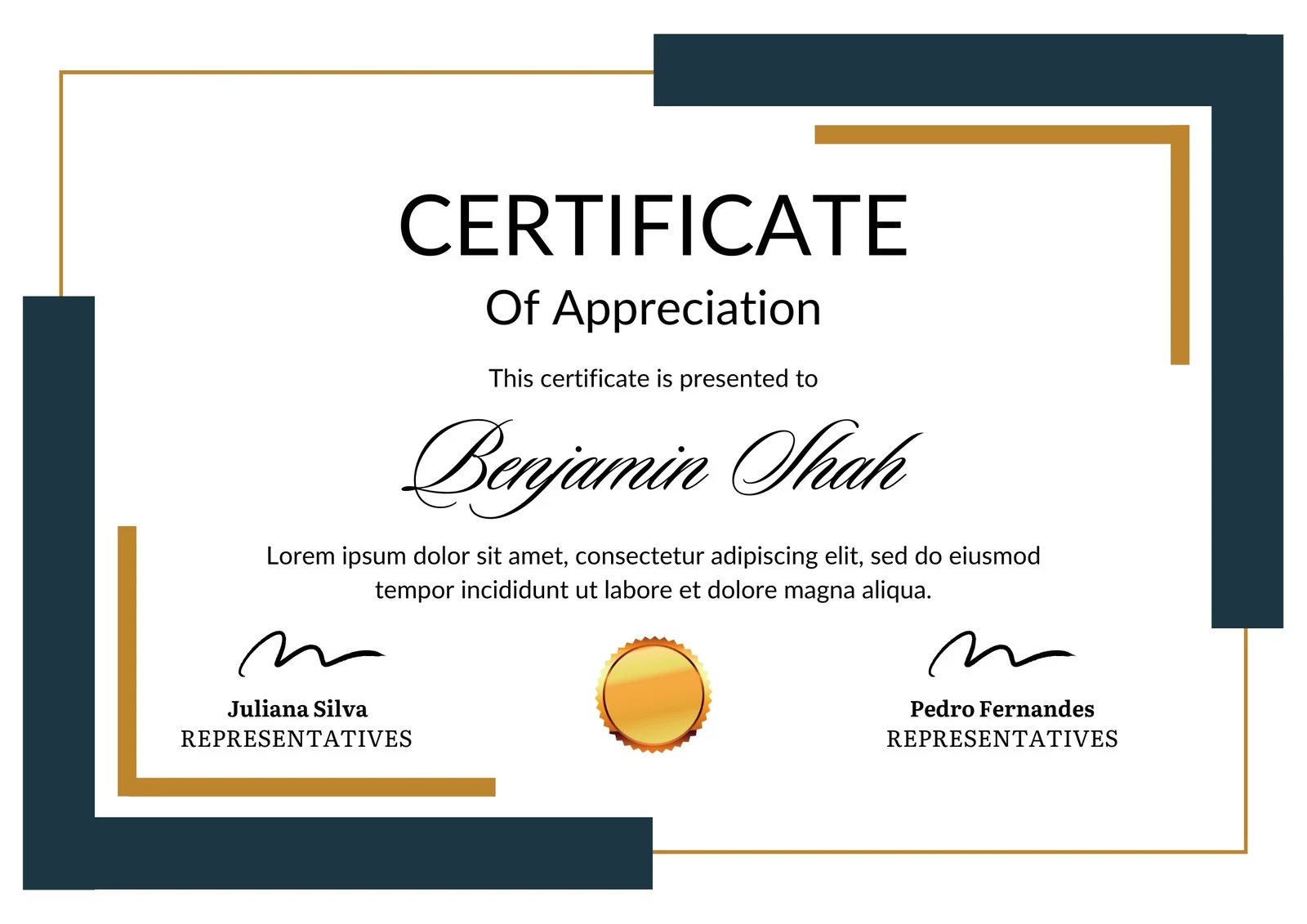
This is how the NSDC and Skill India certificate will appear under the current approved format (subject to updates by the authorities).

Vinod Mehra
Software Development | Tech & Gadgets Enthusiast<p>Vinod Mehra is an AI Tools Strategist, Tech Entrepreneur, and Business Consultant with 22+ years of experience in digital transformation, software development, and growth strategy.</p><p>Over the p...
Course Reviews
No reviews yet for this course!