The AI coding category used to fit on one page. Three tools, a handful of plugins, two opinions about whether any of it was production-ready. Today the same category covers terminal agents, full IDE forks, cloud sandboxes, autocomplete engines, and pull-request bots, and the price sheet changes every other quarter. Stack Overflow’s 2025 Developer Survey put it cleanly: 84% of developers use or plan to use AI tools, but only 29% trust the output. Speed has gone up; so has the cost of choosing the wrong stack.
This roundup covers eight tools that have earned a place in real production workflows: not the loudest launches, but the ones developers actually keep paying for. Each section lists what the tool does well, what to watch out for, a quick specs table, and what verified G2, Capterra, or Trustpilot reviewers say. Every tool here can write working code on a clean greenfield project. The real differences only surface when the codebase is messy, the deadline is tight, or the bill arrives. That is the lens used throughout.
The eight tools at a glance
The table below covers the headline call for each tool. Detailed breakdowns follow alphabetically.
| Tool | Best for | Starts at | Verified rating |
|---|---|---|---|
| Amazon Q Developer | AWS-bound teams, Java upgrades | $19 / user / mo | G2 ★ 4.4 |
| Claude Code | Senior devs, terminal-first work | $20 / mo (Pro) | G2 ★ 4.6 |
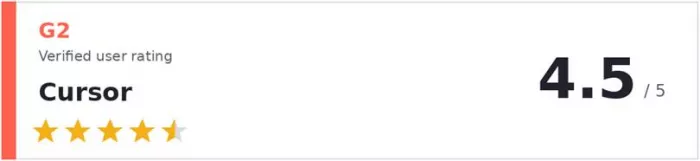
| Cursor | Daily multi-file work, modern stacks | $20 / mo | G2 ★ 4.5 |
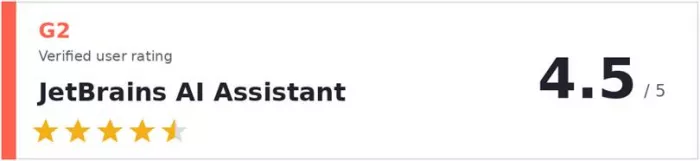
| GitHub Copilot | Solo devs, GitHub-centric teams | $10 / mo | Capterra ★ 4.6 |
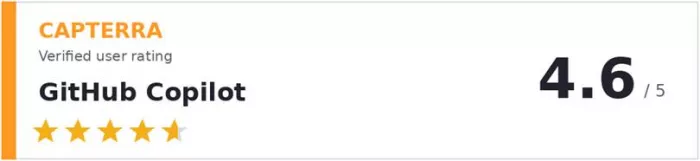
| JetBrains AI Assistant | JetBrains Java / Kotlin shops | $10 / mo | G2 ★ 4.5 |
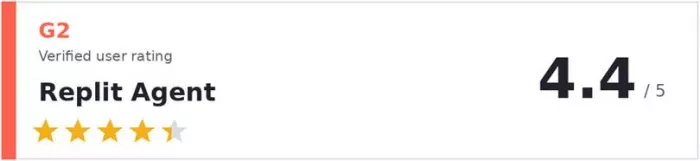
| Replit Agent | Prototypes, internal tools, MVPs | $25 / mo | G2 ★ 4.4 |
| Tabnine | Regulated, air-gapped enterprises | $9 / user / mo | Trustpilot ★ 4.7 |
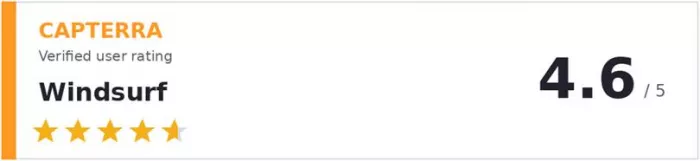
| Windsurf | Budget-friendly Cursor alternative | $15 / mo | Capterra ★ 4.6 |
Amazon Q Developer
AWS-native coding agent built for cloud-heavy teams

Amazon Q Developer is what CodeWhisperer grew into after the 2024 rebrand: a coding agent inside VS Code, JetBrains, Visual Studio, and the AWS console, with deep awareness of Lambda, S3, DynamoDB, and IAM. The strongest use case is migration work, especially Java version upgrades and .NET porting.
Market context: AWS reported during re:Invent 2024 that the Q Developer Java upgrade transform completed migrations representing roughly 4,500 developer-years of effort internally. Amazon-internal numbers, so directional, but the migration angle is genuinely differentiated.
HIGHLIGHTS
●Java upgrade transform automates the bulk of version-migration pattern work
●Deep awareness of AWS services like Lambda, IAM, DynamoDB, and S3
●Lives natively inside VS Code, JetBrains, Visual Studio, and the AWS console
●Free Individual tier exists, with daily caps for casual use
WATCH OUTS
●Autocomplete latency lags Copilot and Cursor outside AWS-flavoured workflows
●No agent mode that rivals Cursor Composer or Claude Code terminal autonomy
●Narrower model lineup than GitHub Copilot offers
QUICK SPECS
| IDEs supported | VS Code, JetBrains, Visual Studio, AWS Console |
| Standout feature | Java / .NET migration transform |
| Pricing | Free Individual / $19 per user / mo (Pro) |
| Free tier | Yes, with daily caps |
| Best fit | AWS-bound teams, large Java codebases |
Claude Code
Terminal-native coding agent for senior developers who live in the shell
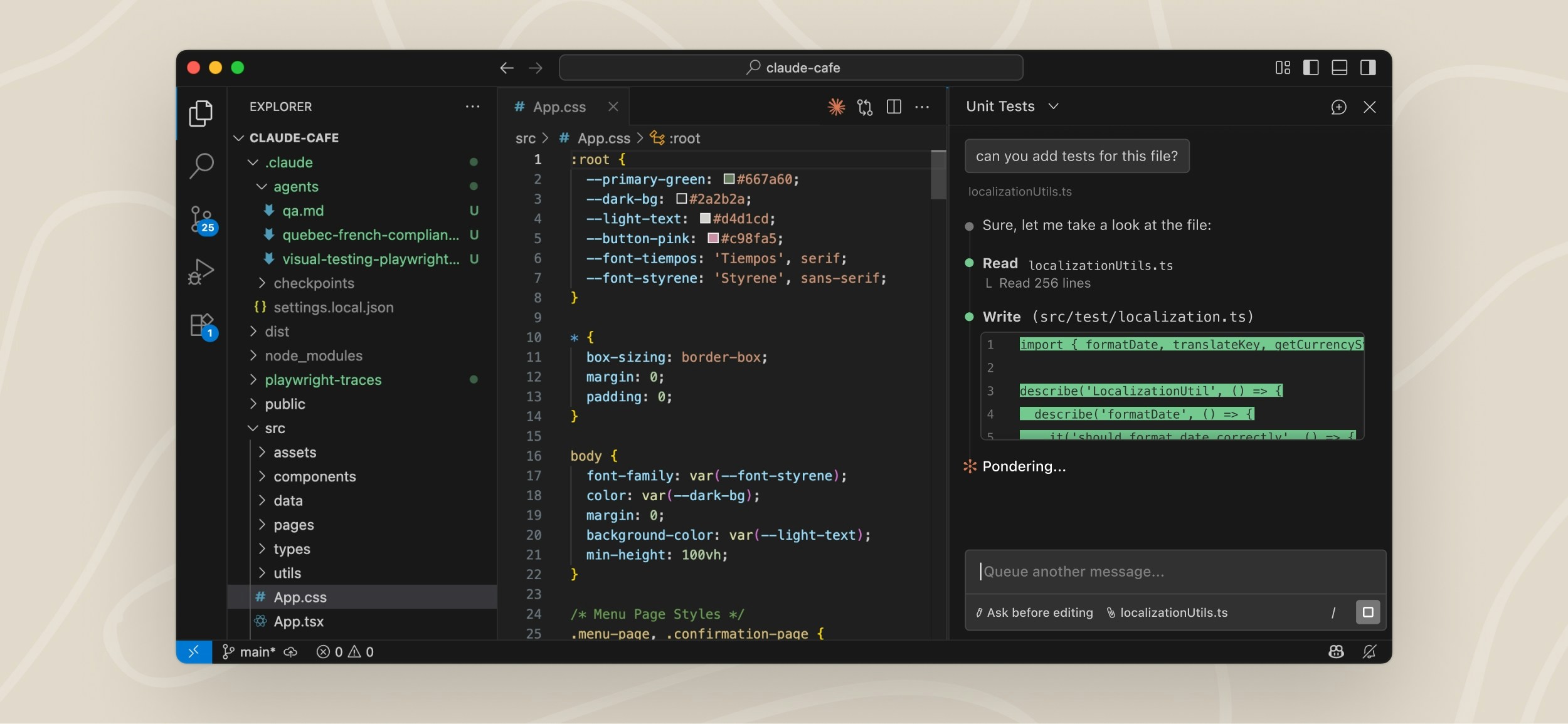
Claude Code is Anthropic’s terminal agent: not an IDE, not an extension, not a chat sidebar. It runs in zsh or bash, reads the local repository, edits files, runs commands, and opens pull requests. The agent is cautious by default and asks permission before modifying files or running commands.
Market context: the 2025 Stack Overflow Developer Survey put Claude Code at 40.8% adoption among developers using AI coding agents, behind only ChatGPT, GitHub Copilot, and Google Gemini. Remarkable result for a tool released in early 2025.
HIGHLIGHTS
●Repo-level reasoning: plans a multi-file change, then executes it step by step
●Permission prompts before file edits and shell commands protect against runaway agents
●Claude Opus 4.7 leads the SWE-bench Pro benchmark at 64.3% accuracy
●Works alongside any editor since it lives in the terminal
WATCH OUTS
●Not an editor: no visual diffs, no inline autocomplete inside the IDE
●Shared Pro plan usage limits can bite on heavy coding days
●Terminal comfort and CLI workflow muscle memory required
QUICK SPECS
| Interface | Terminal (zsh, bash, fish, etc.) |
| Standout feature | Multi-file repo-aware refactors with planning step |
| Pricing | $20/mo Pro / $100–$200 Max / ~$20–$25 per seat (Teams) |
| Free tier | No standalone free tier |
| Best fit | Senior engineers, async PR workflows, complex migrations |
Cursor
VS Code rebuilt around AI, with the deepest agent integration in any IDE
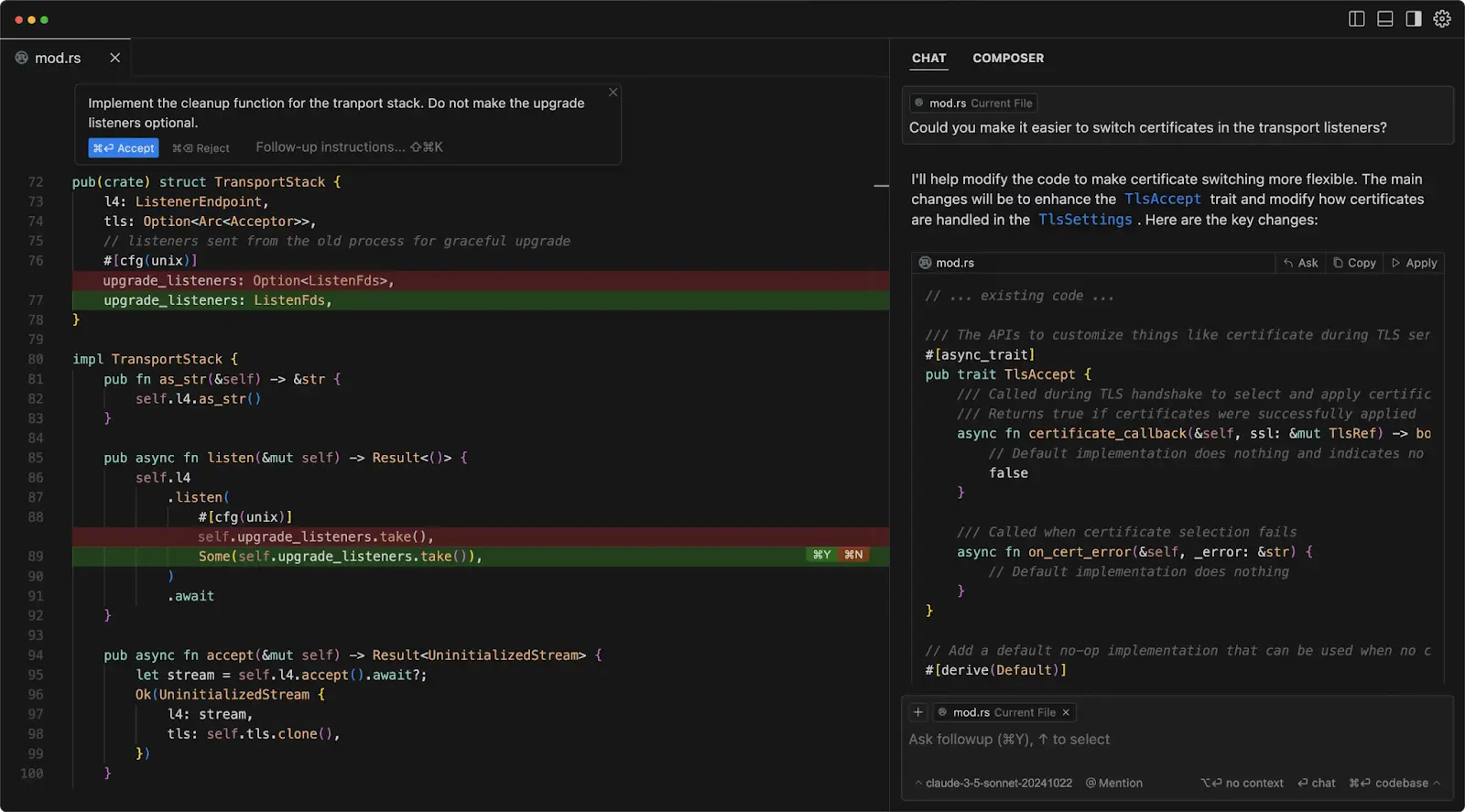
Cursor took VS Code, kept the layout and extension ecosystem, and rebuilt the AI layer from scratch. Composer handles multi-file edits via natural language, Tab predicts the next edit (not just the next character), and Composer 2 added parallel agents for running tests and refactors in the background.
Market context: Cursor reached a reported $10 billion valuation in 2025 with adoption inside roughly 50% of Fortune 500 companies, making it the fastest-growing tool in the category. Many engineering teams have quietly standardised on it for daily work.
HIGHLIGHTS
●Composer plans, edits, and reviews multi-file changes from a single prompt
●Tab autocomplete predicts the next edit rather than just the next character
●Composer 2 supports parallel agents (run tests and refactors concurrently)
●One-click model switching between Anthropic, OpenAI, and Google
WATCH OUTS
●Credit-based pricing introduced in 2025 burns fast on agent-heavy weeks
●Performance lags on lower-spec machines running multiple agents
●$20/mo Pro feels generous at first, then credits drain mid-month
QUICK SPECS
| Interface | Standalone IDE (VS Code fork) |
| Standout feature | Composer multi-file edits + parallel agents |
| Pricing | Free Hobby / $20 Pro / $40 per user / mo Business |
| Free tier | Yes, limited credits |
| Best fit | Daily multi-file work in modern web stacks |
GitHub Copilot
The default starting point: lowest friction, broadest IDE support, multi-model chat
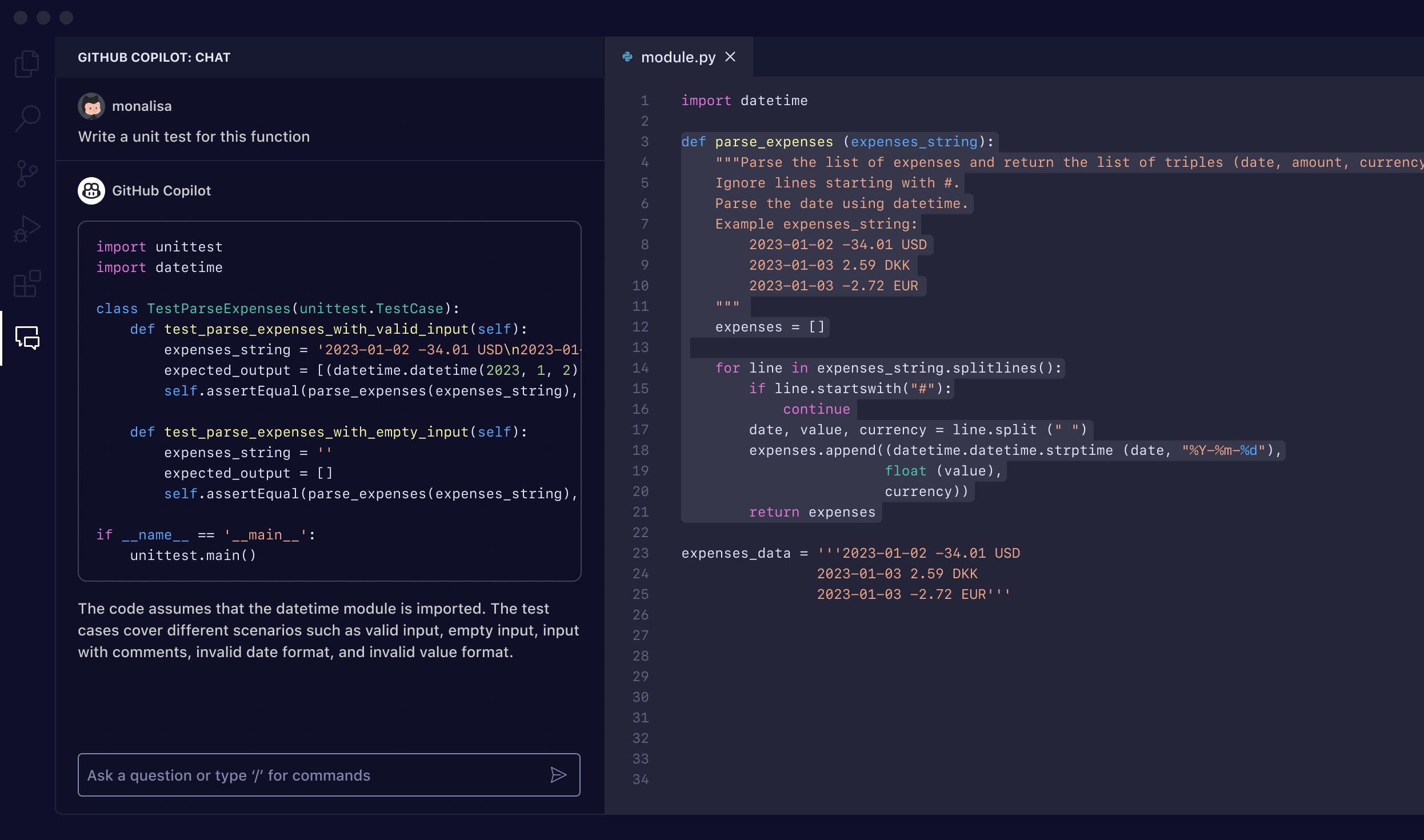
GitHub Copilot remains the most adopted paid AI coding tool, sitting at 67.9% adoption in the 2025 Stack Overflow survey of developers using AI agents. The reason is distribution: it runs in 11 IDEs, and the GitHub integration covers pull-request review and issue triage out of the box.
Market context: GitHub reported 1.3 million paid subscribers and 20 million users overall in early 2026, and the Copilot code-review feature crossed 60 million reviews by March 2026, roughly a 10x increase since launch in April 2025.
HIGHLIGHTS
●Runs in 11 IDEs including VS Code, JetBrains, Visual Studio, Neovim, Xcode
●Multi-model chat: Claude Sonnet, GPT-5, Gemini, and Grok per task
●Free tier with 2,000 completions and 50 chat requests per month
●PR review and issue triage built into GitHub itself
WATCH OUTS
●Agent mode is less autonomous than Cursor Composer or Claude Code
●Premium-request multiplier system is confusing for new users
●June 1, 2026 shift to usage-based billing makes heavy use harder to budget
QUICK SPECS
| IDEs supported | 11 (VS Code, JetBrains, Visual Studio, Neovim, Xcode, Zed, more) |
| Standout feature | Inline autocomplete + multi-model chat |
| Pricing | Free / $10 Pro / $39 Pro+ / $19 per user / mo Business |
| Free tier | Yes, useful (2,000 completions / 50 chat per month) |
| Best fit | GitHub-centric teams, IDE-flexible solo developers |
JetBrains AI Assistant
Native AI inside the JetBrains family, with Junie for autonomous tasks

For developers who live in IntelliJ IDEA, PyCharm, WebStorm, GoLand, or Rider, AI Assistant is the path of least resistance. Completions, chat, refactoring, and commit-message generation sit inside the existing IDE chrome. Junie, the JetBrains autonomous agent, handles short multi-step tasks.
Market context: JetBrains reports more than 18 million developers using its IDEs as of 2025, and the parent products carry a 4.5 star aggregate across nearly 5,000 G2 reviews. The install base already trusts the editor, which speeds adoption of the AI layer.
HIGHLIGHTS
●Native integration across the entire JetBrains IDE family
●Junie autonomous agent handles short multi-step coding tasks
●Strong privacy defaults: code snippets not stored or shared
●Bundled with IntelliJ IDEA Ultimate at no extra cost
WATCH OUTS
●Junie behind Cursor and Claude Code on complex multi-file work
●Chat response times lag in larger projects, per reviewer reports
●Narrower model selection than GitHub Copilot
QUICK SPECS
| IDEs supported | JetBrains family only (IntelliJ, PyCharm, WebStorm, GoLand, etc.) |
| Standout feature | Language-aware refactoring in Java, Kotlin, PHP |
| Pricing | $10 AI Pro / $20 AI Ultimate / Included with IntelliJ Ultimate (~$169/yr) |
| Free tier | Limited free model use |
| Best fit | JetBrains-committed Java and Kotlin shops |
Replit Agent
Browser-based agent that builds, deploys, and hosts full-stack apps in one flow
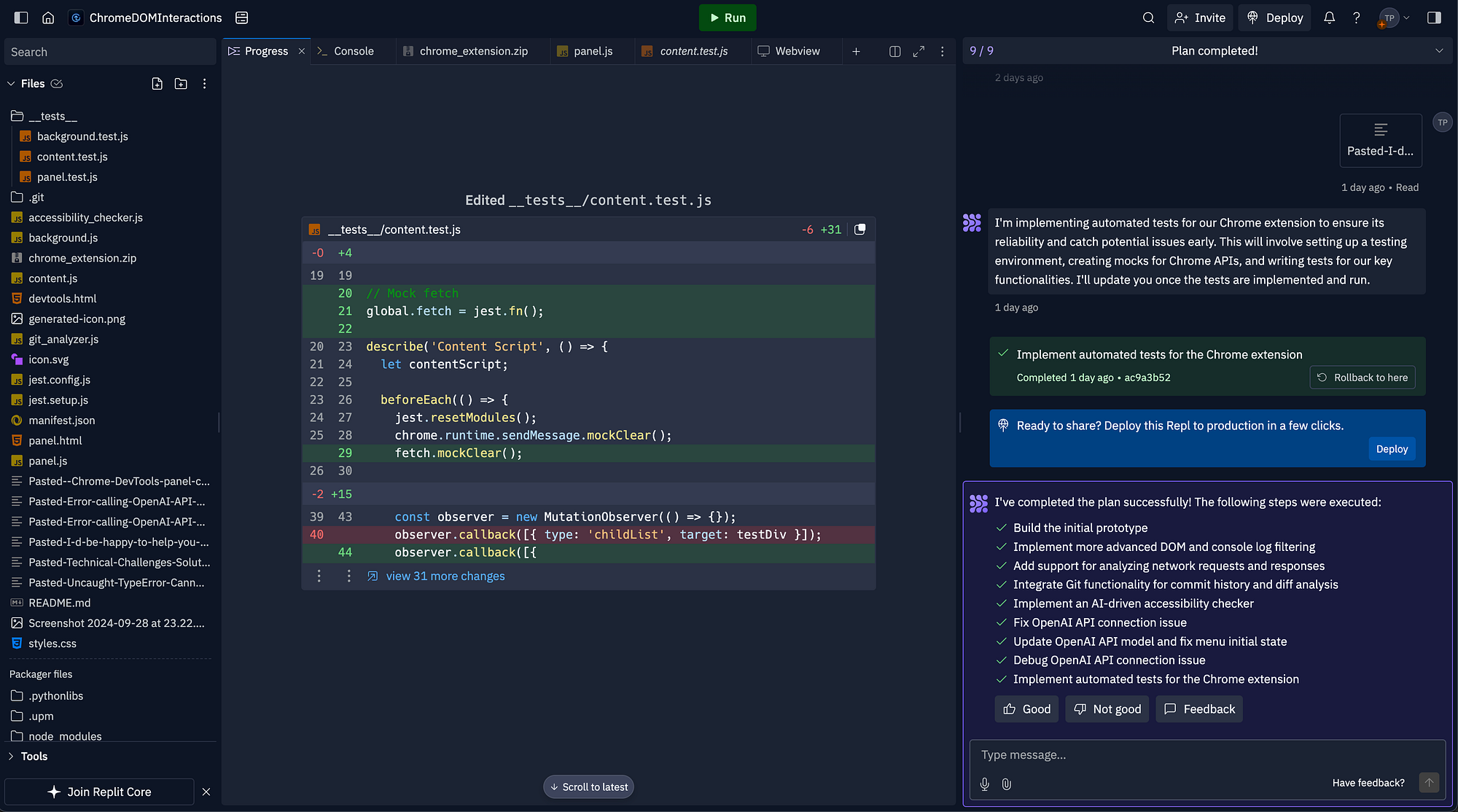
Replit Agent is the outlier on this list: it does not run in a local editor. The whole experience lives in the browser, and the agent can spin up a project, write the code, install dependencies, run the database, and publish a live URL without leaving the tab.
Market context: Replit reported its annual recurring revenue climbed from roughly $10 million to over $100 million during 2024, with Agent driving the bulk of that growth. The demand for end-to-end describe-it-ship-it workflows is clearly real.
HIGHLIGHTS
●Zero-setup project starts directly in the browser
●Spins up code, database, and hosting in a single flow
●Outputs a live URL, no local environment configuration needed
●Mobile and tablet experience is genuinely usable
WATCH OUTS
●Awkward to import large existing codebases
●Cloud-only is a non-starter for strict on-prem requirements
●Output quality on complex backends lags Cursor and Claude Code visibly
QUICK SPECS
| Interface | Browser (web, mobile, tablet) |
| Standout feature | End-to-end describe-it-ship-it workflow |
| Pricing | Free tier / $25 Core / $35 per user / mo Teams |
| Free tier | Yes, with compute and app limits |
| Best fit | Prototypes, internal tools, MVPs, semi-technical builders |
Tabnine
Privacy-first AI coding for regulated industries and air-gapped environments
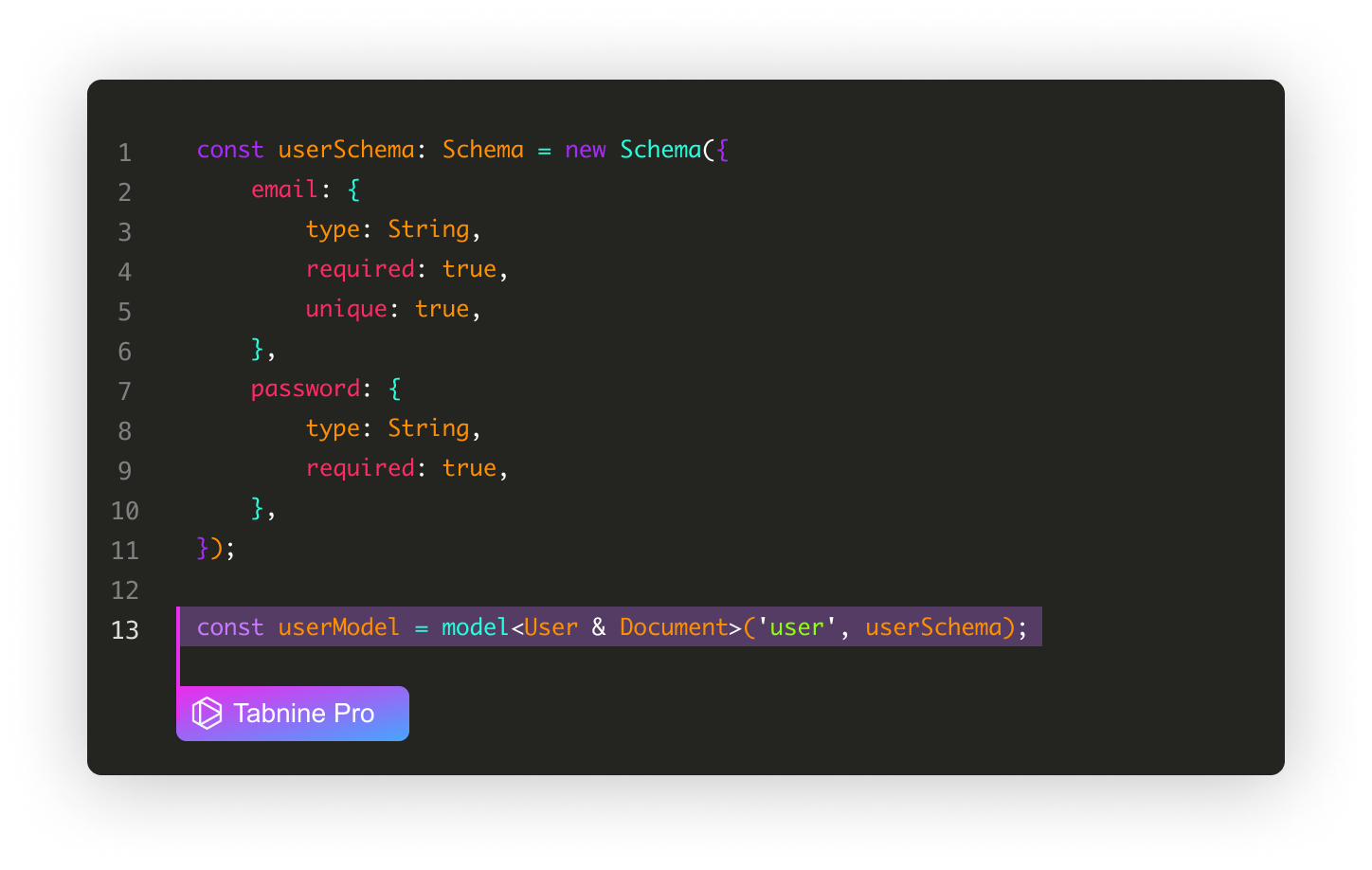
Tabnine has been around longer than most of this list and stays relevant by leaning into a niche the major players largely ignore: deployment in environments where source code cannot leave the company network. Self-hosted models, air-gapped installations, no training on user code, strict zero-retention defaults.
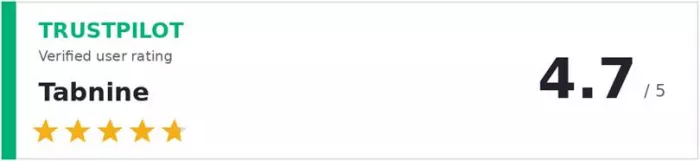
Market context: Tabnine reports more than one million developers using the product, with notable customers in finance, healthcare, and defence. The 46 verified Trustpilot reviews average 4.7 stars, with autocomplete speed and the privacy posture cited most often.
HIGHLIGHTS
●Self-hosted deployment for fully air-gapped environments
●SOC 2, ISO 27001, and HIPAA-ready compliance coverage
●Sub-200ms autocomplete latency (vendor-claimed)
●Customisable on internal codebases via private model training
WATCH OUTS
●Agent and chat capabilities lag the frontier-model tools
●Long-context multi-file suggestion quality is noticeably weaker
●Best features locked behind higher tiers and Enterprise pricing
QUICK SPECS
| IDEs supported | VS Code, JetBrains, Vim, Eclipse, Visual Studio, more |
| Standout feature | Self-hosted / air-gapped deployment |
| Pricing | Free Basic / $9 per user / mo Dev / Enterprise on request |
| Free tier | Yes (Basic plan) |
| Best fit | Banks, hospitals, government agencies, defence |
Windsurf
Codeium’s agentic IDE, now under Cognition, anchored by the Cascade agent

Windsurf is what Codeium rebuilt itself into: a VS Code fork built around its Cascade agent. Cascade reads the workspace, plans a multi-step change, executes edits, runs terminal commands, and iterates. The Memories feature retains project context across sessions, a meaningful differentiator.
Market context: Codeium raised more than $240 million in venture funding before launching Windsurf in late 2024, and the team was acquired by Cognition in 2025 in a deal that valued the technology highly. That backing gives Windsurf staying power smaller AI editors lack.
HIGHLIGHTS
●Cascade agent plans and executes multi-step coding workflows
●Memories feature retains project context across sessions
●Polished JetBrains plugin (more so than Cursor’s)
●$15 per month Pro tier undercuts most direct competitors
●Free tier with unlimited basic autocomplete
WATCH OUTS
●Cascade can lose context on large legacy codebases
●2025 pricing transition from credits to daily and weekly allowances confused users
●Smaller community and fewer integrations than Cursor or Copilot
QUICK SPECS
| Interface | Standalone IDE + JetBrains plugin |
| Standout feature | Cascade agent + Memories |
| Pricing | Free / $15 Pro / $30 per user / mo Teams |
| Free tier | Yes, very generous (unlimited basic autocomplete) |
| Best fit | Budget-conscious teams wanting a Cursor alternative |
Pick the right tool for the job
The comparison table earlier gave the headline call. The use-case matrix below covers the situations that actually drive purchase decisions: a specific kind of work, a specific environment, a specific constraint. Match the row on the left to the recommendation on the right.
| Use case | Pick this tool | Why |
|---|---|---|
| Cross-file refactor that touches 10+ files | Claude Code | Repo-level reasoning, plan-then-execute, handles ripple effects others miss |
| Daily autocomplete in any IDE | GitHub Copilot | Works in 11 IDEs, lowest friction, free tier covers 2,000 completions a month |
| Greenfield React or Next.js feature | Cursor | Composer plans, edits, and tests new components across files in one prompt |
| Java 8 to Java 21 upgrade | Amazon Q Developer | Code Transform automates the migration pattern work AWS already maps |
| Building an MVP in a browser | Replit Agent | Spins up project, hosts URL, no local setup, fast feedback loop |
| Coding in a HIPAA / SOC 2 environment | Tabnine | Self-hosted models, no training on user code, air-gapped option |
| Working in IntelliJ or PyCharm all day | JetBrains AI Assistant | Native integration beats any third-party plugin in the JetBrains family |
| Cursor features on a tighter budget | Windsurf | Cascade matches Composer for most tasks at $5 less, JetBrains plugin works |
The honest verdict
There is no single best tool in 2026. That sounds like a hedge, but it is the answer experienced developers actually give. Different problems call for different tools, and the most productive teams combine two: an IDE assistant for daily work and a terminal agent for the big jobs.
A pragmatic stack for most working developers looks like this. GitHub Copilot Pro at $10 per month for daily autocomplete and chat across every IDE on the team. Claude Code on a Pro or Max plan for the once-a-week refactor that touches twelve files, the migration nobody wants to start, the architecture conversation that needs real reasoning. Combined cost lands near $30 per developer, recovered in time savings inside the first week.
For solo work, Cursor Pro alone is excellent. JetBrains shops get the most out of AI Assistant. AWS-bound teams pick Q Developer for the Java upgrades alone. Air-gapped enterprises have one realistic option, and that is Tabnine. Learners and prototypers will find Replit Agent fun and surprisingly capable for the price. The framework that holds up: pick the tool that fits the actual work, not the headline benchmark, and pair it with one other tool that covers its weakness.
Comments