MeiGen AI solves a useful problem: it puts visual inspiration, reusable prompts, and several leading image and video models in one place. But the same workflow will not suit every creator.
Some users need finer image editing rather than another generation. Others want real-time experimentation, reusable characters, model training, serious video production, or access to open models and ComfyUI workflows. The best MeiGen alternative therefore depends less on which platform has the longest model list and more on what happens after you press Generate.
Where MeiGen Fits
MeiGen AI is built around a particularly efficient creative loop. Its gallery contains curated AI artwork with reusable prompts, and users can drag an image directly into the prompt or reference workflow. The generator then provides access to multiple image and video models through the same interface.
Its current model lineup includes GPT Image 2, Midjourney, Nano Banana, Seedream, Seedance and Veo, among others. The prompt editor supports enhancement, reusable variables, reference images and individual @image mentions when several references are involved.
That makes MeiGen particularly good at moving from “I like this visual” to “let me create my own version.” Its limitations become more visible when the job moves into deeper production. It does not offer the same editing depth as a design-focused workspace, the same open-model experimentation as Tensor.Art, or the same video specialization as Pollo.
Its credit costs also vary considerably by model. A current MeiGen image generation can cost from a few credits for lighter models to much more for high-resolution premium generations, while video models commonly use per-second or duration-based pricing.
Quick Comparison
| Alternative | Where It Pulls Ahead of MeiGen |
| OpenArt | Editing, consistent characters and broader production workflows |
| Krea | Real-time creation, LoRA training and reusable node workflows |
| Dzine | Layer-based composition and controllable image editing |
| Pollo AI | Much deeper multi-model video generation |
| Leonardo AI | Personal model training and production-oriented controls |
| Freepik/Magnific | AI creation combined with stock, design and workflow automation |
| Tensor.Art | Open models, LoRAs, ControlNet and ComfyUI experimentation |
1. OpenArt
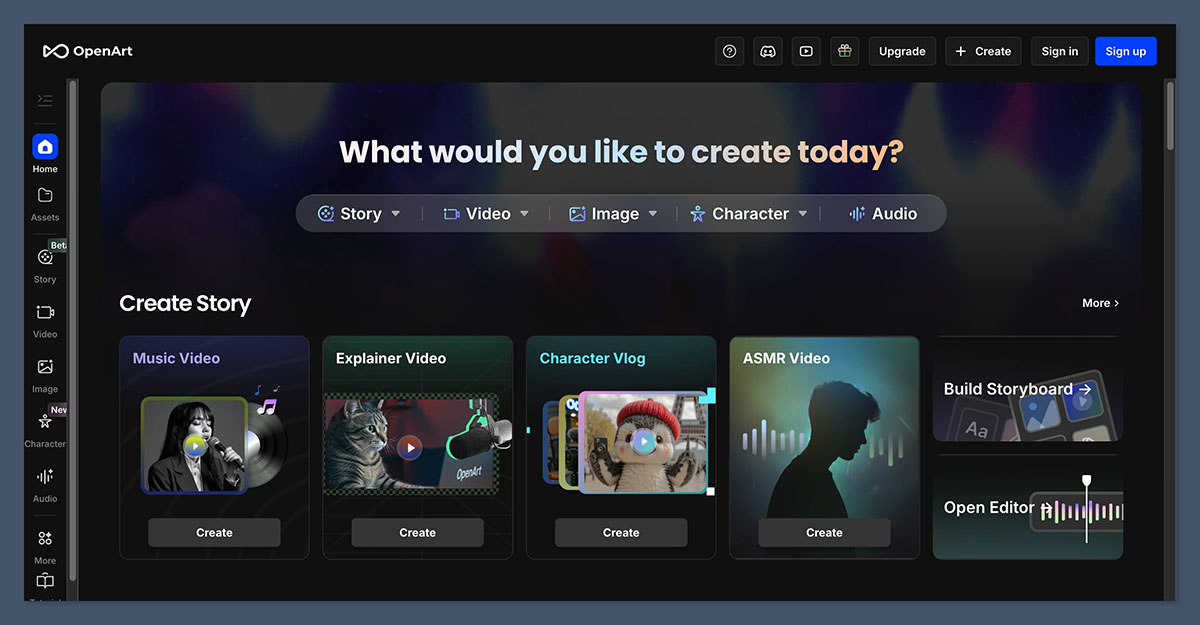
Best for: Creators who need generation, editing and recurring characters in the same workspace
OpenArt overlaps with MeiGen in its multi-model approach, but it puts considerably more infrastructure around the generated asset. Its current plans provide access to 100+ premium image, video and audio models, alongside image editing, personalized models, consistent characters and story-generation tools.
The difference becomes important when a project contains twenty related assets rather than one impressive image. A creator developing a mascot, comic character, campaign concept or visual story needs continuity between generations and a convenient way to correct outputs without restarting the entire process.
Key Features
● Consistent Characters help carry the same subject across multiple generations. This is much more useful for episodic content, illustrated stories and campaign characters than trying to reproduce an identity through prompt wording alone.
● The integrated image editor keeps correction close to generation. Users can refine outputs rather than treating every incorrect detail as a reason to regenerate the entire image.
● Personalized models allow recurring visual identities to become reusable assets. This matters for creators developing a recognizable character, person, product or visual treatment.
● 100+ image, video and audio models broaden the production workflow. The value is not simply the number of models, but the ability to move between different media without rebuilding the project elsewhere.
Why It Is Better Than MeiGen
MeiGen has the cleaner inspiration-to-generation workflow. OpenArt becomes stronger once the output itself becomes the project.
If you regularly create related images, refine generations, maintain recurring characters or develop visual stories, OpenArt reduces the amount of work that has to happen after the initial generation.
Advantages and Limitations
| Advantages | Limitations |
| Combines generation with a substantial editing workflow | More complex than MeiGen for quick prompt experimentation |
| Supports consistent characters and personalized models | Video creation can consume credits quickly |
| Offers 100+ image, video and audio models | High-output workflows move users toward pricier tiers |
| Better suited to connected creative projects | Many features are unnecessary for occasional generators |
Pricing
| Plan | Monthly Price | Credits |
| Starter | $14 | 4,000 |
| Plus | $34 | 12,000 |
| Pro | $56 | 24,000 |
| Wonder | $240 | 106,000 |
2. Krea AI
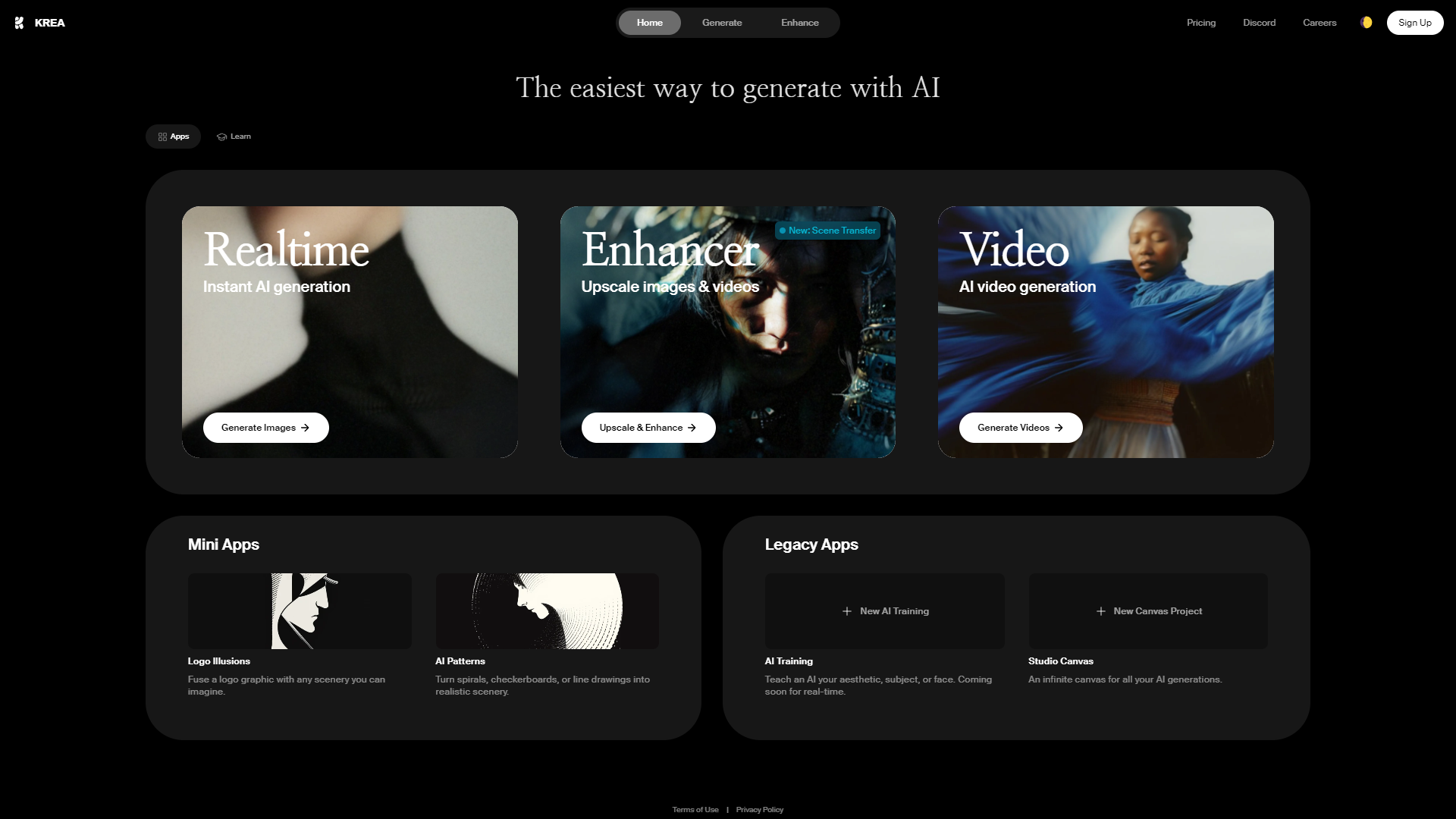
Best for: Designers who want to experiment visually in real time and turn successful processes into reusable workflows
Krea feels less like a prompt library and more like an AI creative laboratory. Its strongest advantage over MeiGen is the number of ways a visual can be shaped between the initial idea and final export.
Krea combines real-time generation with image and video models, LoRA fine-tuning, enhancement, high-resolution upscaling and a node-based workflow system. Paid tiers extend this into automated pipelines where the output of one operation can feed directly into the next.
Key Features
● Real-time generation makes visual exploration unusually fast. Instead of repeatedly submitting a prompt and waiting for separate finished generations, users can work more interactively while developing the concept.
● LoRA fine-tuning provides repeatability that prompt-only workflows cannot always achieve. Basic members can fine-tune using up to 50 images, while the Max tier considerably expands training capacity.
● Nodes turn repeated creative steps into reusable processes. A workflow can connect generation, references, another model and video creation instead of requiring the user to repeat each operation manually.
● Krea's upscaler reaches far beyond ordinary social-media export sizes. The Basic plan currently includes image upscaling up to 22K, which is useful for print, presentation and high-resolution production work.
Why It Is Better Than MeiGen
Krea is the more interesting choice when iteration speed and workflow design matter more than browsing a curated prompt gallery.
MeiGen helps you find an idea worth generating. Krea is stronger when you already have a direction and want to keep manipulating, training, enhancing and connecting steps until the result is right.
Advantages and Limitations
| Advantages | Limitations |
| Excellent real-time experimentation | Less focused on curated prompt discovery |
| Includes LoRA fine-tuning | Advanced workflows take time to learn |
| Offers node-based automation | Full video access begins on Pro |
| Strong enhancement and upscaling tools | Compute usage varies considerably by operation |
Pricing
| Plan | Price | Compute Units |
| Free | $0 | 100/day |
| Basic | $9/month | 5,000/month |
| Pro | $35/month | 20,000/month |
| Max | $105/month | 60,000/month |
3. Dzine AI
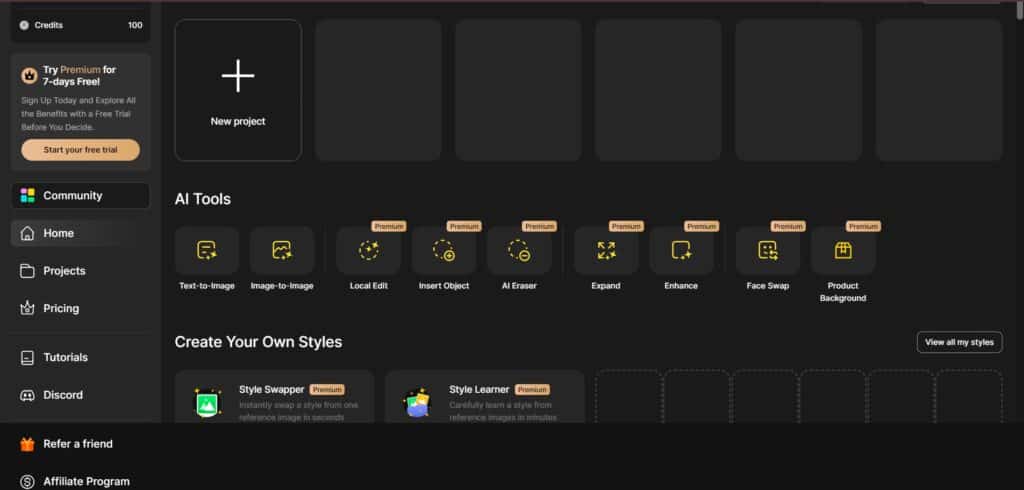
Best for: Designers who want more control over composition and editing than a prompt-first generator provides
Dzine is one of the more distinct MeiGen alternatives because its central advantage is not model count. It is control over the canvas.
The platform uses a layer-based composition board where elements can be positioned, separated and reworked. Its AI tools cover text-to-image, image-to-image, generative fill, object insertion, local edits, character consistency, style transfer, background replacement and image enhancement.
Key Features
● Layer-based composition lets designers determine where elements belong before generation finishes the visual. This reduces dependence on describing every spatial relationship perfectly in text.
● Local editing tools can change individual areas without rebuilding the whole image. Objects can be added or removed, backgrounds replaced and selected regions modified with prompts.
● Consistent Character supports trained recurring subjects across new poses and scenes. Characters can be created from descriptions or uploaded reference images and then reused in future compositions.
● Style and structure controls make image-to-image work more deliberate. Users can preserve parts of the original composition while deciding how strongly a new visual style should affect it.
Why It Is Better Than MeiGen
Dzine is better when generation needs to behave more like design work.
MeiGen makes it easy to reuse a good prompt or reference. Dzine gives the user more direct authority over object placement, layers and selective edits, which is useful for product imagery, advertisements, characters and composed graphics.
Advantages and Limitations
| Advantages | Limitations |
| Strong layer-based visual control | Heavier interface than a simple generator |
| Good selection of local editing tools | Some useful tools are restricted by plan |
| Strong consistent-character workflow | Credit costs differ substantially by feature |
| Useful for product and commercial compositions | Less compelling if you only generate finished images from prompts |
Pricing
| Plan | Monthly Price | Credits |
| Beginner | $8.99 | 1,000 |
| Creator | $24.99 | 6,000 |
| Master | $59.99 | 9,000 + unlimited eligible images |
| Master Pro | $149.99 | 30,000 + unlimited eligible images |
4. Pollo AI
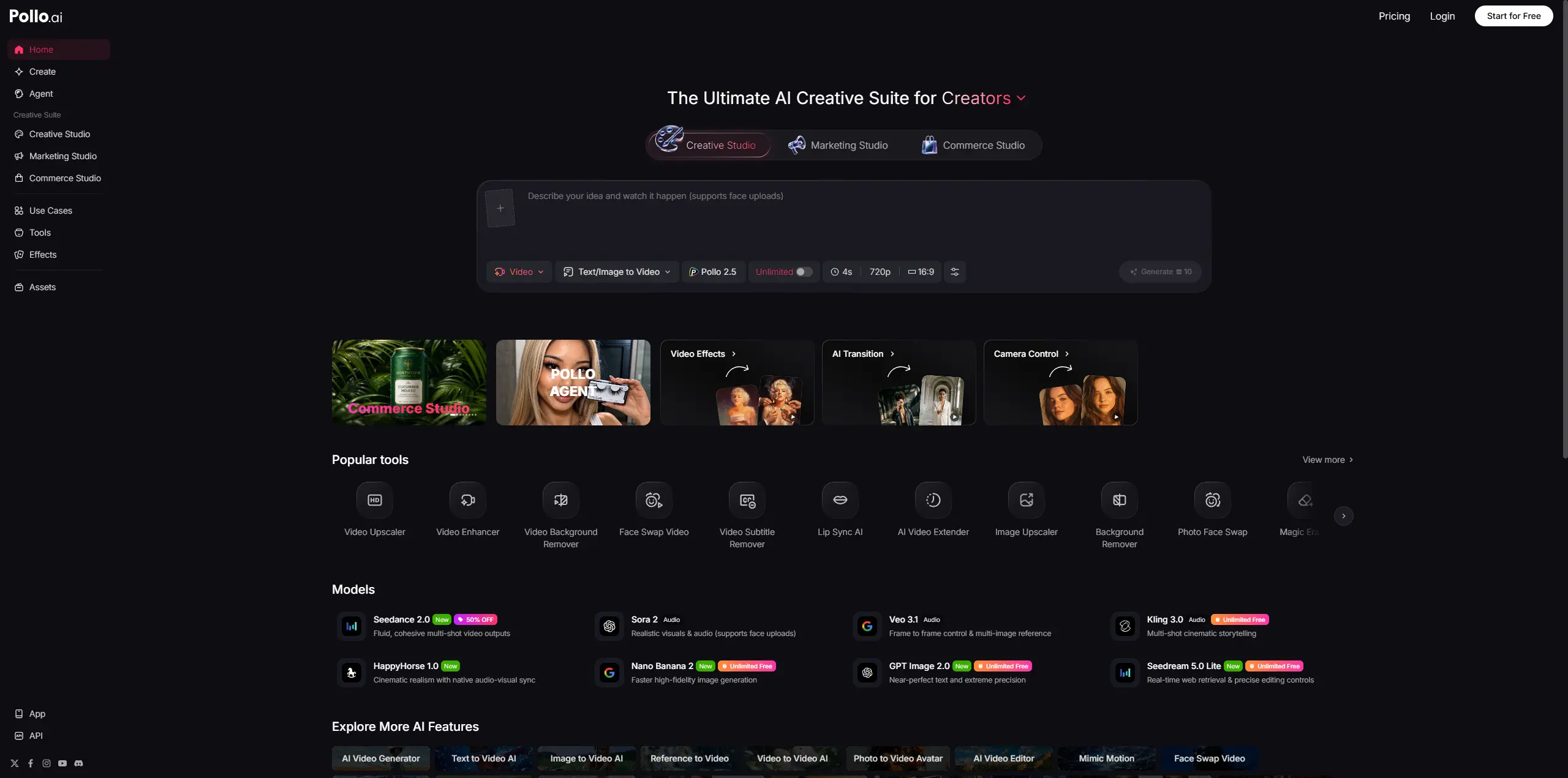
Best for: Creators whose workload is dominated by AI video rather than still images
Pollo is the clearest alternative on this list for someone who likes MeiGen's multi-model idea but needs a much broader video environment.
Its current video catalog spans Pollo's own models alongside Seedance, Veo, Sora, Kling, Hailuo, PixVerse, Runway, Vidu, Luma, Pika and Wan. It also supports image generation through models such as GPT Image, Nano Banana, Recraft, Ideogram, FLUX and Seedream.
Key Features
● The video model library is unusually broad. Different projects can be routed to models known for cinematic output, motion, speed, reference handling or native audio without maintaining numerous accounts.
● Text-to-video and image-to-video sit beside reference-to-video and video-to-video workflows. This makes Pollo useful beyond simple prompt-generated clips.
● Video utilities cover extension, upscaling, background removal, face swapping and motion-focused workflows. Generated footage therefore has somewhere to go after the first render.
● Pollo Agent targets complete production tasks rather than individual generations. It can work from instructions or supplied assets to produce more complete creative outputs for ads and social content.
Why It Is Better Than MeiGen
Choose Pollo when video has stopped being a secondary feature.
MeiGen provides access to capable video models, but Pollo surrounds those models with a much larger collection of video-specific generation modes and utilities. For a creator testing several video engines every week, that difference is substantial.
Advantages and Limitations
| Advantages | Limitations |
| Very broad selection of leading video models | Premium video models can burn through credits rapidly |
| Supports several video-generation methods | The number of similar model choices can be confusing |
| Includes post-generation video utilities | Less compelling for users focused almost entirely on images |
| Also provides image generation | Output cost varies considerably between models |
Pricing
| Plan | Price | Included Credits |
| Free | $0 | 20 starter credits |
| Lite | From $10/month | 300/month |
| Pro | From $25/month | Flexible higher allowances |
5. Leonardo AI
Best for: Creators who want trained personal models and more structured production controls
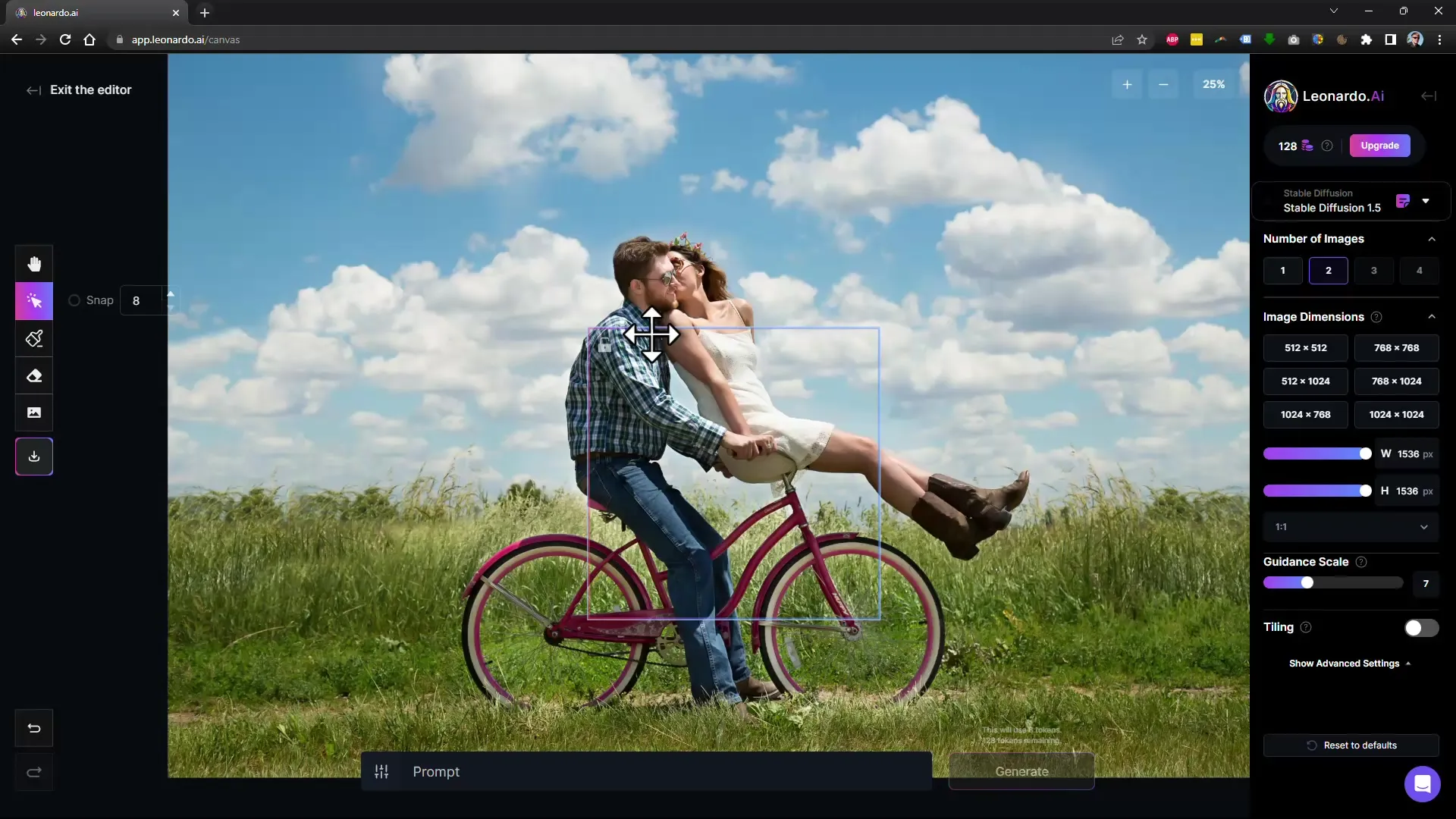
Leonardo sits between accessible AI generation and a more production-oriented creative platform. It supports image and video generation, reference guidance, real-time tools and personal AI model training, which gives it a meaningful advantage for creators who repeatedly produce the same visual identity.
Current plans also support token banking, private generation on paid tiers, collections, generation queues and unlimited relaxed generation on selected models at higher tiers.
Key Features
● Personal model training gives creators a way to encode recurring subjects or styles rather than rebuilding them through prompts. Current individual tiers support increasing numbers of trained models as the plan rises.
● Realtime Canvas and Realtime Generation encourage more hands-on visual development. These tools suit users who want to shape a composition instead of treating generation as a single prompt transaction.
● Reference guidance supports multiple images on paid tiers. This is useful for character, composition and style work where text alone cannot communicate enough information.
● Token banking reduces the frustration of losing all unused monthly capacity immediately. Paid plans provide different rollover-bank limits depending on the tier.
Why It Is Better Than MeiGen
Leonardo makes more sense for users building a repeatable visual production system.
MeiGen offers excellent access to outside models and prompt inspiration. Leonardo puts greater emphasis on trained personal assets, private work, generation capacity and production controls, making it more appropriate for creators with a consistent output pipeline.
Advantages and Limitations
| Advantages | Limitations |
| Supports personal AI model training | Token system takes time to understand |
| Includes real-time creation tools | Some unlimited generation is model-specific |
| Paid tiers support private generations | Premium third-party models can still consume fast tokens |
| Suitable for sustained content production | Less oriented around prompt discovery |
Pricing
| Plan | Monthly Price | Fast Tokens |
| Free | $0 | 150/day |
| Essential | $12 | 8,500/month |
| Premium | $30 | 25,000/month |
| Ultimate | $60 | 60,000/month |
6. Freepik AI Suite / Magnific
Best for: Designers and marketing teams who need AI generation, editing and ready-made creative assets together
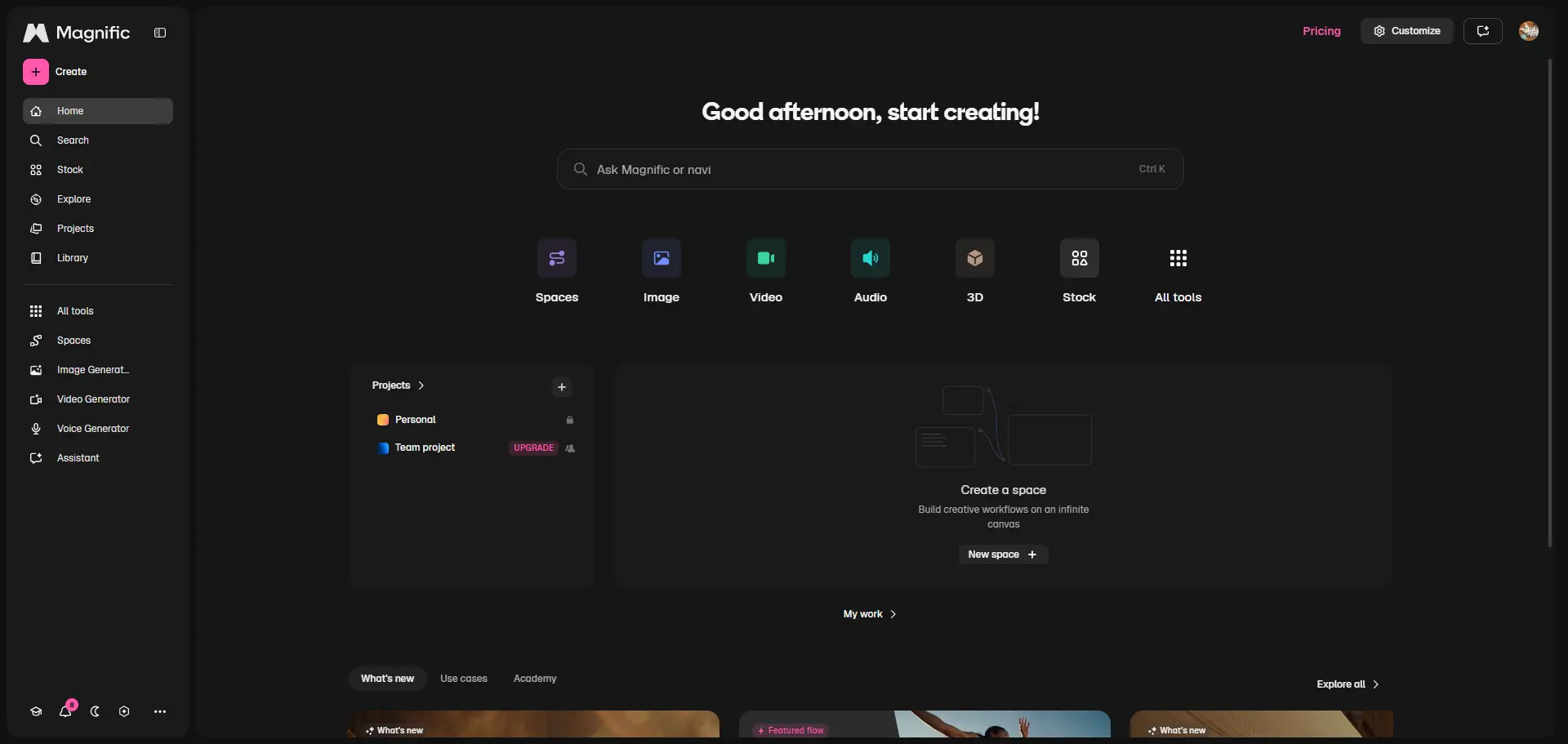
Freepik's creative platform, now presented under Magnific branding in its current AI documentation, solves a problem that MeiGen largely leaves outside the workflow: what happens when generated media has to become an actual marketing or design asset.
The platform combines image, video and audio generation with an image editor, video editor, upscaling, background removal, mockups, templates and a large stock library. Its Spaces environment adds a node-based infinite canvas for linking these operations into reusable workflows.
Key Features
● AI and stock content live inside the same production ecosystem. Designers can combine generated media with photos, vectors, templates, video and other conventional assets instead of relying exclusively on synthetic content.
● Spaces can automate multi-stage creative processes. A workflow might generate an image, upscale it, feed it into a video model and add audio without manually restarting every stage.
● Image and video editors make the platform more suitable for finished deliverables. Background removal, retouching, expansion, upscaling and other corrections can happen after generation.
● The current model catalog covers 30+ image models and 10+ video models. Users can select models directly or let the platform handle parts of the choice.
Why It Is Better Than MeiGen
This is the better option when AI generation is only one stage of a larger design job.
MeiGen excels at inspiration and model access. Freepik/Magnific is more practical when the final output must become an advertisement, product visual, presentation graphic, social asset or edited video using a mixture of generated and conventional resources.
Advantages and Limitations
| Advantages | Limitations |
| Combines AI generation with a huge asset ecosystem | Broader platform can feel excessive for pure prompting |
| Strong image, video and design editing tools | High-end video models can consume many credits |
| Spaces supports repeatable visual workflows | Some unlimited allowances apply only to selected models |
| Particularly useful for marketers and designers | Premium AI usage becomes expensive at high volume |
Pricing
| Plan | Price With Annual Billing | AI Credits |
| Premium | $14.50/month | 240,000/year |
| Premium+ | $33.75/month | 600,000/year |
| Pro | $210/month | 4,000,000/year |
7. Tensor.Art
Best for: Advanced creators who want open models, LoRAs, ControlNet and configurable workflows
Tensor.Art is the least direct replacement for MeiGen, but that is exactly why it belongs here.
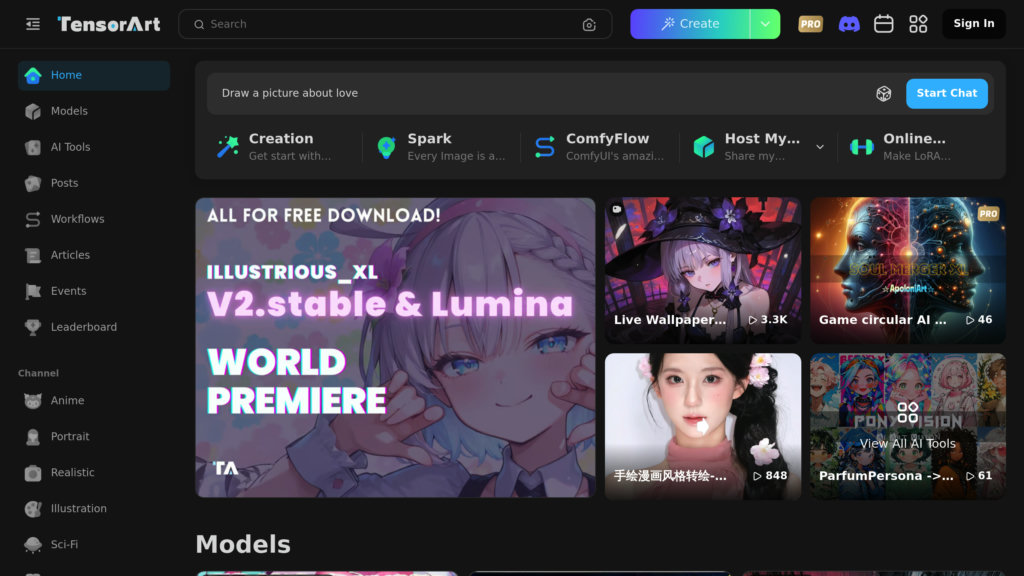
Instead of hiding most technical model behavior behind a simplified interface, Tensor.Art exposes a much larger open-model ecosystem. Its official resources cover checkpoints, LoRAs, online model training, ComfyUI workflows, ControlNet, IP-Adapter and real-time generation.
Key Features
● Community checkpoints and LoRAs create far more room for niche styles and specialized models. Users are not restricted to a short list of mainstream commercial engines.
● ControlNet options support pose, depth, line art, edges, recoloring and other forms of structural guidance. This provides a level of generation control that is difficult to reproduce with prompt wording alone.
● ComfyUI workflows allow technical users to build or run multi-step pipelines. This is useful for people who care about exactly how models, conditioning and post-processing stages connect.
● Online training supports custom model development. Creators can move beyond consuming existing models and begin adapting models to their own subjects or visual styles.
Why It Is Better Than MeiGen
Tensor.Art is the better alternative when the user wants access to the machinery rather than only the result.
MeiGen deliberately simplifies model access and prompt reuse. Tensor.Art exposes more configuration, community models and workflow logic. That gives advanced users greater freedom, but it also makes the platform less approachable.
Advantages and Limitations
| Advantages | Limitations |
| Extensive community model ecosystem | Considerably steeper learning curve |
| Supports LoRAs, ControlNet and ComfyUI | Quality varies between community resources |
| Offers model training and technical workflows | Less polished for simple commercial design work |
| Low-cost Pro access | Licensing can vary by individual model |
Pricing
| Option | Price |
| Daily Pass | $1 |
| Monthly Pro | $9.90 |
| Quarterly Pro | $19.90 |
| Yearly Pro promotional price | $59.90 |
Which MeiGen Alternative Wins?
There is no useful overall winner because these platforms solve different problems. OpenArt is the most balanced replacement if you like the idea of a multi-model platform but want deeper editing and character workflows. Krea is stronger for fast visual experimentation and workflow automation, while Dzine stands out when composition and selective editing matter more than model quantity.
For video-heavy production, Pollo AI has the clearest advantage. Leonardo AI is more attractive when trained personal models and repeatable production controls matter. Freepik/Magnific fits designers and marketers who need AI media to live alongside stock assets, editing and finished design workflows. Tensor.Art is the choice for creators who would rather control models, LoRAs and workflows than have those technical decisions hidden from them.
MeiGen still occupies a useful middle ground. Its curated gallery and prompt-reuse system shorten the distance between seeing an idea and generating a variation, while its multi-model interface avoids maintaining separate accounts for every engine.
Verdict
The reason to replace MeiGen should determine the alternative. If MeiGen feels too generation-focused, choose OpenArt or Dzine. If it feels too slow for experimentation, Krea offers a more interactive workflow. If video has become the priority, Pollo gives that medium much more room. Leonardo suits repeatable trained assets, Freepik/Magnific works better inside broader commercial design production, and Tensor.Art gives technical creators far greater control.
The useful comparison is therefore not which platform can generate the prettiest image from one prompt. Most of these tools can produce impressive results. The better question is which platform removes the most friction from everything you need to do with that image or video afterward.
Comments