Remember when the hardest part of publishing a blog post was the blog post itself? Now the post needs a featured image, a vertical video, a thumbnail variant for LinkedIn, a script for the YouTube companion, and probably a meme for X. The job description quietly tripled while nobody was looking.
That is the real reason the AI tool conversation has shifted in 2026. The question is no longer “which model writes the best?” or “which generator makes the prettiest clip?” The question is whether a stack of tools can hand work to each other without dropping it on the floor. A polished sentence is fine; a polished sentence that flows into a brand-safe visual and a 30-second cut without three rebuilds is the actual win.
What follows is a per-tool tour of the AI products earning their seats this year across three disciplines that increasingly bleed into one.
Why the Stack Beats Any Single Tool
A few numbers help frame the moment. The global generative AI market is tracking between roughly $83 billion and $121 billion in 2026 depending on which research firm is asked, with content creation now the largest application segment. ChatGPT alone reports about 900 million weekly active users. Around 65 percent of organizations now use generative AI in at least one business function, and AI-assisted video production costs have fallen roughly 91 percent versus traditional pipelines.
Generative AI by the Numbers
| Metric | Figure | Source |
|---|---|---|
| Global market size, 2026 | ~$83B to $121B | Global Market Insights, Coherent Market Insights |
| ChatGPT weekly active users | ~900 million | OpenAI / industry reporting |
| Organizations using gen AI in at least one function | ~65% | Multiple enterprise surveys |
| Average ROI per $1 invested in gen AI | ~$3.70 | Master of Code, McKinsey-cited research |
| Reduction in AI-assisted video production costs | ~91% | Industry benchmarks 2026 |
| Creators using AI image platforms globally | 50 million+ | Aggregated platform data |
The result is a creator economy where text, image, and video tools no longer live in separate browser tabs. Marketers stack a writing model with an SEO layer, an image tool, and a short-form video generator. Founders go from idea to launch asset in an afternoon. The stack matters more than any single product.
AI Writing Tools
Before any pixel is generated, something has to be said. The writing layer is where most stacks start. Six tools cover almost every realistic use case in 2026.
Claude (Anthropic)
Claude is the model professional writers and editors reach for when natural voice and long-form structure matter. Opus 4.7 launched in April 2026, and the 1 million token context window lets it hold entire books or research dossiers in a single pass without losing the thread.
| Attribute | Detail |
|---|---|
| Maker | Anthropic |
| Latest models | Opus 4.7 (Apr 2026), Sonnet 4.6 |
| Best for | Long-form prose, brand voice, editorial writing, document synthesis |
| Pricing | Free tier; Pro $20/mo; Team and Enterprise tiers above |
| Standout strength | Most natural-sounding prose out of the box; 1M token context window |
| Limitations | No native image generation; tighter rate limits on free tier |
| Ideal use case | Drafting a 2,000-word feature, rewriting a chapter, summarizing a 300-page report |
ChatGPT (OpenAI)
ChatGPT remains the most versatile daily driver. GPT-5.4 handles ideation, outlining, repurposing, and research-heavy drafting fluidly, and its plugin and tool ecosystem makes it the easiest model to wire into a multi-step workflow.
| Attribute | Detail |
|---|---|
| Maker | OpenAI |
| Latest model | GPT-5.4 |
| Best for | Versatile drafting, research, outlining, repurposing across formats |
| Pricing | Free tier; Plus $20/mo; Pro $200/mo; Team and Enterprise above |
| Standout strength | Speed, plugin ecosystem, native image and tool integrations |
| Limitations | Output can feel generic without strong prompting; hallucinations on fresh facts |
| Ideal use case | Outlines, executive summaries, repurposing one piece into five formats |
Perplexity
Perplexity sits between a chatbot and a search engine, returning answers grounded in cited live web sources. It is the right pick whenever factual accuracy or freshness matters more than prose quality.
| Attribute | Detail |
|---|---|
| Maker | Perplexity AI |
| Best for | Research-bound writing, fact checking, source-cited drafts |
| Pricing | Free tier; Pro $20/mo; Enterprise above |
| Standout strength | Live web grounding with inline citations and verifiable sources |
| Limitations | Weaker for creative or long-form prose; depends on quality of indexed sources |
| Ideal use case | Market briefs, competitor scans, research summaries with citations |
Jasper
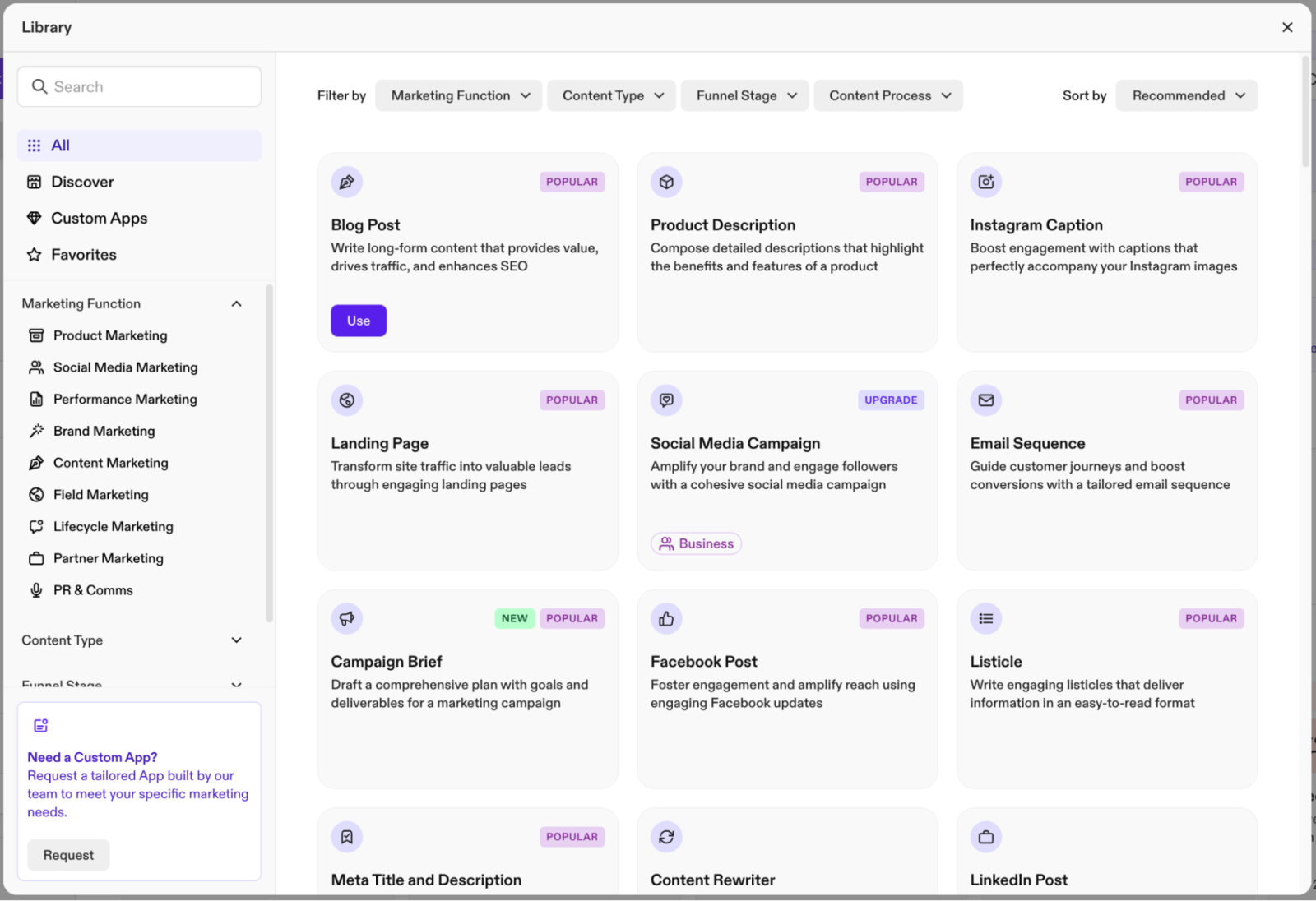
Jasper had a rough 2024, with revenue falling from roughly $120 million to about $55 million as base models became more accessible. It still earns its keep for marketing teams that need brand-voice enforcement, approvals, and templated output across many client accounts.
| Attribute | Detail |
|---|---|
| Maker | Jasper AI |
| Best for | Marketing teams, brand-voice consistency, agency workflows |
| Pricing | Creator $49/mo; Pro $69/mo; Business custom |
| Standout strength | Brand voice training, approval workflows, marketing templates |
| Limitations | Premium pricing layered on top of base models; thinner moat than in 2023 |
| Ideal use case | Multi-brand agency content ops, campaign briefs at scale |
Copy.ai
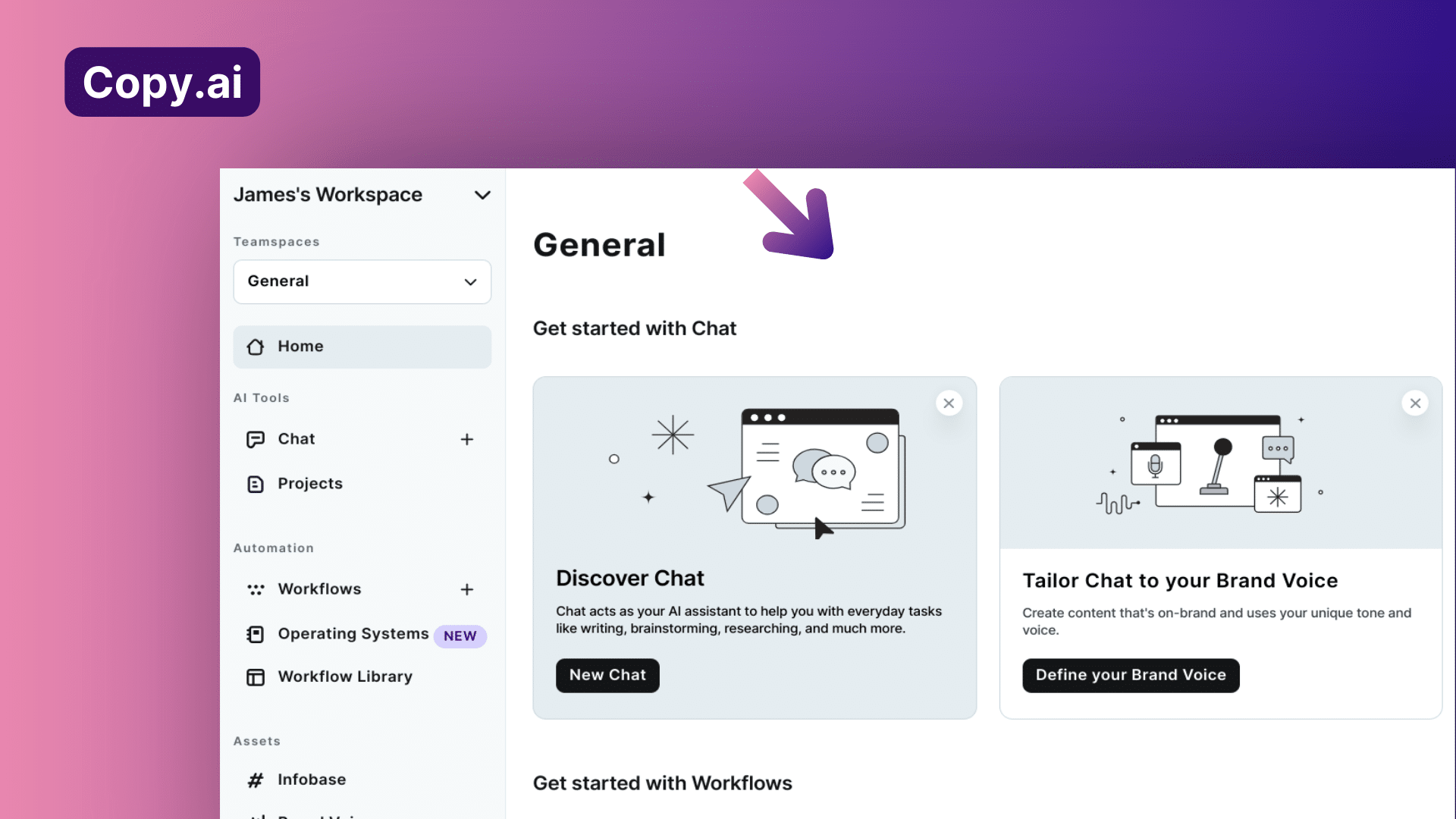
Copy.ai is built for short, punchy marketing copy. It is not the right tool for a 2,000-word post, but for ads, product descriptions, and social hooks it delivers quickly.
| Attribute | Detail |
|---|---|
| Maker | Copy.ai |
| Best for | Short conversion copy, ad headlines, product descriptions, social posts |
| Pricing | Free tier (2,000 words/mo); Pro $36/mo; Team and above |
| Standout strength | Speed and template variety for short-form formats |
| Limitations | Quality drops on long-form; less suited to nuanced editorial work |
| Ideal use case | Generating 20 ad variants in an hour, batch product copy for ecommerce |
Grammarly
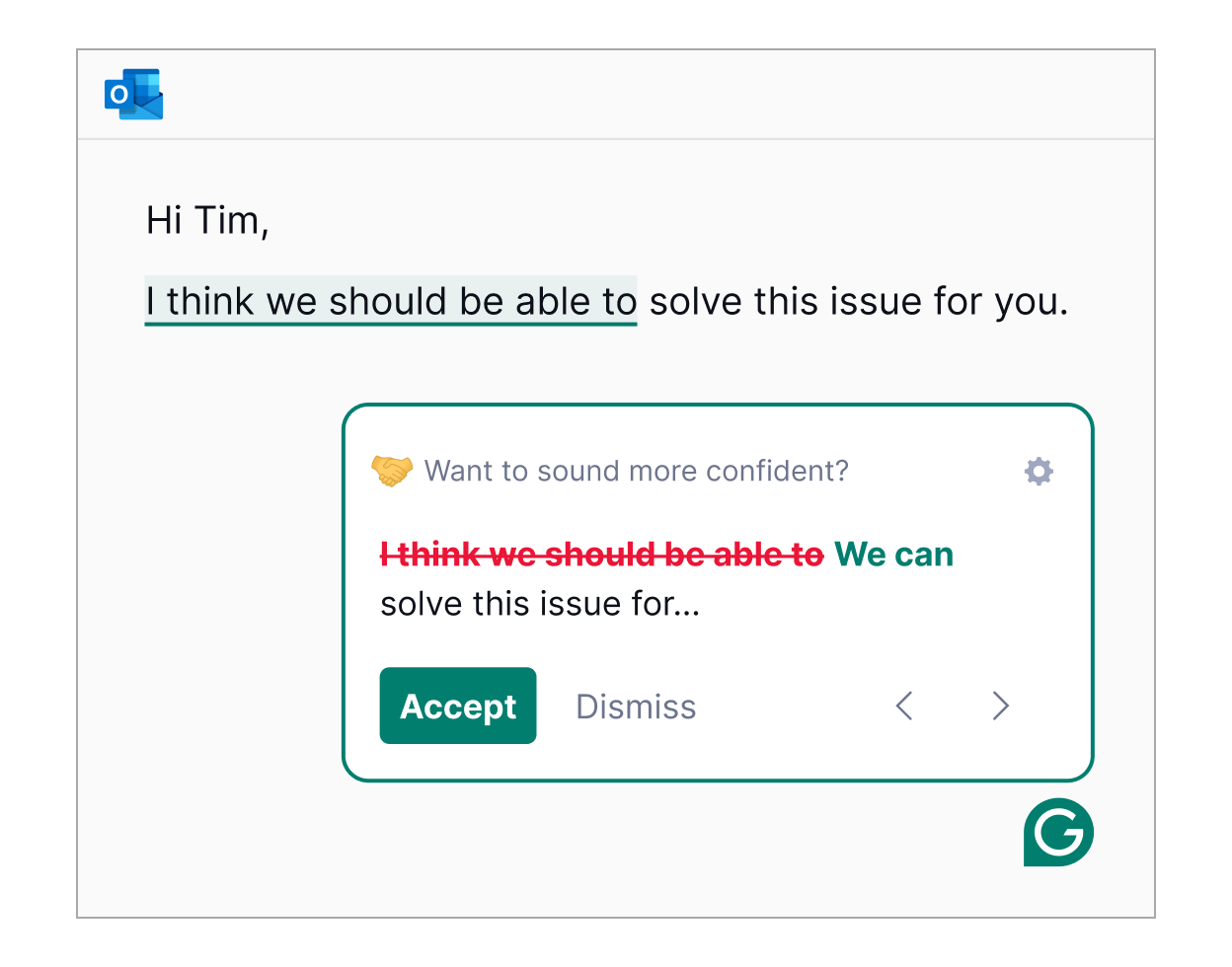
Grammarly remains the final-mile polish layer in most professional stacks. The AI features now go beyond grammar into tone, clarity, and team-wide brand consistency.
| Attribute | Detail |
|---|---|
| Maker | Grammarly |
| Best for | Final polish, grammar, tone, team-wide consistency |
| Pricing | Free; Premium $12/mo; Business $15/seat/mo |
| Standout strength | Cross-platform browser and app integration; team style enforcement |
| Limitations | Not a drafting tool; sometimes flags stylistic choices as errors |
| Ideal use case | Final pass on client emails, marketing copy, internal documentation |
AI Design Tools
Image generation crossed an interesting threshold in late 2025. The novelty era ended, and the conversation moved to where outputs fit, who can license them, and how they integrate with existing design systems.
Midjourney

Midjourney remains the gold standard for concept art and visual exploration. The company famously generates around $500 million in annual revenue from a team of roughly 40 people, with about 20 million users and a prompt community that is unmatched in the industry.
| Attribute | Detail |
|---|---|
| Maker | Midjourney, Inc. |
| Best for | Concept art, mood boards, brand visuals, stylized illustration |
| Pricing | Basic $10/mo; Standard $30/mo; Pro $60/mo; Mega $120/mo |
| Standout strength | Distinctive aesthetic, deep style control, prompt community |
| Limitations | Less suited to literal product photography; commercial licensing requires paid tier |
| Ideal use case | Hero imagery for campaigns, mood boards, editorial illustration |
Adobe Firefly

Firefly is the safe choice for commercial work that has to clear legal review. It trains on licensed Adobe Stock and public-domain content, and it lives natively inside Photoshop, Illustrator, and Express.
| Attribute | Detail |
|---|---|
| Maker | Adobe |
| Best for | Commercially safe marketing assets, integrated Creative Cloud editing |
| Pricing | Bundled with Creative Cloud; Firefly standalone from $9.99/mo |
| Standout strength | Licensed training data, native CC integration, indemnification for enterprise |
| Limitations | Less stylized output than Midjourney; subscription required for full access |
| Ideal use case | Editing campaign visuals inside Photoshop, generating brand-safe stock |
Canva Magic Studio
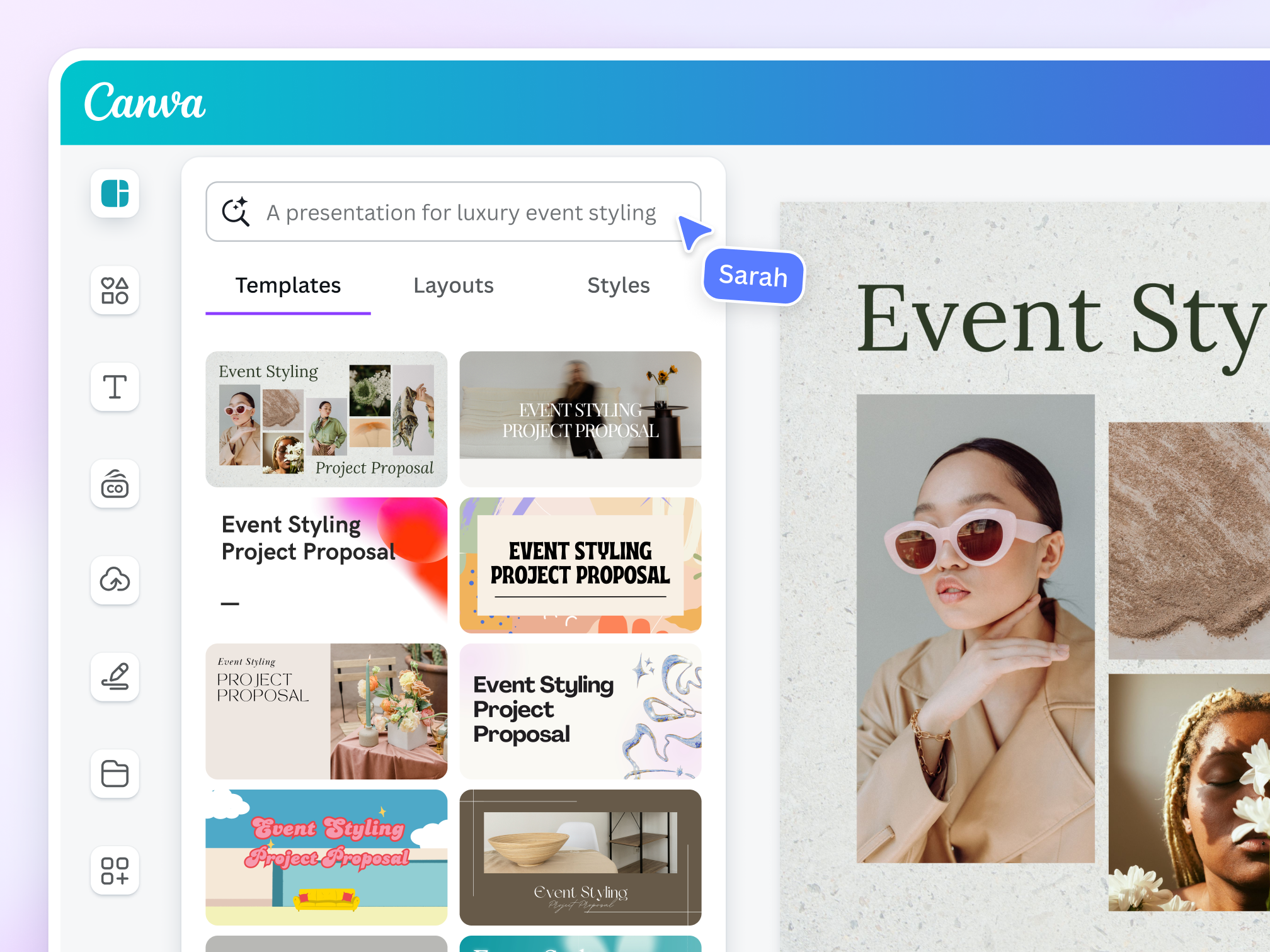
Canva is the obvious pick for non-designers and marketing teams who need volume more than artistry. Magic Studio bundles Magic Write, Magic Edit, background remover, and template-aware generation into the existing Canva editor.
| Attribute | Detail |
|---|---|
| Maker | Canva |
| Best for | Social posts, decks, ads, marketing collateral at scale |
| Pricing | Free tier; Pro $14.99/mo; Teams $14.99/seat/mo |
| Standout strength | Speed, templates, drag-and-drop AI features inside a familiar editor |
| Limitations | Output can look templated; limited control compared with pro design tools |
| Ideal use case | 10 social variants from one brief, sales decks, ad creatives |
Figma AI
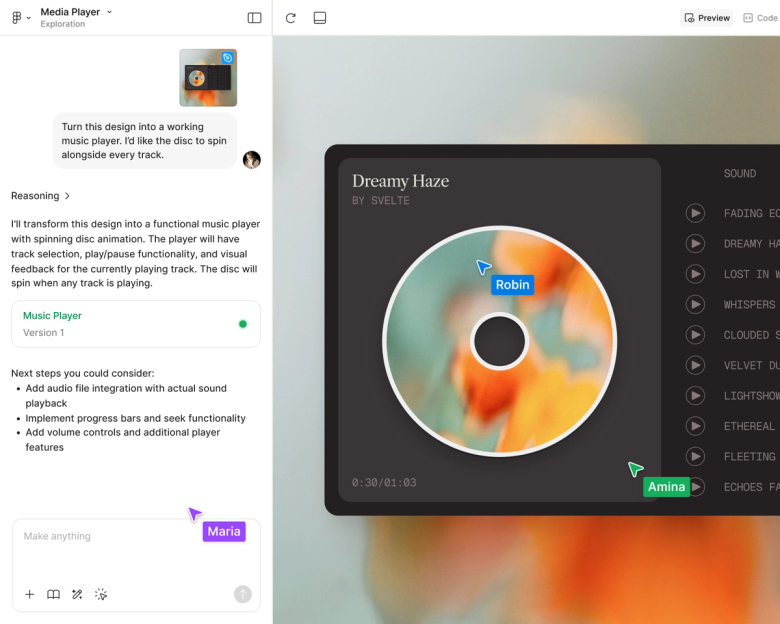
Figma AI handles the UI/UX and design system end of the stack. The features are component-aware, which means generated screens slot into existing design tokens rather than landing as disconnected images.
| Attribute | Detail |
|---|---|
| Maker | Figma |
| Best for | UI/UX, product design systems, prototyping |
| Pricing | Free Starter; Professional $15/seat/mo; Organization $45/seat/mo |
| Standout strength | Component awareness, design-token compatibility, real-time collaboration |
| Limitations | Less useful for marketing imagery; tied to Figma workflow |
| Ideal use case | Generating screen variants for an A/B test, building design system components |
Nano Banana (Google Gemini)

Nano Banana is Google’s flagship image model inside Gemini, optimized for conversational editing and multimodal reasoning. It excels when image work happens inside a longer chat about strategy, product, or content.
| Attribute | Detail |
|---|---|
| Maker | Google DeepMind |
| Best for | Conversational image edits, multimodal workflows inside Gemini |
| Pricing | Free tier in Gemini; Gemini Advanced (Google AI Premium) $19.99/mo |
| Standout strength | Iterative edits, strong instruction following, tight Gemini integration |
| Limitations | Newer ecosystem; less third-party tooling than Midjourney or Firefly |
| Ideal use case | Refining a product visual through five rounds of natural-language edits |
AI Video Tools
Two years ago, AI video meant a five-second clip with melting fingers and physics that argued with itself. By mid-2026, the same prompt produces native 4K with synchronized audio, multi-shot storyboards, and motion that holds up next to traditionally produced content for most short-form use cases.
The field also reshuffled fast. OpenAI announced in March 2026 that Sora’s consumer experiences would shut down on April 26, 2026, with the Sora API following on September 24, 2026. Teams that built on Sora are migrating to Veo, Kling, Runway, or Seedance.
Google Veo 3.1
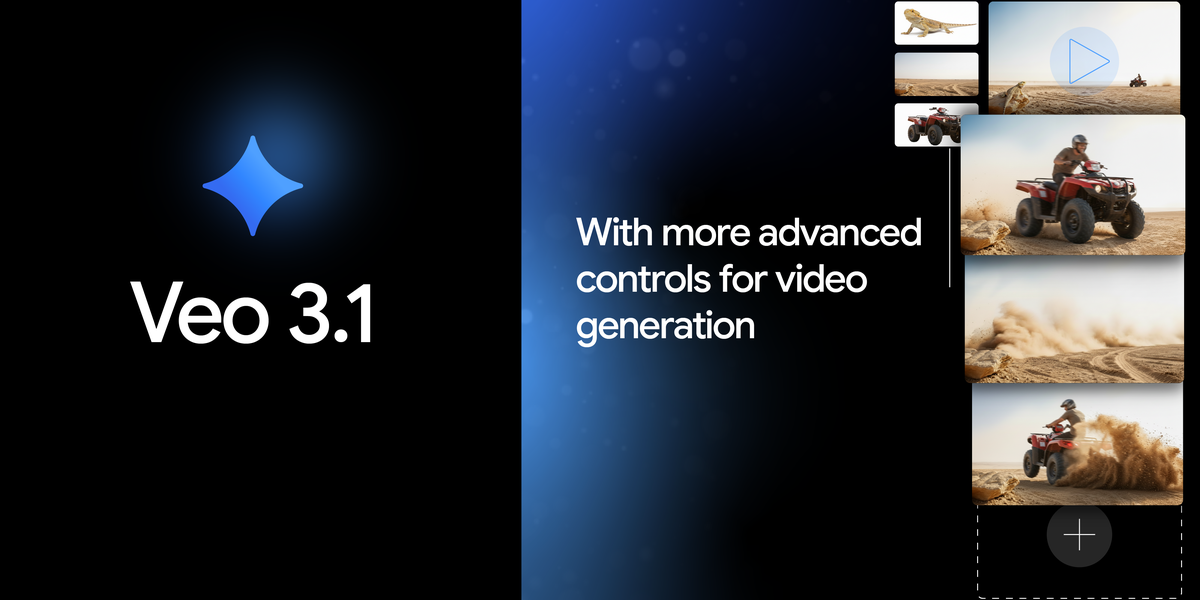
Veo 3.1 is the safest overall pick in 2026. It combines strong realism, good motion, and native audio in a way that feels more complete than most of the field, and it is the first model in this group with reliable native 4K output.
| Attribute | Detail |
|---|---|
| Maker | Google DeepMind |
| Best for | All-round cinematic video, ads with native audio, narrative scenes |
| Pricing | API from ~$0.15/sec (fast); access via Gemini Advanced and partner platforms |
| Standout strength | Native 4K output, strong prompt adherence, native synchronized audio |
| Limitations | Per-second pricing can add up; limited fine-grained camera control |
| Ideal use case | 30-second ad spots, establishing shots, narrative video with dialogue |
Runway Gen-4.5

Runway is the professional control surface of AI video. Where Veo wins on raw output, Runway wins on precision: motion brush, camera control, reference-driven character consistency, and a built-in NLE-style editor.
| Attribute | Detail |
|---|---|
| Maker | Runway |
| Best for | Client work, ads requiring tight control, reference-driven consistency |
| Pricing | Standard from ~$12/mo; Pro $28/mo; Unlimited and Enterprise above |
| Standout strength | Motion brush, camera control, integrated editor, access to Veo via Runway |
| Limitations | Output caps at 720p on standard tiers; credit system can be opaque |
| Ideal use case | Brand spots with specific character and camera direction, agency deliverables |
Kling 3.0
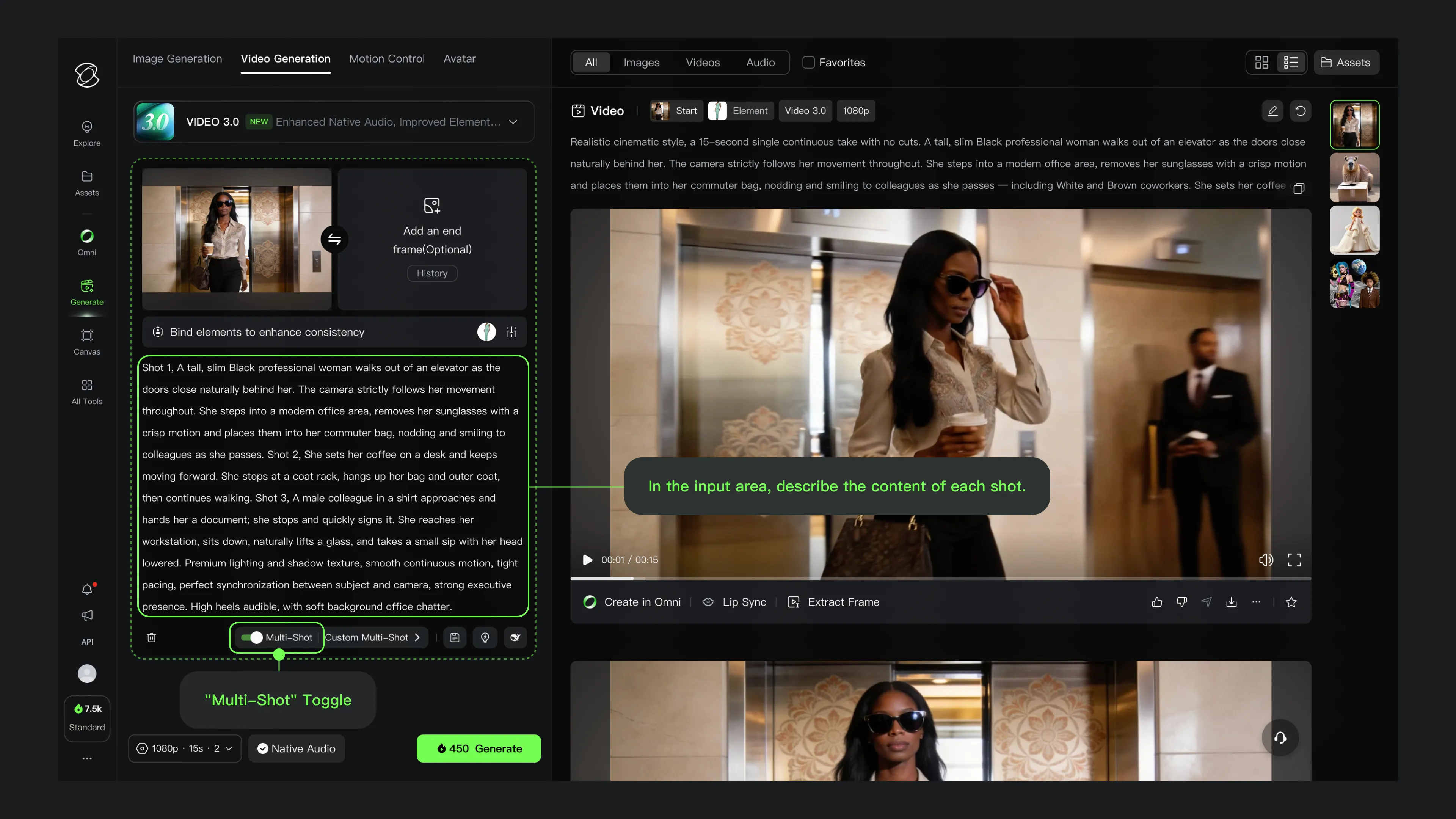
Kling 3.0, released February 2026, is the strongest value pick in the field. Its multi-shot storyboard mode lets a creator define an entire sequence with individual prompts and camera angles, then generate it as a coherent batch.
| Attribute | Detail |
|---|---|
| Maker | Kuaishou |
| Best for | High-volume iteration, motion-heavy work, value-conscious creators |
| Pricing | Free tier with credits; paid plans from ~$10/mo; ~$0.50/clip on paid |
| Standout strength | Native 4K, multi-shot storyboard, generous free tier, strong motion |
| Limitations | Newer ecosystem outside Asia; documentation still maturing |
| Ideal use case | Music videos, action sequences, social content needing many takes |
Seedance 2.0
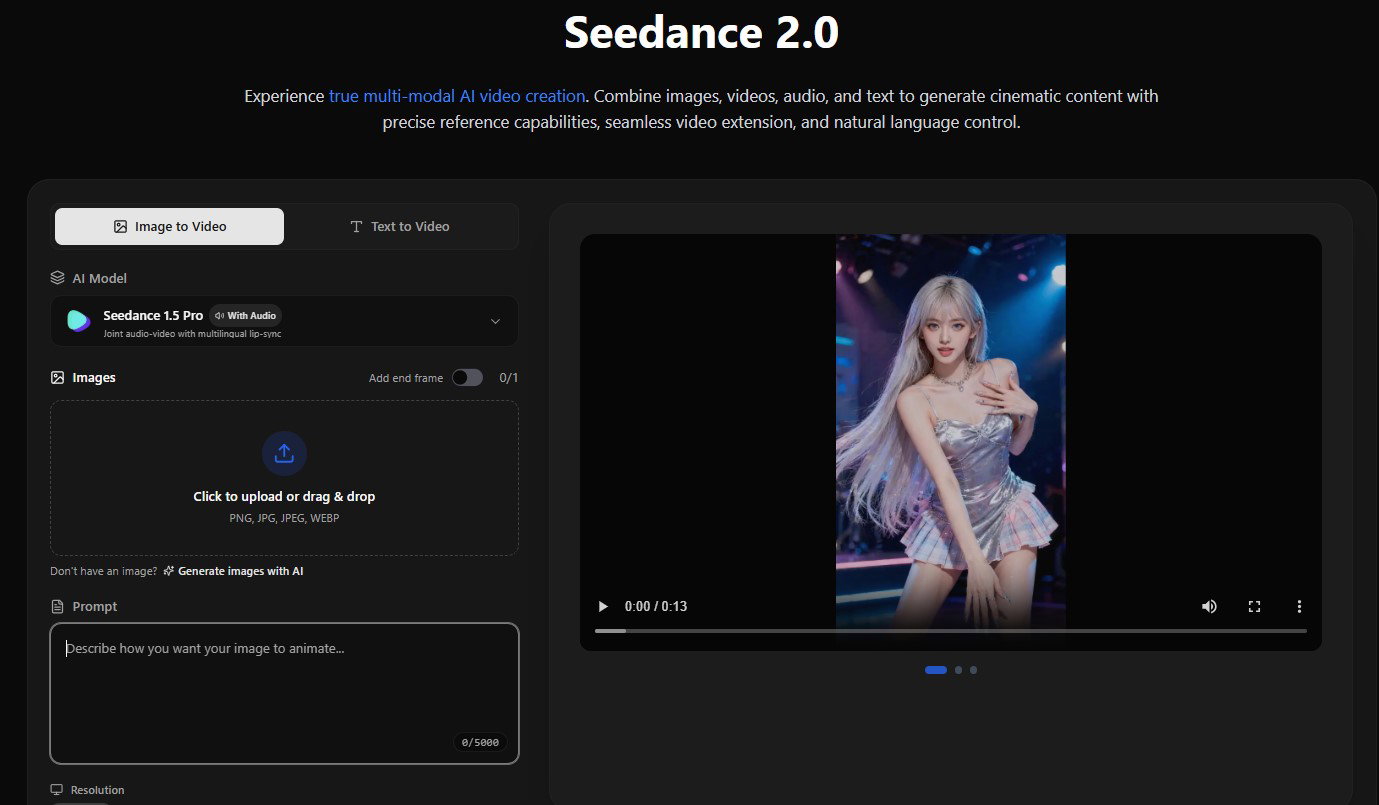
Seedance 2.0 has emerged as the model to watch for narrative content. Its unified audio-video architecture means the model effectively “hears” what it is generating, producing natural reverb, lip sync, and proximity effects in a single pass.
| Attribute | Detail |
|---|---|
| Maker | ByteDance |
| Best for | Narrative multi-shot content, image-to-video, audio-visual coherence |
| Pricing | ~$0.30/clip; access via API and partner platforms |
| Standout strength | Unified audio-video generation, 12 file inputs, native multi-shot |
| Limitations | Global rollout still expanding; ecosystem less mature than Veo or Runway |
| Ideal use case | Short narrative films, dialogue-heavy scenes, dramatic image-to-video |
Pika 2.5

Pika is the strongest pick for short-form social. Features like Pikaffects, Pikaswaps, and Pikaformance lip sync are built specifically for the playful, hook-driven content that lives on Reels, Shorts, and TikTok.
| Attribute | Detail |
|---|---|
| Maker | Pika Labs |
| Best for | Short-form social, playful effects, talking-image content |
| Pricing | Free tier; Standard $8/mo; Pro $35/mo; Unlimited $58/mo |
| Standout strength | Pikaffects and Pikaswaps for creative motion, fast renders |
| Limitations | Less suited to cinematic or long-form work; lower resolution caps |
| Ideal use case | Vertical hooks for Reels, meme-style videos, talking-image clips |
Synthesia
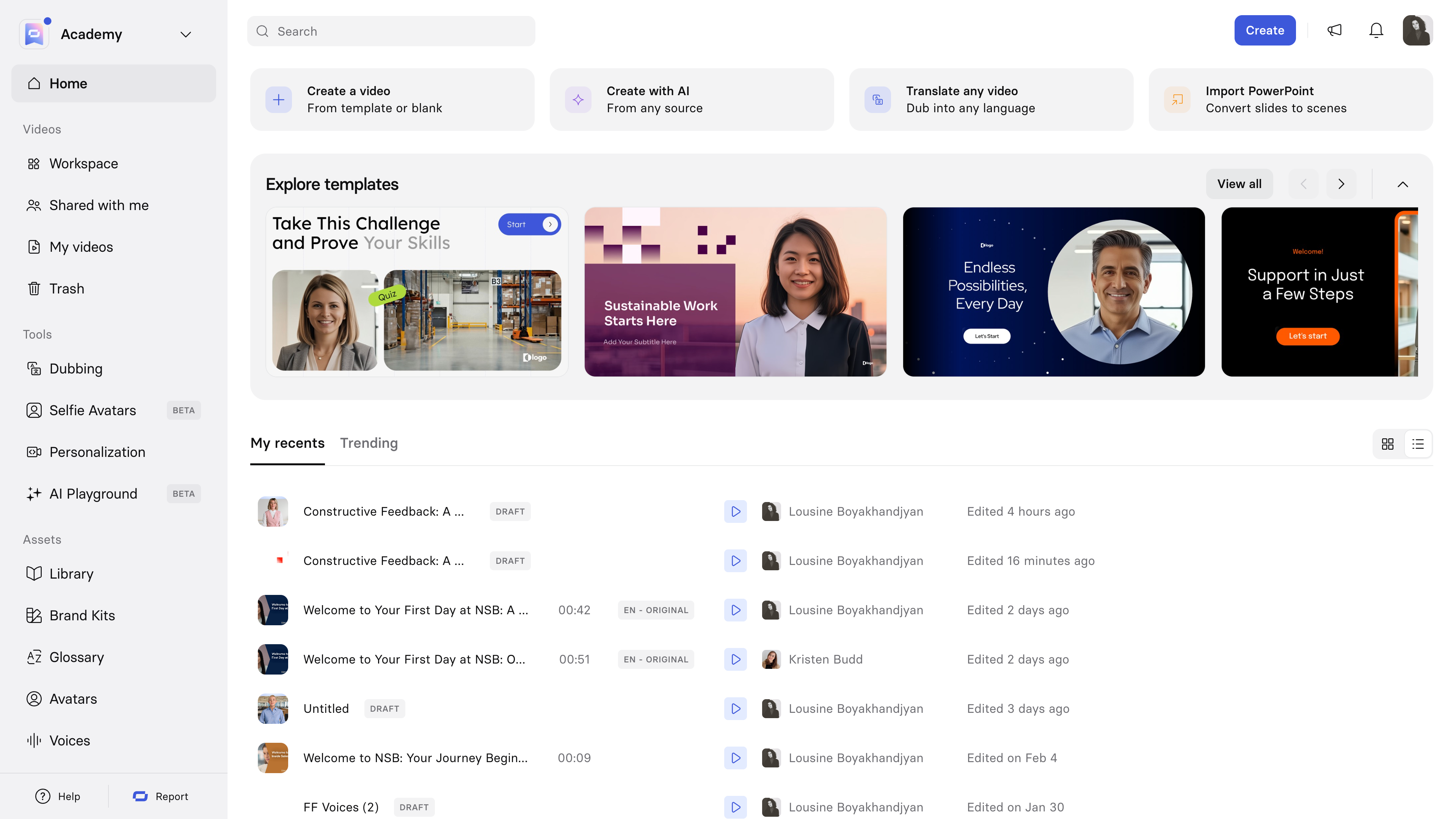
Synthesia is the dominant pick for avatar-led training, corporate communications, and localization. It generates videos from written scripts using AI avatars, with strong lip sync across more than 140 avatars and over 160 languages.
| Attribute | Detail |
|---|---|
| Maker | Synthesia |
| Best for | Training videos, internal comms, multilingual explainers, localization |
| Pricing | Starter $29/mo; Creator $89/mo; Enterprise custom |
| Standout strength | 140+ avatars, 160+ languages, strong lip sync, brand-safe output |
| Limitations | Not designed for cinematic or narrative video; subscription required |
| Ideal use case | Localizing a training course into 20 languages with one script |
HeyGen
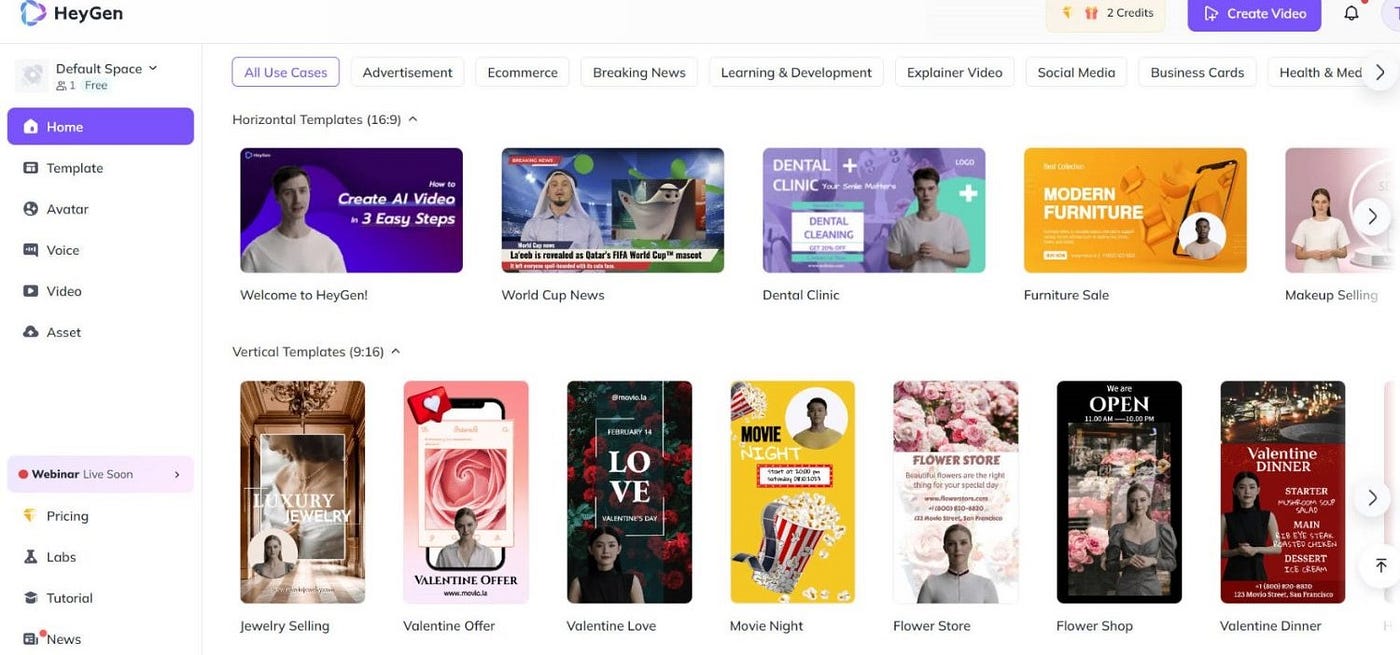
HeyGen competes directly with Synthesia and leads on personal avatar creation. Users can clone their own likeness and voice, which makes it popular with creators and sales teams who want personalized outreach at scale.
| Attribute | Detail |
|---|---|
| Maker | HeyGen |
| Best for | Personal avatar videos, sales outreach, content at scale with a clone |
| Pricing | Free tier; Creator $29/mo; Team $39/seat/mo; Enterprise above |
| Standout strength | Personal avatar cloning, voice cloning, fast turnaround |
| Limitations | Lower content guardrails than Synthesia raise misuse concerns |
| Ideal use case | Personalized 1-to-many sales videos, creator faceless channels with a clone |
Opus Clip
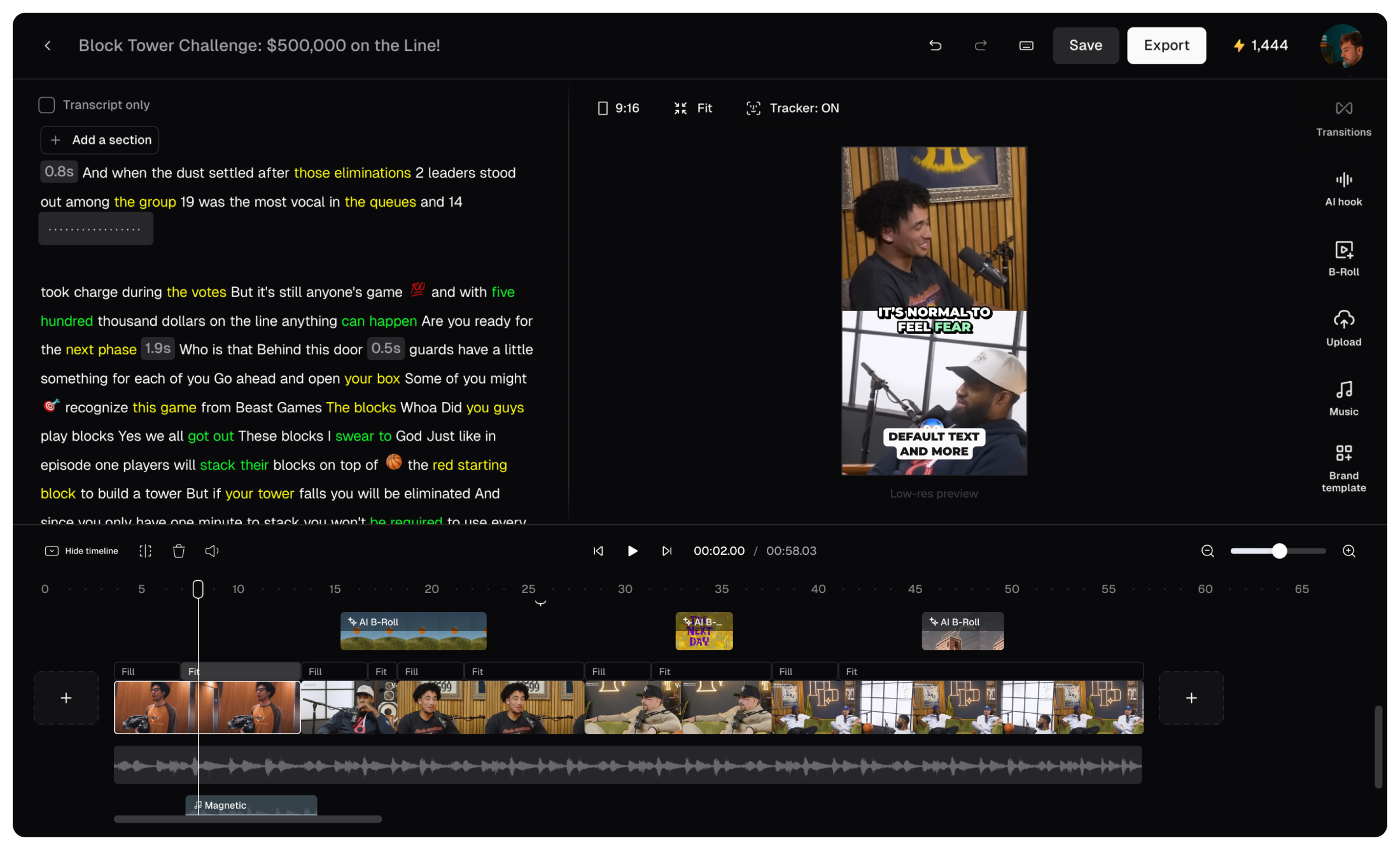
Opus Clip is the most popular tool for turning long video into short-form clips. It detects highlight moments in podcasts, webinars, or interviews and outputs vertical cuts optimized for each social platform.
| Attribute | Detail |
|---|---|
| Maker | Opus Clip |
| Best for | Repurposing long video into platform-specific shorts |
| Pricing | Free tier; Starter $9.50/mo; Pro $24/mo |
| Standout strength | Highlight detection, auto captions, platform-specific aspect ratios |
| Limitations | Depends on quality of source video; less control than manual editing |
| Ideal use case | Turning a 60-minute podcast into 20 vertical clips with captions |
CapCut
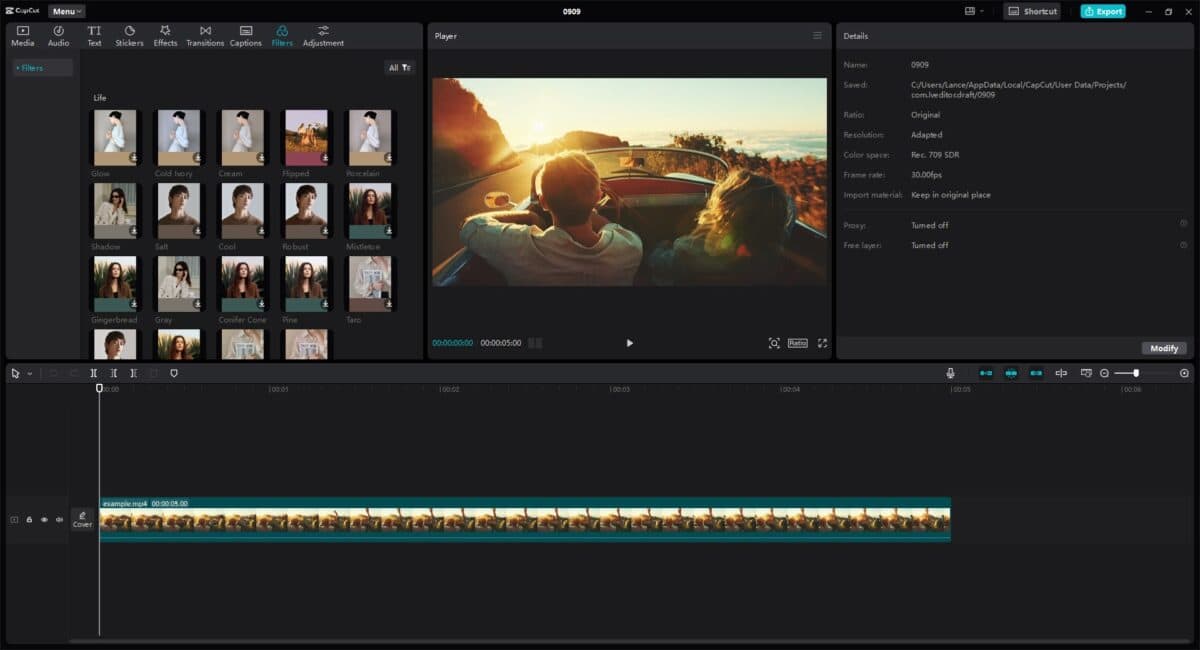
CapCut is the all-in-one consumer editor with a surprisingly strong free tier. AI features include background removal, captions, voice cloning, and template-based generation, all inside a full-featured timeline editor.
| Attribute | Detail |
|---|---|
| Maker | ByteDance |
| Best for | All-in-one editing with AI features, especially on mobile |
| Pricing | Free tier (generous); Pro $7.99/mo; Commercial $19/mo |
| Standout strength | Free tier covers most consumer use cases; tight TikTok integration |
| Limitations | Free version watermarks some exports; commercial use requires paid tier |
| Ideal use case | Edit-and-post workflow for solo creators on mobile, quick brand cuts |
Where Writing, Design, and Video Connect
The interesting layer in 2026 is not any single tool but the seams between them. A practical example helps.
A small SaaS team needs a launch announcement. A long-form post is drafted in Claude, with the SEO scaffolding shaped in ChatGPT and live competitor checks pulled through Perplexity. The featured image comes out of Midjourney for the hero, then Canva for resized social cuts. A 60-second explainer starts as a Veo 3.1 generation for cinematic establishing shots, moves into Runway for camera-controlled product close-ups, then runs through Opus Clip to spin off vertical versions for Reels, Shorts, and TikTok. Grammarly catches typos in captions before publishing.
A Sample AI Workflow
| Stage | Tools and output |
|---|---|
| 1. Idea | Brief, audience, outcome defined |
| 2. Writing layer | Claude / ChatGPT → long-form draft, scripts, captions |
| 3. Research layer | Perplexity / Gemini → live web grounding and citations |
| 4. Visual layer | Midjourney / Firefly / Canva → hero, social cuts, thumbnails |
| 5. Video layer | Veo 3.1 / Runway / Kling → core video assets |
| 6. Repurposing | Opus Clip / CapCut → vertical and platform variants |
| 7. Polish | Grammarly → caption and tone consistency |
| 8. Publish | Distribute across owned and social channels |
The skill that matters has quietly shifted from “can you use the tool?” to “can you design the handoff between tools?”
Building Your AI Stack
Not every creator needs every category at full strength. A tight starter stack costs surprisingly little.
| Profile | Writing | Design | Video | Approx monthly cost |
|---|---|---|---|---|
| Solo blogger or freelancer | Claude Pro | Canva Pro | CapCut + Opus Clip free | ~$35 |
| Marketing manager | ChatGPT Plus + Grammarly | Canva + Firefly | Runway Standard + Opus Clip | ~$90 |
| Content studio or agency | Claude Team + Jasper | Midjourney + Adobe CC + Figma | Veo via Runway + Synthesia | ~$300+ per seat |
| Founder shipping fast | ChatGPT Plus | Canva Pro | Pika + CapCut | ~$30 |
Two honest observations from teams running these stacks in production. Most overspending happens in the writing layer, because dedicated tools rebadge the same underlying APIs at three times the cost. Most underspending happens in the video layer, where teams try to force a single generator to handle work that needs two or three.
Common Mistakes to Avoid
A handful of mistakes show up in nearly every team that struggles with these tools.
The first is prompt hoarding. Building a saved prompt library that nobody else can read is the same problem as undocumented code. Treat prompts as shared team assets.
The second is chasing benchmarks instead of fit. The model that wins a leaderboard is rarely the model that fits a specific brand voice, render budget, or licensing requirement. Run real production prompts and judge the usable-take rate, not the demo reel.
The third is ignoring licensing. The legal layer around AI-generated commercial work is still settling, with more than 70 active infringement cases against AI companies and shifting EU AI Act transparency rules. Adobe Firefly, Veo, and Synthesia spell out commercial use terms clearly. Open-source models often do not. For client work, that gap can be expensive.
The Bottom Line
The interesting part of the AI tool conversation in 2026 is how unromantic it has become. The early days of “look what it generated” have given way to colder questions about licensing, integration, total cost of ownership, workflow fit, and whether a given tool will still exist twelve months from now. That maturity is good news. Tools that survive this phase tend to be the ones that solve real bottlenecks, not the ones that demo best on a stage.
That is also why learning platforms matter more now. As AI tools become more specialized, the real advantage is not simply knowing which tool exists, but knowing how to use it with judgment. Platforms like Timtis fit into that shift by helping users build practical understanding instead of chasing every new launch.
Pick fewer tools than feel exciting, learn the seams between them, and judge them by the work that ships rather than the work that could.
Comments