Table of Contents
I spent most of a month feeding the same twelve scenes through image models and trying to sneak the results past people who would notice. A friend who shoots weddings. My designer, who colour-corrects all day. A group chat that treats spotting fakes as a sport. My rule was blunt: a picture only counted as passing if nobody flagged it on the first look and it held up when they pinched to zoom.
Most of my early attempts did not survive. Skin went to candle wax. A hand grew a sixth finger that nobody ordered. A shop sign in the background spelled a word that has never existed in any language. What surprised me was how rarely the whole image was wrong. It was almost always one honest tell hiding inside an otherwise believable frame. This is the guide I wish someone had handed me on day one: not a bag of prompts to paste, but the real reasons AI photos read as fake and the exact steps that quietly repair each one.
What passing as real actually means
Pretty is easy now. Any model will hand you a glossy, cinematic frame in one shot. Passing is a different bar, and it is not about beauty. A photograph passes when every part of the frame agrees that a single camera captured a single moment. The light on the cheek matches the shadow on the wall. The reflection in the eye matches the window lighting the room. The lens that blurred the background is the same lens that rendered the face.
The core idea Realism is consistency, not perfection. The moment one region of the image belongs to a different photograph than the rest, a viewer feels it before they can explain it. Your whole job is to remove those disagreements. |
The tells that give a fake away
After a few hundred rejects, the failures sorted themselves into a short list. Learn to scan for these seven and you will catch the large majority of unusable frames before anyone else sees them.
| The tell | Why it happens | The quick fix |
|---|---|---|
| Waxy skin | The model averages texture into a uniform surface, so pores, fine lines and colour variation vanish. | Ask for natural skin texture and restrained retouching. Never ask for flawless or perfect. |
| Hands and fingers | Hands sit in thousands of positions the model has weak data on, so counts and joints drift. | Keep hands partly hidden, or fix them locally instead of regenerating the whole frame. |
| Text and logos | Letters are shapes to a diffusion model, not language, so signs and labels garble. | Assume any wordmark is wrong. Restore it by hand or crop it out of frame. |
| Eye catchlights | Each eye can pick up a reflection from a different imaginary light source. | Check both eyes share the same catchlight shape and position, or repaint one. |
| Light and shadow disagree | A subject dropped onto a new background keeps its old shadow direction and softness. | Match shadow angle and edge softness to the new scene before you call it done. |
| Background geometry | Straight lines bend, tiles multiply, furniture melts where attention was low. | Keep backgrounds simple and softly out of focus, then scan the edges for warping. |
| Too much symmetry | Models nudge faces toward an idealised, mirrored average that looks polished but off. | Preserve natural asymmetry. One eyebrow always sits a little higher than the other. |
The seven failures behind most obvious AI photos, and the fastest route out of each.
The eyes and hands do the most damage because that is where a viewer's attention lands first. Everything else is a slower burn, the kind of wrongness a designer catches at full zoom even when a casual scroll misses it.
Start from a real frame, not a blank prompt
The single change that lifted my pass rate more than any prompt trick was refusing to invent from nothing. A model is far steadier at editing a real photograph than at conjuring one from a sentence, because a reference hands it real geometry, real colour and real light to preserve rather than guess. Even a decent phone snap beats a paragraph of adjectives.
The four-step base workflow
1. Source one honest reference. A sharp, evenly lit shot of the real subject. This is the anchor the model builds on, so a weak input becomes a weak output every time.
2. Handle the background as its own step. Cut the subject out cleanly first, then place it. Doing removal separately keeps the edges crisp instead of smearing hair and shoulders into a generated scene.
3. Edit, do not reinvent. Change the light, the setting and the framing. Do not let the model redraw the subject into a smoother stranger who happens to resemble them.
4. Move in small variations. Once a frame reads right, shift one thing at a time: a softer background, a warmer key light, a different shirt. Changing everything at once is how identity drifts.
For portraits especially The reference-first habit matters most with faces. Feed the model two or three clear, recent photos taken in similar light, and tell it plainly what to preserve: real face shape, eye spacing, age and natural asymmetry. You are asking for a better photograph of the person, not a smoother stranger who happens to resemble them. |
Pick an engine that can actually hold detail
Tools split into two layers that people constantly confuse. The bottom layer is the raw generation model that makes the pixels. The top layer is the app wrapped around it that handles cutouts, white backgrounds and batching. Realism lives mostly in the bottom layer, so choose the engine first. Here is how the ones I tested actually behaved, not how their landing pages describe them.
| Engine | Free to try | Strongest at | What to watch |
|---|---|---|---|
| Nano Banana (Gemini) | Yes, via Gemini | Holding a subject steady across edits, product work, same item in a new scene | Embeds a SynthID watermark, so origin is detectable |
| FLUX | Limited free routes | Photoreal skin and lighting, an open engine you can run or rent | Base model needs a good prompt to avoid a generic look |
| Midjourney | No, paid only | Cinematic, atmospheric frames straight out of the box | Its house style can read as too polished to be candid |
| SeaArt AI | Daily free credits | Huge model library, inpainting without a top tier, character LoRAs | Busy interface, photoreal a notch below FLUX or Midjourney |
| Leonardo AI | 150 tokens a day | Clean commercial visuals with clear licensing for client work | High-quality toggles burn tokens fast |
| Dezgo | Unlimited at 512px | Fast, cheap testing with no account and pay-per-image after | Free output is small, interface feels dated |

The Gemini workspace, home of the Nano Banana image models, which held subjects steadiest across edits in testing.
For most photoreal work I kept returning to Nano Banana for anything that had to stay faithful to a real object, and to FLUX when I wanted skin and window light that did not announce itself. Midjourney is the one I open when a frame can afford to look a little cinematic, and SeaArt AI is where a large model library and cheap inpainting earned their place. If you generate in bursts rather than in batches, weigh a pay-per-image engine before you commit to a subscription, because the credit maths decides your real monthly cost far more than the sticker price does.
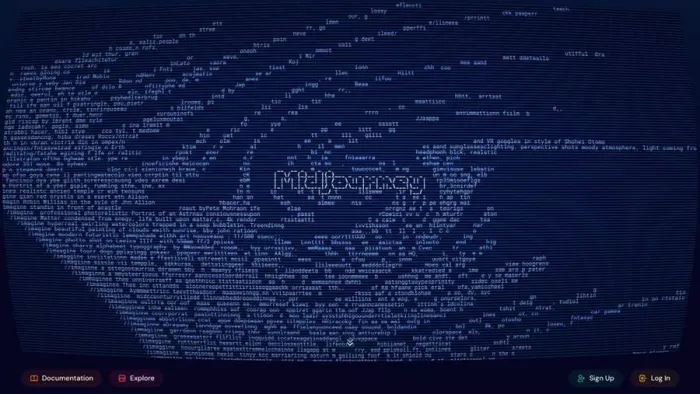
Midjourney's web workspace. Its frames arrive cinematic out of the box, which is a strength and, for candid realism, sometimes a tell.
Prompt like a photographer, not a poet
Weak prompts lean on adjectives. Ultra realistic, high quality, masterpiece. Those words tell the model almost nothing about how a photograph should look. A strong prompt describes a real setup a photographer could have walked into. I started thinking in layers, and the frames stopped looking generated.
| Layer | What it controls | Write something like |
|---|---|---|
| Subject and identity | Who or what, and what must be preserved | preserve real face shape, age and natural asymmetry |
| Framing | Crop and camera height | shoulders-up composition, eye-level camera |
| Lens and perspective | How depth and proportion read | 85mm portrait perspective, moderate shallow depth of field |
| Light source | Where the light lives and how hard it is | soft window light from camera left, gentle shadow falloff |
| Surface and film | The photographic texture of the image | natural skin texture, subtle film grain, restrained retouching |
| Deliberate imperfection | The candid detail that sells it | slight stray hair, one catchlight, uneven natural expression |
Build the prompt in this order and the model has fewer gaps to fill with cliches.
A LAYERED PROMPT IN PRACTICE Create a photorealistic portrait of the uploaded person. Preserve their real face shape, eye spacing, skin tone, age and natural asymmetry. Shoulders-up composition, eye-level camera, relaxed expression with a slight natural smile. Soft directional window light from camera left with gentle shadow falloff on the opposite cheek. 85mm portrait perspective, moderate shallow depth of field, natural skin texture, subtle grain and restrained retouching. |
The useful part of that prompt is not the word photorealistic. It is naming one coherent light source, one lens, and the small imperfections a real frame would carry. When you need the same face across many frames, resist the urge to rewrite the whole prompt each time. Lock the identity and the setup, then change one variable at a time, so the person stays stable while the scene moves around them.
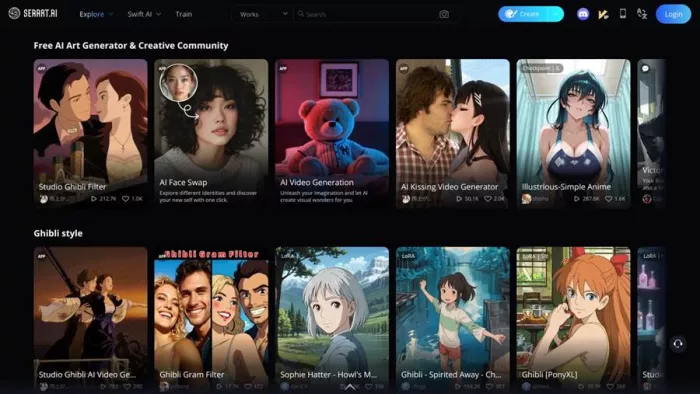
SeaArt AI pairs a large model library with inpainting on lower tiers, which makes local fixes cheap enough to actually use.
The finishing pass that seals it
Almost no frame passed straight out of the generator. The believable ones came from a second pass on the top layer, the app that cleans edges, fixes one broken region and matches a subject to a new scene. Pick these by what you are shipping, not by the flashiest demo.
| Tool | Best for | Why it fits |
|---|---|---|
| Photoroom | Small sellers, mobile edits | Fast, clean background removal and brand kits, phone to desktop |
| Claid | High-volume catalogs | Batch cutouts and scene generation with consistent, even output |
| Pebblely | Quick lifestyle backgrounds | Upload a subject, describe a scene, get usable marketing frames |
| Pixelcut | Mobile-first social assets | Quick creator-style edits for social and marketplace on the phone |
Finishing tools that carried their weight in testing.
When a frame is 90 percent there Do not regenerate a good image because one region is wrong. Inpaint or mask that single area and leave the rest untouched. Rolling the dice on a fresh generation is the cycle that trades one flaw for two, and it slowly drags the subject away from the version you already liked. The closer a frame gets to done, the smaller your corrections should be. |
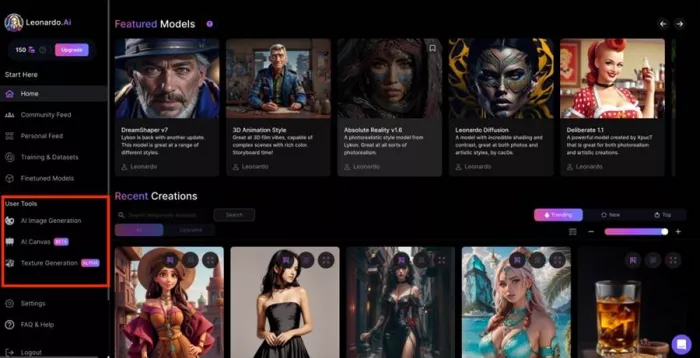
Leonardo AI wraps generation in a design-grade editor with clear licensing, which is why it earns a place for client-facing work.
The 60-second check before you export
This is the habit that changed my hit rate more than any tool. Before an image leaves my screen it gets one minute at full resolution, top to bottom. Fifteen seconds of it lives on the eyes and hands. If a frame fails any line below, it does not get a pass on charm. It gets fixed or it gets cut.
☐ Zoom to 100 percent. Skin has real texture, not a waxy sheen. ☐ Both eyes share the same catchlight shape and direction. ☐ Hands have five fingers with joints that bend the right way. ☐ Any visible text is real words, or it is cropped out. ☐ Shadows fall in one direction and match the light source. ☐ Hair edges are clean, with no halo or melt into the background. ☐ Background lines stay straight, with nothing warped or repeating. ☐ The face still reads unmistakably as the real person. |
Where AI still cannot pass
Being honest about the ceiling matters, because pushing past it is how listings get pulled and portraits get spotted. Four situations still beat the current models more often than not, and I stopped fighting them.
Handle these by hand or not at all Dense printed text. Packaging, book spines, street signs at readable size. Restore these manually every time. Fine reflective hardware. Watch links, buckles, jewellery clasps and glasses hinges fall apart at zoom. Exact colour. For apparel and beauty, a shade that drifts even slightly drives returns, so check against the physical item. Real, known faces. Recreating a specific public person is both the least reliable and the most likely to cause real harm, so it stays off the table. |
For everything else, the honest number from my test was that roughly two thirds of scenes reached a genuinely convincing frame, and the last third got to about 80 percent before a human finished the job. That last stretch is not a flaw in the tools. It is the work.
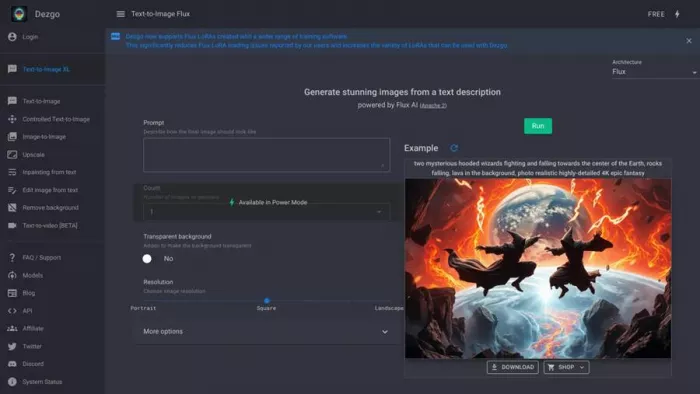
Dezgo stays deliberately simple: no account, unlimited small images, which made it my scratchpad for testing a prompt across models.
Label it when it counts
Making an image pass a human is a craft question. Whether you should let it pass silently is a different one, and increasingly a legal one. Origin is becoming detectable whether or not you disclose it, so the safe habit is to keep edits honest and disclose where the context calls for it.
| Signal | What it is | Why it matters to you |
|---|---|---|
| SynthID | An invisible watermark embedded by Google's image models | Frames from Gemini and Nano Banana carry a detectable origin mark |
| C2PA | Content credentials written into a file's metadata | Some tools attach provenance data that follows the image around |
| EU transparency | Disclosure rules for AI-generated or manipulated media | If you sell or publish to EU audiences, treat full scene generation as in scope |
Provenance signals worth knowing before you publish widely.
The practical read is simple. Cleaning up light or removing a background sits close to ordinary editing. Generating a whole synthetic scene sits closer to manipulated content. When your image could mislead a buyer or a reader about something real, disclose it and keep the underlying subject accurate.
VERDICTFinal verdict, after a month of trying to fool people My honest take is that AI images are ready to pass as real photography for a large share of everyday work, and still not ready to be left alone. The frames that fooled my wedding-photographer friend were never the ones I generated fastest. They came from one honest reference, a background handled as its own step, a prompt that named a single light and a single lens, and a finishing pass that fixed one region instead of rolling the dice again. The pattern behind every failure was the same. I had asked for perfect and the model gave me perfect, which is exactly what real photographs are not. The moment I started asking for a believable photograph rather than an impressive one, with texture, asymmetry and a light that made physical sense, the pass rate climbed and stayed there. So if you take one thing from this, take the workflow, not a tool name. Real frame in. Background separate. One coherent setup. A human on the final pass, one full minute at full zoom. Do that, pick an engine that suits the job, whether that is Nano Banana for faithful product work or FLUX for skin and daylight, and you will make images that are not just impressive on your screen but quietly convincing in front of people who were trying to catch you. |
Comments