Table of Contents
I have had four of these tools open on the same laptop for most of this year: Cursor, Claude Code, GitHub Copilot and Windsurf. Some days they saved me an afternoon. Other days I spent that same afternoon undoing what they wrote. This is the honest version of what I learned about where the trust actually holds.
The real question is narrow: which jobs can you hand off, and which ones will punish you for trusting the machine? After months of real work, not toy demos, here is the map, with the numbers behind it.

The trust gap, in three numbers
In 2025, the nonprofit METR ran a randomized controlled trial with 16 experienced developers across 246 real tasks. They felt about 20% faster with AI. The stopwatch said they were 19% slower.
19% Slower on real tasks with AI, while feeling 20% faster (METR) | 84% Use or plan to use AI tools (Stack Overflow 2025) | 46% Actively distrust the accuracy of the output |
Positive sentiment dropped from roughly 70% to 60% in a single year. The biggest complaint, cited by 66% of developers, was code that is almost right, but not quite. That is the whole problem in five words: almost-right code is more expensive than obviously-wrong code, because you have to notice it first.
Where AI coding tools earn their keep
Trust it
• Boilerplate and scaffolding. Config, CRUD endpoints, test fixtures. Low stakes, easy to verify.
• Translation between languages. The logic is yours, the syntax is theirs.
• Explaining unfamiliar code. A wrong answer is cheap to catch.
• First-draft tests. You still write the edge cases that matter.
• Rubber-duck debugging. Something that talks back and spots the typo you read past ten times.
Verify hard, or don't
• Anything touching auth or payments. This is where models fail most quietly.
• Novel architecture decisions. They optimize for a plausible answer, not a considered one.
• Large refactors on mature code. The exact setting where METR measured a slowdown.
• Dependency choices. Suggested packages are an attack surface, not a convenience.
• Anything you cannot personally review. If you would not sign off by hand, you cannot sign off because a model wrote it.
The pattern is simple. These tools are excellent at work that is tedious but verifiable, and dangerous at work that is subtle and easy to wave through. For a longer read on how this reshapes your habits, this breakdown of how AI actually changes the way you write code lines up closely with what I saw.
The security problem nobody puts on the landing page

Veracode tested more than 100 language models across 80 real coding tasks in its 2025 GenAI Code Security Report. The result has not improved into 2026.
45% Of AI-generated code shipped an OWASP Top 10 flaw (Veracode) | 72% Failure rate for AI-written Java in the same tests | 56% Of orgs had a security incident tied partly to AI code (Snyk) |
Then the strangest failure mode: models sometimes import a package that does not exist. Roughly one in five AI-suggested packages are phantoms (open-source models around 21.7%, commercial closer to 5.2%). The fake names repeat, so attackers register them as real malicious packages on npm and PyPI and wait. The community calls it slopsquatting, and Endor Labs documented over 500,000 instances of models inventing package names.
| Mental model: treat every block of generated code as a pull request from a fast but unreliable contributor. Productive by the line, but not something you approve on trust. (A framing popularized by Martin Fowler.) |
Tool by tool: what each one is good at
Prices are individual-plan figures as of late 2026 and drift often, so treat them as directional.
| Tool | Best at | Trust level | Rough cost |
| Cursor | Everyday IDE work, multi-file edits, fast iteration. The most polished experience. | High, with review | Free tier; Pro ~$20/mo |
| Claude Code | Terminal-native agentic work: planning refactors, running commands, reasoning across files. | High for reasoning | From ~$17/mo; Max $100+ |
| GitHub Copilot | Lowest-friction entry, widest editor support, tight GitHub integration and IP indemnity. | Good for autocomplete | Free (2,000/mo); usage-based from June 2026 |
| Windsurf | Strongest usable free tier, unlimited tab completion, indexes large codebases. | Good, still maturing | Free tier; Pro ~$20/mo |
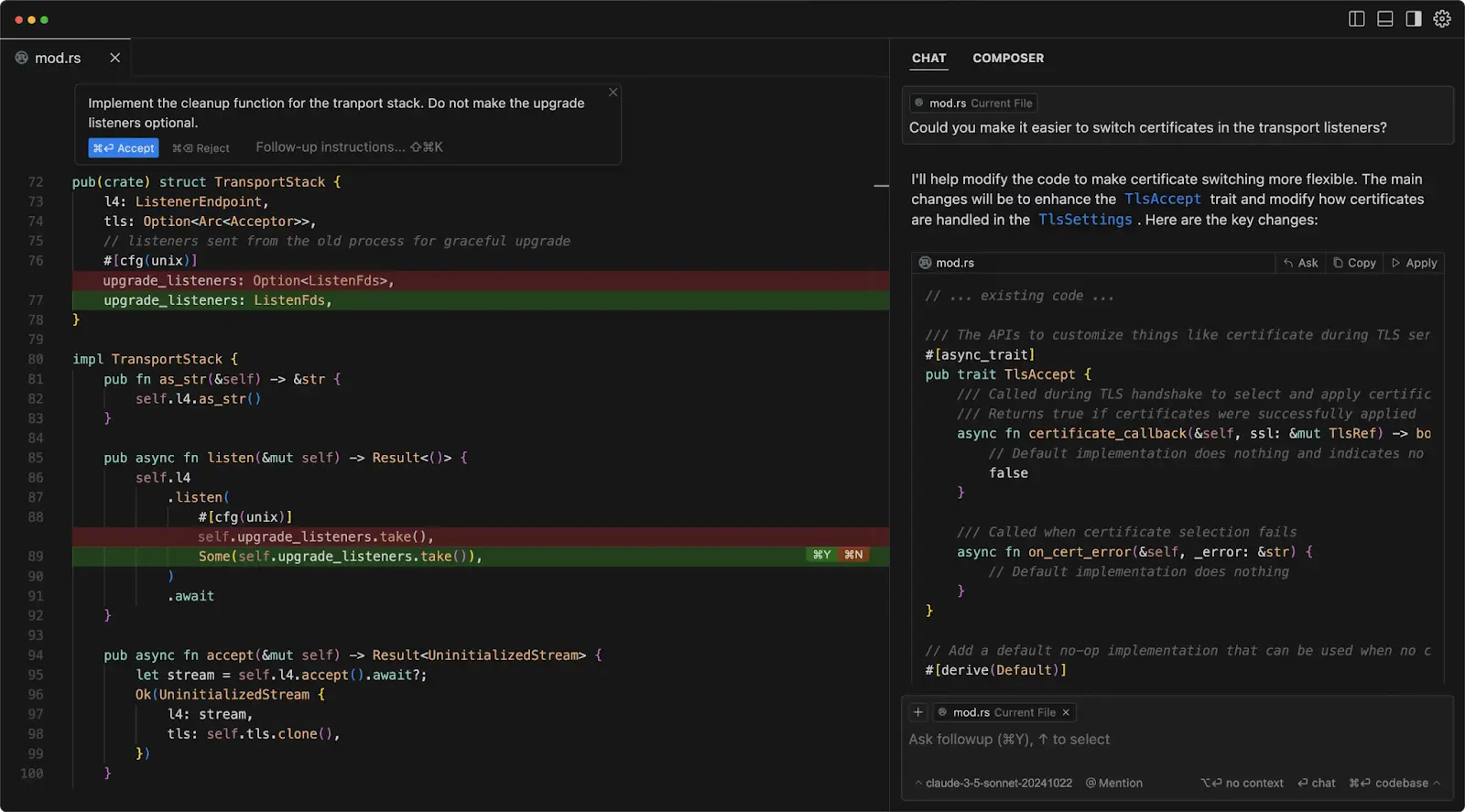
Cursor is the one I open without thinking. Claude Code is the one I trust with a plan before it touches anything. Copilot is the one I recommend to beginners. Windsurf is the one I point people to on a budget. None of them changes the review rule: the tool that writes the code never gets to approve it.
How to work with them without getting burned
1. Scope the task before you prompt. Vague requests are where almost-right code comes from.
2. Read the diff, every time. Not the summary of the diff. The diff.
3. Verify every new dependency by hand. Confirm it exists and is maintained before you install.
4. Run a security scanner on AI code, on every pull request.
5. Keep your own fundamentals sharp. You cannot review what you do not understand.
That last point matters more the longer you use these tools. GitClear's analysis found code duplication rising and refactoring dropping as AI use spread. For the practical version of staying in charge on a live project, this walkthrough on using Cursor without losing control of the code is close to the workflow I use daily.

Quick reference: trust by task type
| Task | Trust it? | Why |
| Writing boilerplate | Yes | Tedious, verifiable, low stakes |
| Generating first-draft tests | Yes | You still write the edge cases |
| Explaining code you inherited | Yes | Wrong answers are cheap to catch |
| Picking a library or package | No | Roughly 1 in 5 suggestions may not exist |
| Auth, crypto, payment code | No | 45% ship an OWASP Top 10 flaw |
| Big refactors on mature code | Only with heavy review | Context loss is where slowdowns appear |
| Architecture and system design | As a sounding board | Plausible is not the same as considered |
The verdict, after a year of living with them
I am not going back to coding without these tools. On a good day, Cursor and Claude Code take the boring 40% of my work and hand me back the afternoon. That part is not hype.
But the trust is conditional, and the condition is non-negotiable: I read everything they write. Every bad experience I have had, including a hallucinated package and a security bug that sat unnoticed for weeks, traced back to a moment where I trusted output I had not actually reviewed.
In 2026, AI coding tools can be trusted with your time. They cannot yet be trusted with your judgment. Keep the second one for yourself, hand them the first, and you will get almost everything the marketing promised.
Comments