I went into this expecting Frosting AI to be a throwaway. It is not. For a browser tool that asks nothing of your GPU, it produces clean anime linework and perfectly usable realistic scenes, and the 100 free credits a day were enough to finish a small webcomic cover project without paying a cent.
But after a couple of weeks of daily use, the pinch points became hard to ignore. Hands went wrong on roughly one in three portrait generations. Inpainting, the one feature that would let me fix those hands, is locked behind the top tier. And the moment I wanted a specific community checkpoint or a trained model of my own recurring character, Frosting simply had no door for that.
So I took the same handful of prompts to the competition. Every tool below was tested on its free tier first, and on a paid plan wherever the free tier was too restrictive to judge fairly. Where a tool had a real problem, billing or otherwise, I have said so.
Frosting AI at a glance
Frosting AI runs community Stable Diffusion checkpoints (Dreamshaper XL is the one you will see most) behind a tidy web interface, with a strong lean toward anime, furry and stylised character work.
| Engine | Stable Diffusion checkpoints, plus ControlNet on paid tiers |
| Free tier | 100 daily credits, negative prompts, community gallery |
| Paid tiers | Planet $7 (500 credits/day, upscaling), Star $25 (batch and higher resolution), Nebula $55 (reference images, style lock, video beta), Galaxy $120 (inpainting, Dreamchat, priority queue) |
| Batch | Up to 16 variations per run on paid plans |
| Content policy | Permissive adult content section, age-gated |
| Where it pinches | Hands and in-image text, no custom model training, inpainting only at $120, small model menu compared with community hubs |
Why people start shopping around
• You want a specific model. Frosting gives you a curated menu. Community hubs give you hundreds of thousands of checkpoints and LoRAs.
• You need editing, not just generation. Fixing a hand or swapping a background should not cost $120 a month.
• You want a consistent character. That means training a LoRA, which Frosting does not offer.
• You are cost sensitive. Pay-per-image tools can undercut credit subscriptions if you generate in bursts.
Quick comparison
| Tool | Free tier | Paid starts at | Model library | Train your own | Best for |
|---|---|---|---|---|---|
| SeaArt AI | Daily Stamina, resets each day | About $6/mo | 700,000+ community models | Yes (LoRA) | All-round Frosting replacement |
| Tensor.Art | 50 credits/day | $9.90/mo | 330,000+ resources | Yes, from 10 images | Character consistency |
| Civitai | Earn Buzz through activity | $10/mo (Bronze) | Largest hub on the web | Yes (LoRA) | Model hunters and tinkerers |
| Dezgo | Unlimited at 512x512, no signup | About $0.002 per image | 100+ models | No | Fast, cheap, no account |
| Leonardo AI | 150 fast tokens/day | $12/mo | Curated in-house models | Yes (up to 10 on Essential) | Polished SFW commercial work |
| Local SD (Fooocus / ComfyUI) | Free forever | Your GPU | Anything you download | Yes | Total control and privacy |
SeaArt AI: the closest all-round replacement
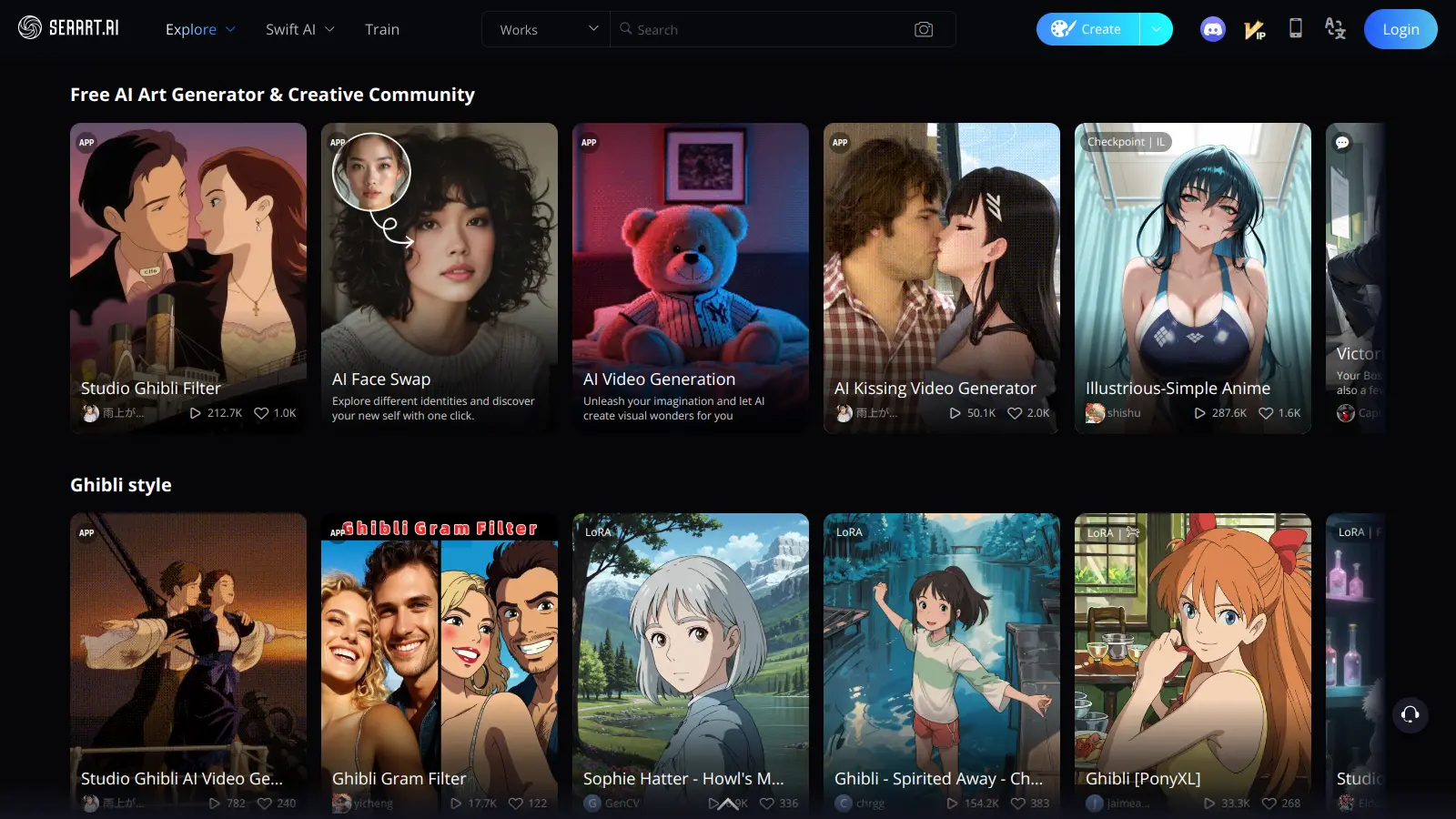
If you like Frosting's vibe but want more of everything, SeaArt is where I would send you first. Same category of tool, but the library is enormous and it has quietly grown into a full studio with video, cloud ComfyUI workflows and character chat bolted on.
| Free tier | Daily Stamina (refills every day, does not accumulate) plus a daily Lucky Box that drops extra Stamina or Credits |
| Paid | Entry plan under $6 a month in most regions; mid tiers land roughly in the $15 to $30 range depending on where you are. Credit packs bought since April 2026 are valid for two years |
| Cost per image | About 6 Credits for a standard image; video runs 30 to 90 Credits |
| Models | Flux, SD3, SDXL, Pony, Illustrious and 700,000+ community uploads |
| Editing | Inpainting, ControlNet, upscaling, LoRA training, cloud ComfyUI |
| Commercial use | Yes for your own generations; contact the creator before using another user's shared work commercially |
| Content policy | Tightened during 2025 and 2026; NSFW is blurred in the public gallery and some character types are now blocked |
What I liked • Anime and stylised output matched or beat Frosting on four of my five prompts • Inpainting is available without paying for a top tier • Model variety means you can find a checkpoint tuned for almost any style | What bugged me • The interface is busy: pop-ups, gacha style Lucky Boxes, promotional banners • Photoreal scenes still look slightly synthetic next to Midjourney or Flux Pro • Trustpilot has a meaningful cluster of complaints about auto-renewal on the three-day trial |
| Real-world scenario: An indie visual novel team could use SeaArt as their only art tool: train a LoRA on the cast, generate backgrounds with an SDXL checkpoint, fix expressions with inpainting. That whole workflow costs a fraction of Frosting's Galaxy plan. |
| Before you pay: Turn off auto-renew the moment you start the trial and screenshot the checkout page. Several users report renewals firing before the trial ended. |
Tensor.Art: best for a consistent character
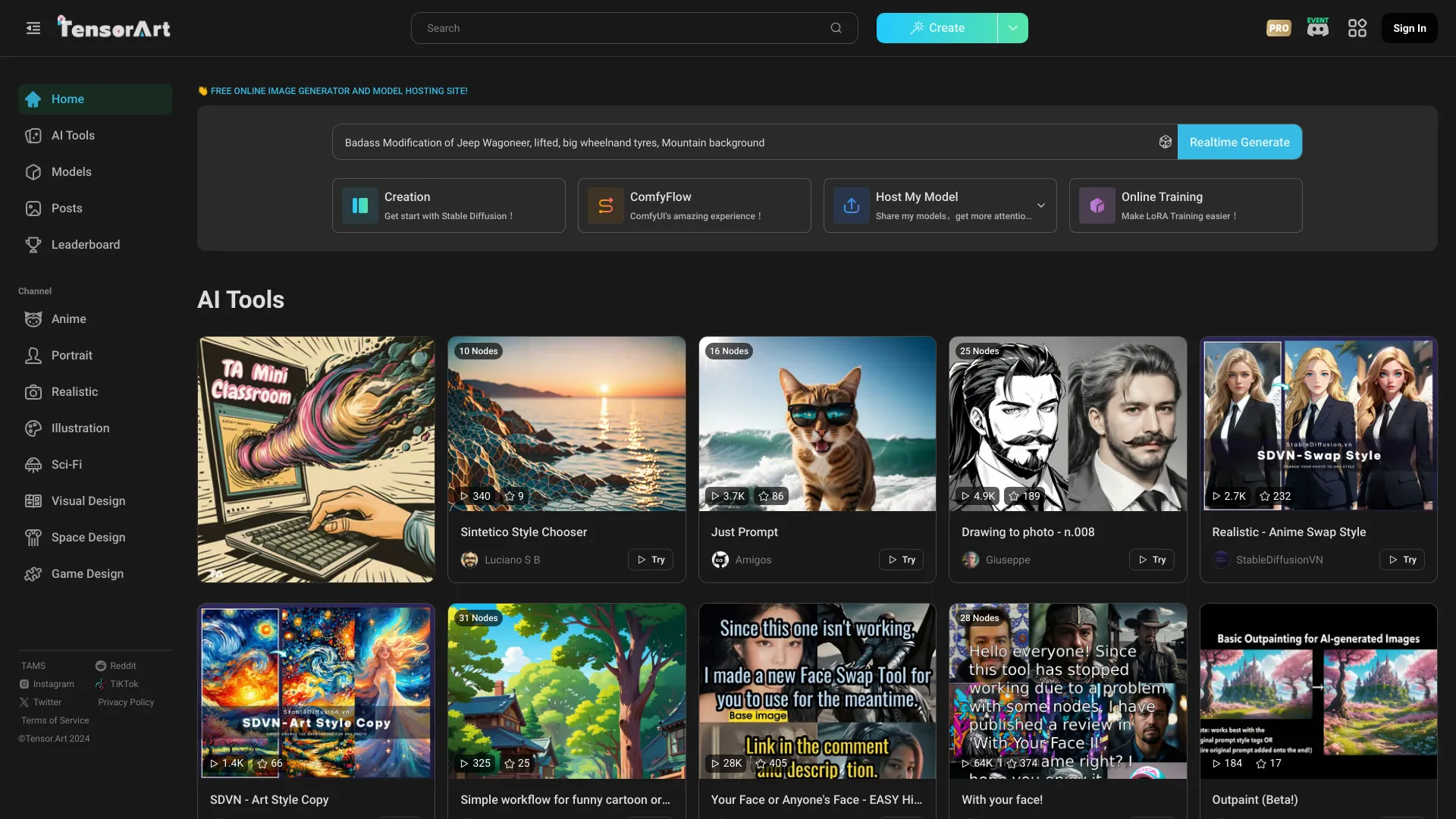
Tensor.Art is what I reach for when one character has to look like the same person across fifty images. Its cloud LoRA trainer accepts as few as ten reference images and still produces something usable, which matters when your character only exists in a handful of sketches.
| Free tier | 50 credits a day, one job at a time, 1536x1024 max, images kept for 14 days |
| Paid | Pro from $9.90/mo: 300 daily credits, 1,000 permanent bonus credits, 3840x2160 max, ten parallel jobs, 60-day storage. Credit packs from $9.90 for 3,000 up to $59.90 for 30,000 with no subscription |
| Cost per image | Roughly 1 credit at standard settings; more for high resolution or heavy samplers |
| Models | SD 1.5, SDXL, Pony, Illustrious, Flux, Wan and Qwen image; 330,000+ community resources |
| Editing | Inpainting, background removal, face swap, upscale, ComfyUI workflows |
| Training | LoRA training on 10 to 1,000 images; free plan allows one training task with up to 100 images |
What I liked • Cheapest reliable route to a trained character LoRA without owning a GPU • Generous free tier that is actually usable, not just a demo • Pro plan is one flat price rather than a five-rung ladder | What bugged me • Trained LoRAs are mostly meant to live on the platform; do not assume you can pull everything down for local use • LoRA files come out large, often over 400 MB, which matters if you do move them • Queue times stretch at peak hours on the free plan |
| Tip: Caption your training images with the trigger word plus three or four plain descriptors (outfit, hair, background). |
Civitai: for model hunters who want the biggest library
Civitai is where everyone downloads Stable Diffusion models, and its on-site generator is now good enough that many people never install anything. Browse a model, hit generate, and it runs in the cloud with ControlNet and inpainting. The catch is that Civitai has become complicated to pay for.
| Free tier | Browse and download almost everything free; earn Buzz (the site currency) through daily logins, posting and reviewing, then spend it on generation |
| Paid | Bronze $10/mo (10,000 Buzz), Silver $25 (25,000), Gold $50 (50,000). One-off Buzz packs at the same $1 per 1,000 rate |
| The Buzz colours | Yellow (purchased), Blue (earned or membership) and Green (for civitai.green, the safe-for-work mirror). Yellow Buzz is bought through Coinbase crypto because card processors pulled out; civitai.green still takes ordinary cards |
| What changed in September 2026 | Creators now set their own licensing fee per generation. The old flat compensation system was retired on 31 August 2026, so per-model costs vary more than before |
| Models | The largest Stable Diffusion and Flux hub on the web, plus eight video engines including Kling and Veo |
What I liked • If a community model exists, it is here, with sample images and the exact settings used • Generation cost is transparent per job before you click • Training LoRAs in the cloud without hardware | What bugged me • The three-colour Buzz system confuses nearly everyone at first • Crypto-only top-ups on the main site are a hard stop for some buyers • Moderation is looser than mainstream tools, which cuts both ways for professional use |
| Who this suits: The person who already knows what Pony and Illustrious are, and wants to try twelve different checkpoints on the same prompt before committing to one. If that sentence meant nothing to you, start with SeaArt instead. |
Dezgo: no account, no subscription, just images
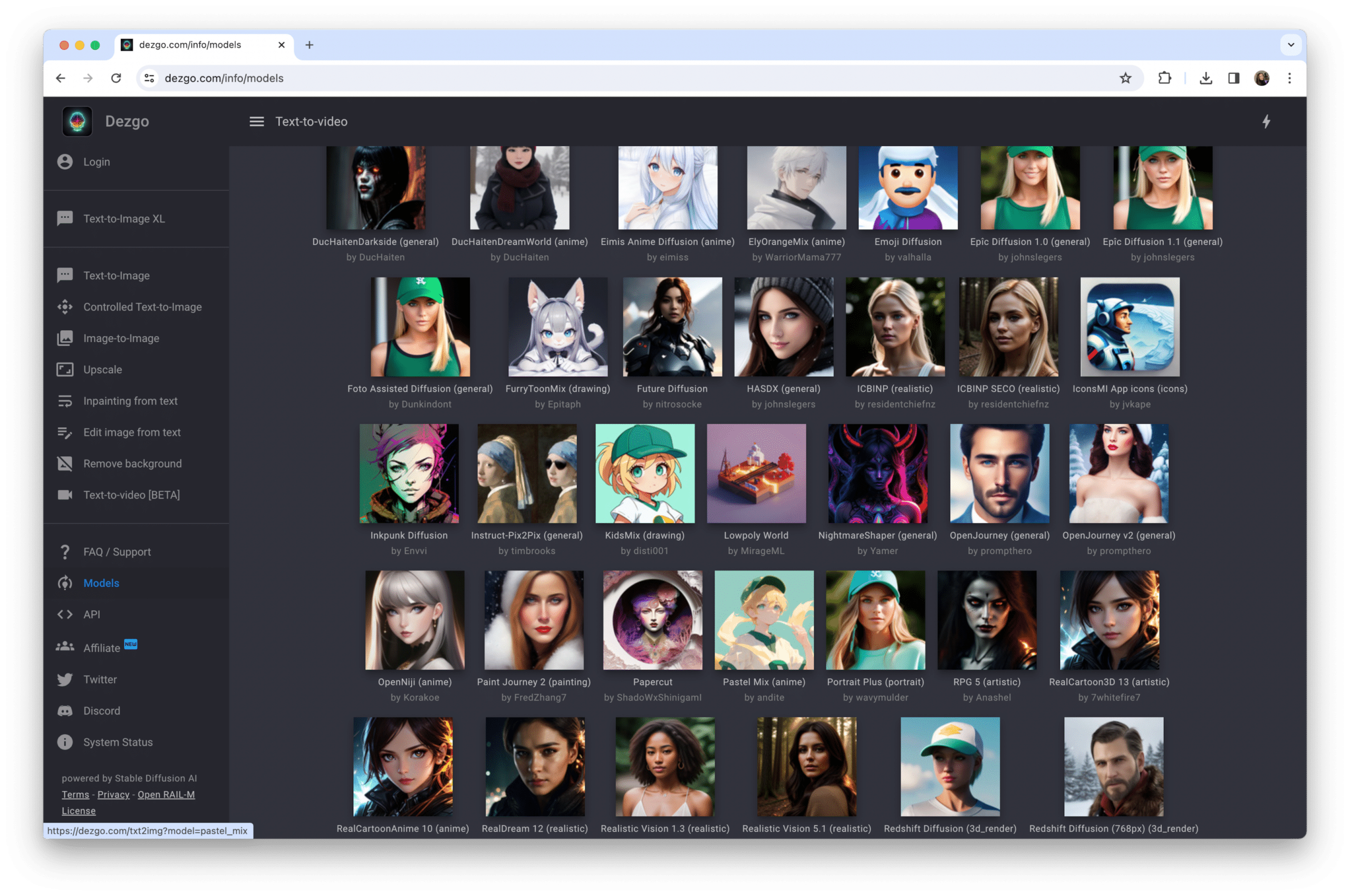
Dezgo refuses to play the credit game. Land on the site, type a prompt, get an image. No signup. The free tier caps you at 512x512 and shows ads, but never caps how many images you make. When you need more resolution, Power Mode charges per image from a prepaid balance that never expires.
| Free tier | Unlimited generations at 512x512, no account, no watermark, ControlNet included |
| Paid | Power Mode: pay as you go from roughly $0.002 per standard image, minimum $10 top-up, balance never expires |
| Models | 100+ including Flux, SDXL, SDXL Lightning and several video engines added in 2026 |
| Editing | Image-to-image, inpainting, upscaling, background removal (depth of editing is thinner than SeaArt) |
| Developers | REST API through RapidAPI from $2/mo, same per-image pricing, all models exposed |
| Commercial use | Granted on all outputs |
What I liked • Zero friction: it is the fastest way to test a prompt across many models • Pay-per-image is far cheaper than any subscription if you generate in bursts • The API is a gift for developers who need placeholder or thumbnail images at scale | What bugged me • The interface looks and feels like 2023 • 512x512 free output is too small for anything beyond drafts • No model discovery; you need to know what you want |
| Real-world scenario: A blogger who needs one featured image per post, three times a week, will spend well under a dollar a month on Power Mode. No Frosting plan comes close to that on a per-image basis at low volume. |
Leonardo AI: the polished pick for commercial and client work
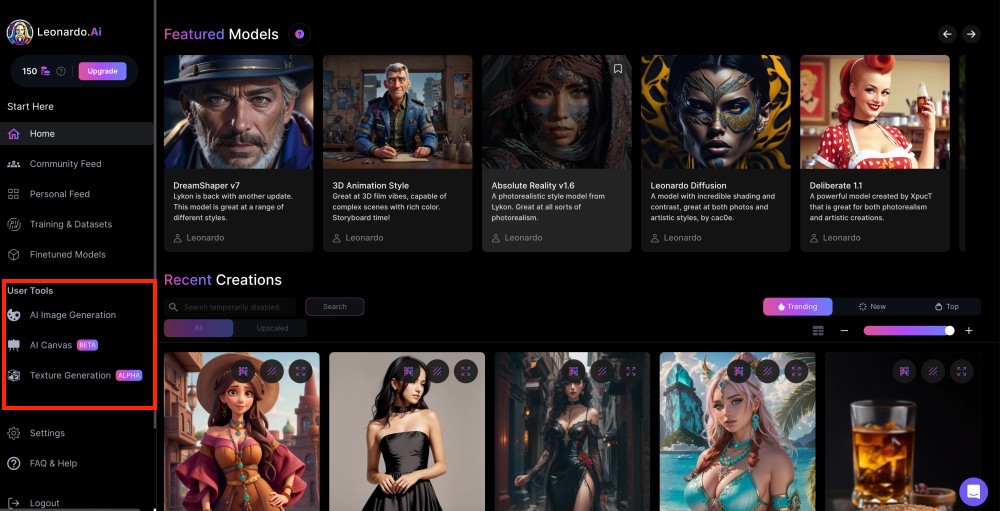
Leonardo is the least like Frosting on this list, which is exactly why it belongs here. Owned by Canva since 2024, it runs in-house models rather than a community hub, applies a strict content filter, and wraps everything in a design-grade editor. If your images end up in a client deck rather than a Discord server, this is the safer home.
| Free tier | 150 fast tokens a day, but generations are public and the free plan does not grant commercial rights |
| Paid | Essential $12/mo (8,500 tokens, private generations, up to 10 personal models), Premium $30, Ultimate $60. Team plans from $72 for three seats |
| Token maths | A default image is about 1 token; switch on Alchemy with PhotoReal and it can hit 16. Video costs far more. Budget by settings, not by image count |
| Models | Phoenix and Lucid in-house models, plus premium third-party video engines on higher tiers |
| Editing | Canvas editor with inpainting and outpainting, realtime sketch-to-image, upscaler, style references |
| Content policy | Strict, safe-for-work only |
What I liked • Best product mockups and clean commercial visuals in my test • Clear ownership terms on paid plans, which matters for client work • The canvas editor feels like a real design tool, not a bolt-on | What bugged me • Tokens vanish quickly once you touch the high-quality toggles • Anime and stylised character art is competent but not Frosting's equal • Not an option at all if your work is adult-oriented |
Run Stable Diffusion yourself with Fooocus or ComfyUI
Every platform above is a rented GPU with a web page in front of it. With a graphics card of 8 GB VRAM or more (12 GB is comfortable for SDXL and Flux), you can run the same models locally with no credits, no queue and no monthly bill.
| Option | Setup effort | Who it suits | Trade-off |
|---|---|---|---|
| Fooocus | Low: one installer, Midjourney-style prompt box | Beginners who want local generation without settings overload | Fewer knobs, slower updates |
| ComfyUI | Medium: node-based, more to learn | Tinkerers who want to reproduce Civitai workflows exactly | Node graphs can feel like plumbing |
| Automatic1111 / Forge | Medium: classic tabbed UI | People following older tutorials | Development has slowed compared with ComfyUI |
The honest cost is time and hardware. My mid-range card takes about eight seconds per SDXL image; a laptop without a discrete GPU is a non-starter. Generate hundreds of images a week, though, and the maths favours local within a couple of months.
Which one should you pick?
| If you mostly want | Go with | Why |
|---|---|---|
| The same Frosting experience with more models and cheaper editing | SeaArt AI | Same niche, bigger library, inpainting on lower tiers |
| One character drawn consistently across many images | Tensor.Art | LoRA training from as few as ten images |
| To try every community model under the sun | Civitai | Largest hub, generator built in, prompts visible on every gallery image |
| Cheap images in bursts, or an API for a project | Dezgo | Pay per image, no account, developer friendly |
| Clean commercial work with clear licensing | Leonardo AI | Private generations and ownership from $12 |
| No monthly bill and full privacy | Local Fooocus or ComfyUI | One-time hardware cost, unlimited output |
My verdict after two weeks of side-by-side use
Frosting AI is a good on-ramp, and I would still point a first-timer at its free tier. But I did not keep a Frosting subscription running, because two of its rivals do the same job with fewer strings.
SeaArt got the most of my time. Stylised output was equal or better, inpainting did not require the priciest plan, and the model library meant I stopped fighting the generator and started picking checkpoints instead. I dislike its interface and distrust its billing enough to keep auto-renew off, but on capability per dollar it is the replacement for most Frosting users.
Tensor.Art earned a permanent spot for character work. Training a LoRA from ten sketches and getting a recognisable face back felt like the moment the whole category finally delivered on its promise. Dezgo became my scratchpad for quick tests, because there is nothing to log into. Leonardo is the one I open when a client is paying, and Civitai is where I go to find out what everyone else is using before I commit.
If you take one thing from this: do not pay $120 a month to unlock inpainting anywhere. Every tool on this list gives it to you for a fifth of that, and two of them give it to you free.
Comments