Open a live Gimkit game with a class of twenty-eight, drop the join code on the board, and the room shifts in about four seconds. The chatter stops, the phones come out for the right reason, and even the students who usually slump start typing answers to afford a bigger money multiplier. That first-week reaction is why so many teachers keep a Gimkit tab open on test-review days.
Run it for a full semester, though, and a second side shows up. Some modes reward strategy and luck as much as recall, the sharpest modes sit behind a paywall, and the person steering the room has real levers to pull mid-game. This guide covers what a host controls, how Basic and Pro compare in 2026, what reviewers and working teachers report, and where live play actually fits a lesson. Prices and player limits below are checked against Gimkit's own help center as of this month.
Who can host Teachers | Cost to start $0 | Players, standard 500 |
Players, 2D modes 60 | Max game length 59 min | Student accounts None |
What a Gimkit host actually does
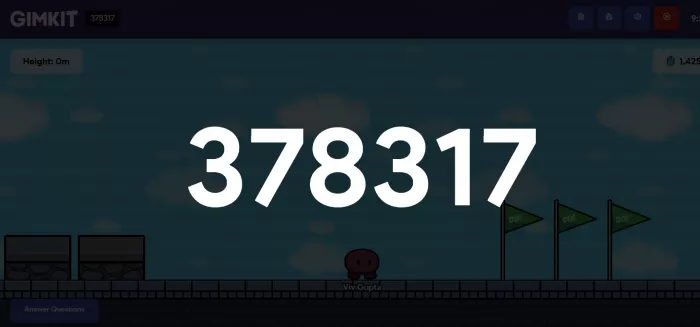
A host is the one person who builds the game, starts it, and steers it while it runs. Students never need an account. They open gimkit.com/join on any browser, type the game code, pick a name, and they are in. Everything else, the question set, the mode, the win condition, the music, and the live leaderboard, sits on the host screen.
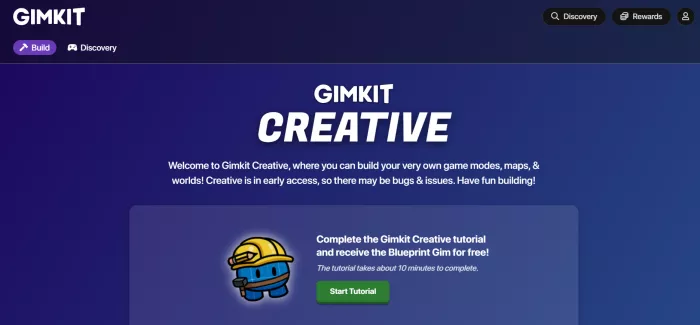
Every game is built from a Kit, which is simply a set of questions. One Kit can power a dozen different modes, so a single sharp review set on photosynthesis or the French Revolution can run as a fast money race on Monday and a team battle on Thursday with no rebuilding. Questions can be multiple choice or text input, written from scratch, imported from a spreadsheet, or copied from the public gallery.
How to host a live game in six steps
| 1 | Sign in and pick a Kit Log into your educator account, then choose a Kit you built, imported, or copied from another teacher. |
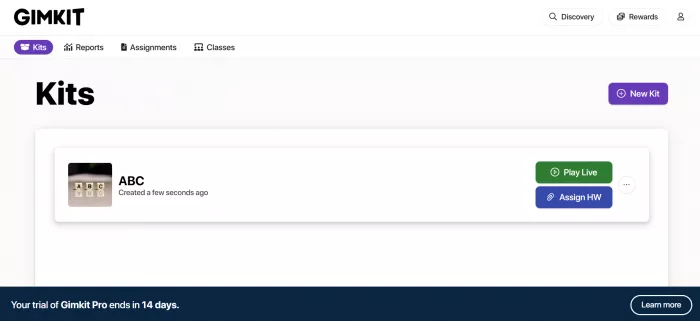
| 2 | Click Play Live This opens the mode picker, where the available game modes are listed. |
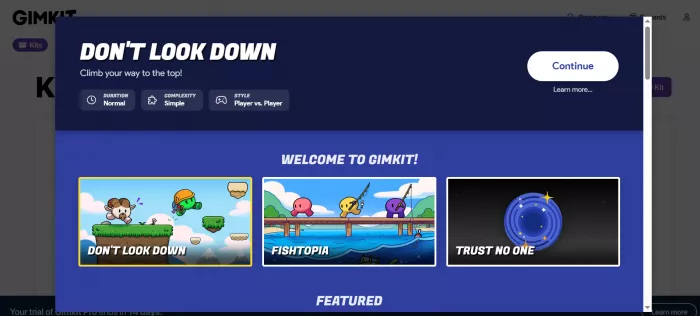
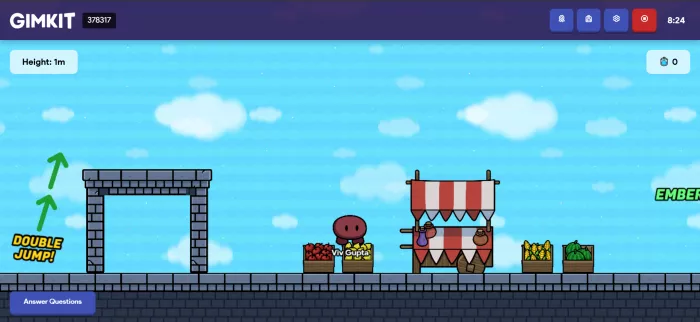
| 3 | Choose a game mode Classic and Team fit most reviews. The 2D modes add movement and strategy on a map. |

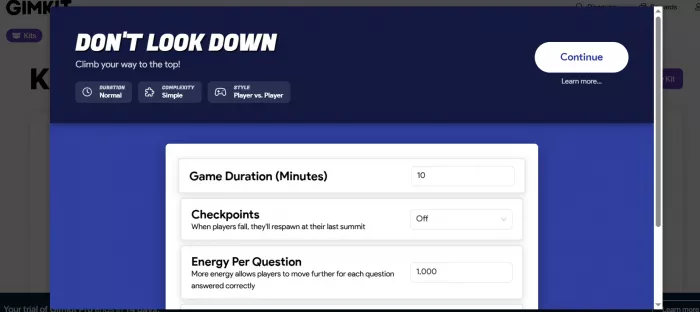
| 4 | Set the game goal End by time (ten to fifteen minutes is a safe range), a cash target, or first player to a number. |
| 5 | Share the join code Put the code, QR, or link on the board. Students join at gimkit.com/join from their own devices. |
| 6 | Start and steer Watch the leaderboard, mute music, add time, remove a player, or end the game when the learning is done. |
The game modes, grouped by what they do
Modes are where Gimkit pulls away from a plain quiz. The free plan rotates roughly three featured modes at a time, and Gimkit decides which ones. Pro opens the full catalog, including modes built only for paid accounts.
Best for short bursts Classic and fast modes Pure speed and recall. The Floor is Lava and similar modes make a tight eight to ten minute energy boost. | Best for collaboration Team mode Splits the class into squads chasing a shared total, which spreads the pressure off individual students. |
Best for strategy 2D modes Students move an avatar, called a Gim, around a map while answering. Fishtopia and Snowbrawl live here. Capped at 60 players. | Best for high energy Trust No One Social deduction in the style of a popular impostor game. A strong fit for a class that handles a little chaos well. |
Best for makers Creative mode Build a custom world with doors, keys, enemies, and teleporters. The deep end for teachers or students who want to design their own game. | |
Controls you get while the game runs
- A live leaderboard updates after each answer, so a struggling student is easy to spot and the game is easy to pause for a quick reteach.
- Mute or play the background music, which matters more than it sounds on a loud afternoon.
- Add time in supported 2D modes to stretch a round that is going well.
- Remove a player who has drifted off task, and spectate or follow individual players in 2D modes.
- End the game early with a single control, since the most useful session is rarely the longest one.
After the game ends, a report shows which questions tripped the class up most, which turns a review game into a quiet diagnostic. Smart Repetition works on top of that: missed questions resurface more often on their own, across both live games and assignments, with nothing to switch on.
Free versus Pro, and what each tier costs
Hosting is honestly free. Gimkit Basic costs nothing, runs live games for a full class, keeps class rosters, and returns reports. The catch is modes. Basic rotates about three featured modes, and the Pro Exclusive modes still load on a free account but cap at five players, which is not enough for a real class. In practice that five-player ceiling is the thing that nudges frequent hosts toward paying.
| Plan | Cost | What you get |
|---|---|---|
| Gimkit Basic | $0 | Unlimited students in about three rotating modes, classes, and reports. Pro modes cap at five players. |
| Pro, monthly | $14.99 / mo | All modes, assignments, image and audio questions, and the ability to copy other teachers' Kits. |
| Pro, annual | $59.88 / yr | Same as monthly at about $4.99 a month, billed once. It passes the monthly plan on cost at roughly four months. |
| Department license | $650 / yr | Up to 20 teachers, about $32.50 each. Accepts purchase orders, which individual Pro does not. |
| School license | $1,000 / yr | Covers a building's teachers, up to 100 accounts across sites. |
New educator accounts open with a 14-day Pro trial, then drop to Basic unless a plan is purchased.
Review scorecard
Scores below weigh the host experience, not the student view, and reflect the trade-offs that show up after real classroom use.
| Criteria | Rating | Notes |
|---|---|---|
| Student engagement | 4.8 / 5 | The money-and-upgrade loop pulls in reluctant students fast. |
| Ease of hosting | 4.5 / 5 | Play Live to a live game takes under a minute once a Kit exists. |
| Setup time | 4.0 / 5 | Writing a solid Kit from scratch is the real time cost. |
| Mode variety | 4.7 / 5 | Classic to 2D to social deduction to build-your-own. |
| Reporting and data | 4.3 / 5 | Clear per-question reports, and Smart Repetition runs automatically. |
| Value on free plan | 3.8 / 5 | Real hosting for nothing, but the best modes stay gated. |
| Value on Pro | 4.4 / 5 | $59.88 a year undercuts comparable paid quiz tools and adds assignments. |
What people are saying
Sentiment below is paraphrased from independent review sites and working teachers, with each source named.
Describes it as a blend of Kahoot and Quizlet with features neither has, and calls it easy for students and teachers alike. It also flags that random events in some modes mean a game result is not always proof of content mastery. Expert review, school library and technology specialist |
Rates the platform for ages six to eighteen and singles out automatic grading of assigned homework as a genuine time-saver for teachers who use it beyond the classroom. Editorial review, ages 6 to 18 | ||||
After years of classroom use, reports finding no serious flaws and keeps Gimkit as a dependable go-to for review, a sign the tool holds up past the novelty stage. Community review, Common Sense Education |
Suggests not treating the tools as rivals: Blooket for quick casual review, and Gimkit for the sessions where the review genuinely counts. Many teachers keep both. Teacher blog, classroom comparison |
Where it shines, and what to plan around
✓ Where it shines
| ▲ What to plan around
|
Teachers weighing the paid tier can read a longer, host's-eye teardown of running live games before committing to a year.
The verdict
★ 4.3 / 5 overall
After enough review days spent hosting it, the take settles into something simple. Gimkit is one of the most reliable ways to make a class actually want to review, and the host controls hand a teacher more real-time say than a standard quiz tool does. The money-and-upgrade loop that reads as gimmicky on paper is exactly what gets a quiet fourth-period class leaning into their screens.
The fair caveats are the gated modes and the five-player cap, which make Pro feel less optional than the pitch suggests, plus the reminder that a leaderboard measures a mix of recall, speed, and luck rather than mastery alone. Treat the game as the hook and the per-question report as the real takeaway, and it holds its spot on review day. For a single teacher hosting weekly, the $59.88 annual plan is an easy call. For occasional use, Basic and its rotating modes cover the essentials without spending a cent.
Comments