I opened an account on every platform people keep recommending and worked through the early modules the way a real beginner would, with no shortcuts. Some earned their reputation. A couple did not. Below is the honest breakdown, with two quick tables to compare them and a full write-up on each.
I cared about three things most. Does the format keep you writing code instead of watching someone else write it? Is the curriculum current, meaning React hooks rather than class components and real tooling like Git and the terminal? And does finishing it leave you with something to show, whether a certificate or a folder of real projects? Price mattered, but a free resource that teaches badly is not a bargain.
The review table
Ratings are my own, weighted toward how well each platform keeps you coding and how useful the result is when you finish.
| Platform | Best for | Price | Format | Certificate | Rating |
|---|---|---|---|---|---|
| freeCodeCamp | The complete free path | Free | In-browser + projects | Yes, free | 9.3 |
| The Odin Project | Learning like a real dev | Free | Reading + build from scratch | Portfolio | 9.0 |
| CS50 (Harvard) | Computer science foundations | Free ($199 cert) | Lectures + problem sets | Optional, paid | 9.1 |
| Full Stack Open | The React and Node stack | Free | Deep reading + exercises | Yes, free | 8.8 |
| Scrimba | Interactive frontend | Free / $24.50 mo | Editable scrim videos | On paths | 8.7 |
| Codecademy | The gentlest first step | Free / $14.99 mo | Guided in-browser lessons | On paid tier | 8.0 |
| Boot.dev | Backend development | Free / ~$30 mo | Learn by doing, gamified | Completion only | 8.5 |
| Frontend Masters | Leveling up past beginner | 5 free / $39 mo | Workshop-style video | Paths | 8.9 |
| Timtis | AI-assisted coding tools | Paid, course or sub | Recorded, live, or hybrid | Yes, completion | 7.8 |
How the nine compare
The ratings capture quality. This table captures fit: the level each one is pitched at, whether it takes you from zero, whether you code inside the browser, and where you turn when you get stuck.
| Platform | Focus | Level | From scratch | In-browser editor | Support |
|---|---|---|---|---|---|
| freeCodeCamp | Full-stack, general | Beginner-friendly | Yes | Yes | Huge forum |
| The Odin Project | Full-stack | Beginner-friendly | Yes | No | Discord |
| CS50 (Harvard) | CS foundations | Beginner, rigorous | Yes | Yes | Large community |
| Full Stack Open | React and Node | Intermediate+ | No | No | Community |
| Scrimba | Frontend, AI | Beginner-friendly | Yes | Yes | Discord (Pro) |
| Codecademy | Multi-language | Beginner-friendly | Yes | Yes | Forums |
| Boot.dev | Backend | Beginner-friendly | Yes | Yes | Discord |
| Frontend Masters | Frontend, advanced | Intermediate+ | No | No | Self-serve |
| Timtis | AI coding tools | Intermediate+ | No | No | AI helper + mentors |
Every platform, reviewed
freeCodeCamp: best free path with real certificates
![First Lesson Ever] Trying to understand what's going on - Curriculum Help - The freeCodeCamp Forum](https://global.discourse-cdn.com/freecodecamp/original/4X/8/c/c/8cc73a602569eb0557076f9f67e94d9b2d686192.png)
freeCodeCamp is the most complete free curriculum on the internet, and it never once asked me for a card. Everything runs in the browser, so you are writing real code within ten minutes of arriving, with no setup at all. What makes it stick is that the certifications are project-gated: you do not earn the badge until you have actually built the calculator, the survey form, or the API. The catalogue is enormous, spanning responsive design, JavaScript, front-end libraries, backend, and data science, which is also its one risk. Without picking a lane early, the roughly 3,000-hour path is easy to wander through.
• Write real code in the browser within minutes, zero setup
• Certifications are project-gated, so the badge means something
• Huge catalogue plus one of the largest support forums anywhere
• Best if you want a free path that ends in a shareable certificate
| Price | Free, nonprofit |
| Format | In-browser + projects |
| Time to results | 3-6 months part-time |
| Certificate | Yes, verifiable |
The Odin Project: best for learning like an actual developer
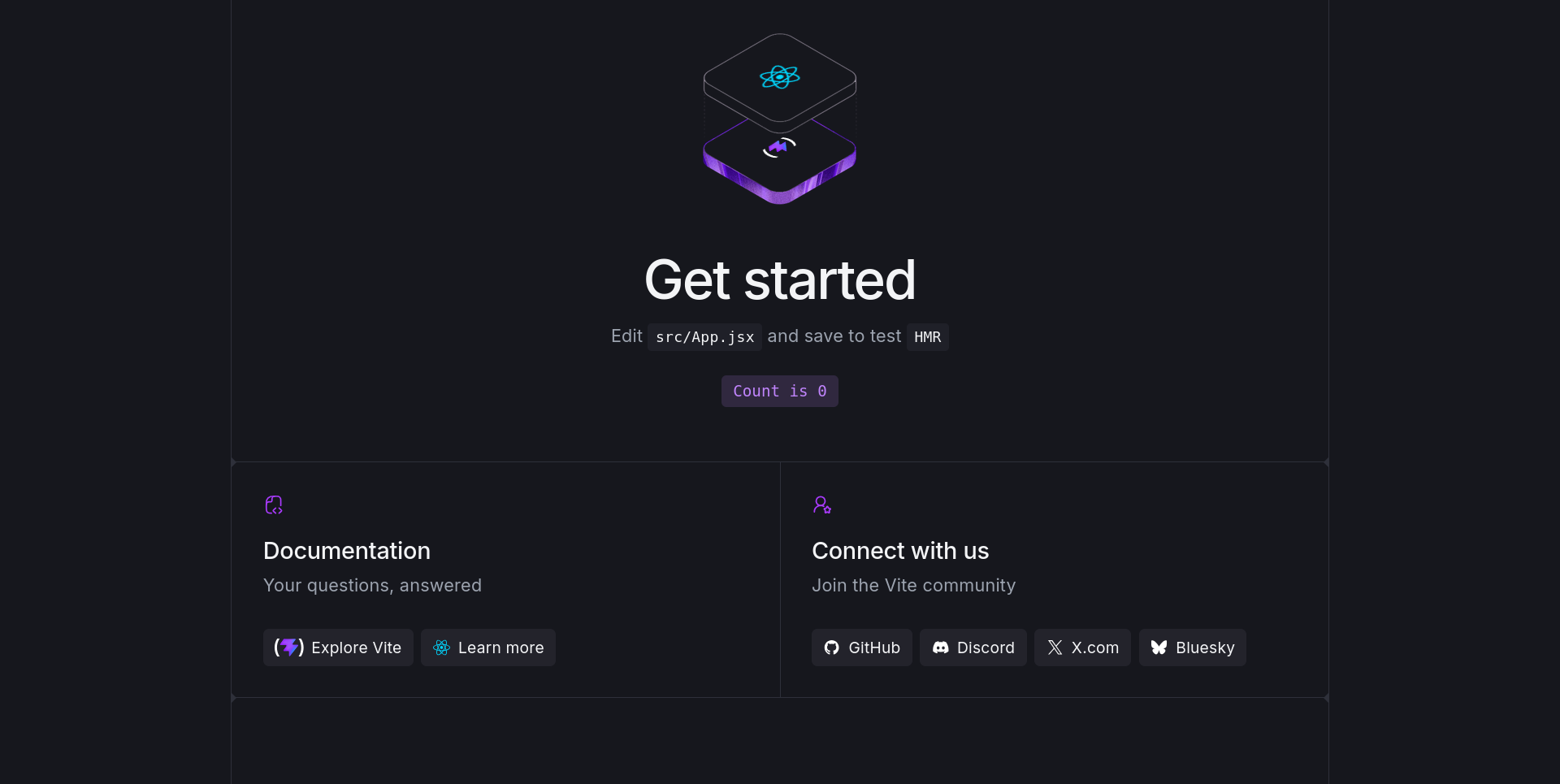
The Odin Project is the closest thing to on-the-job training I tried, which is exactly why the first month stings. From day one you work in professional tools, VS Code, Git, the terminal, and browser DevTools, with nothing faked inside a sandbox. It is unapologetically project-first: you build real applications and are expected to read documentation and debug like a working developer rather than follow a script. Two maintained tracks, Full Stack JavaScript and Full Stack Ruby, take you the distance, and it is genuinely free with no upsell. The catch is that it hands you a problem and then steps back, which can feel discouraging early on.
• Professional tools from day one, nothing faked in a sandbox
• Project-first, so you learn to build rather than just follow
• Two full-stack tracks, JavaScript and Ruby, free and open source
• Best if you value a portfolio over a certificate
| Price | Free, open source |
| Format | Reading + real projects |
| Time to results | 9-18 months part-time |
| Certificate | None, portfolio instead |
CS50 (Harvard): best for the foundations everyone skips
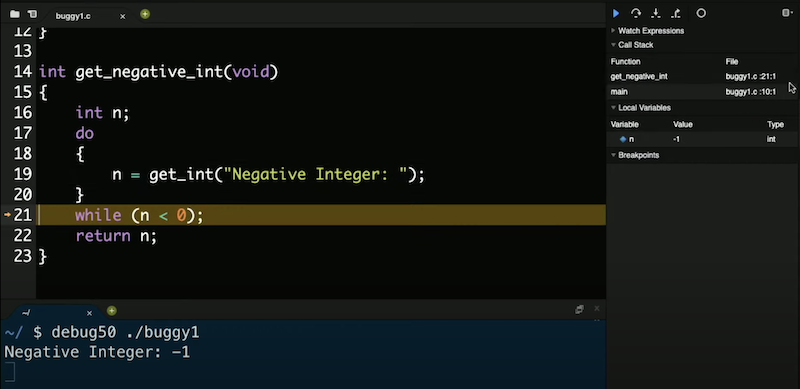
CS50 is the course that finally made me understand what my code was doing under the hood. David Malan's lectures are better produced than most things on television and genuinely gripping, and the material goes deliberately below the surface: C, memory, data structures and algorithms, then Python, SQL, and web basics. You come out understanding computers, not just one framework, and the problem sets are hard in the way that actually builds skill. Spin-offs like CS50P, CS50W, and CS50 AI let you specialise afterward. Just know it is a computer science course, not a build-a-website-this-weekend one, so it is a detour if you only want fast job skills.
• Lectures from David Malan with near television-level production
• Teaches the foundations: C, memory, algorithms, then Python and SQL
• Problem sets that genuinely build skill, and free to audit
• Best if you want deep understanding before frameworks
| Price | Free to audit |
| Format | Lectures + problem sets |
| Time to results | About 10-12 weeks |
| Certificate | Optional, $199 |
Full Stack Open: best for the modern JavaScript stack
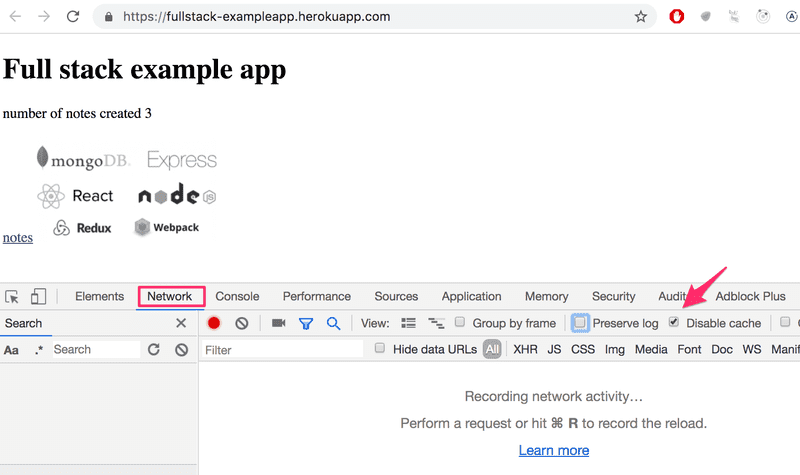
Full Stack Open is a university-grade React and Node course that somehow costs nothing. Maintained by the University of Helsinki alongside Finnish tech companies, it covers a current, practical stack, React, Redux, Node, Express, MongoDB, GraphQL, TypeScript, testing, CI/CD, and containers, and you can earn real ECTS credits and a certificate for free. The exercises build one application across the whole course, so concepts stick because you keep extending the same project, and the material updates continuously rather than shipping yearly versions. The trade-off is that it expects you to arrive with programming basics and Git familiarity, so it is a poor fit for a true beginner.
• Current stack: React, Node, GraphQL, TypeScript, CI/CD, containers
• Real ECTS university credits and a certificate, for free
• One project extended across the whole course, so it sticks
• Best if you already code a little and want the job stack
| Price | Free, incl. credits |
| Format | Deep reading + exercises |
| Time to results | 150+ hours |
| Certificate | Yes, free |
Scrimba: best interactive way to learn frontend

Scrimba is the only video platform where I could not passively zone out, because the video is the editor. Its scrim format lets you pause any lesson and edit the instructor's code right in the frame, so you cannot watch without typing. The Frontend Developer path is built with and reviewed by Mozilla's MDN team, and the free tier is unusually generous, roughly two dozen full courses and over 100 hours with no card required. Newer paths reach into full-stack and AI engineering too. The main limits are a ten-challenge cap on free accounts and a narrower scope than an all-in-one platform, so pair it with a project resource.
• Interactive scrim format forces you to code, not just watch
• Frontend path built and reviewed with Mozilla's MDN team
• Generous free tier: about 24 courses, 100+ hours, no card
• Best for hands-on frontend learners
| Price | Free tier / $24.50 mo |
| Format | Editable scrim videos |
| Time to results | ~70 hrs frontend path |
| Certificate | Yes, on paths |
Codecademy: best guided on-ramp for total beginners
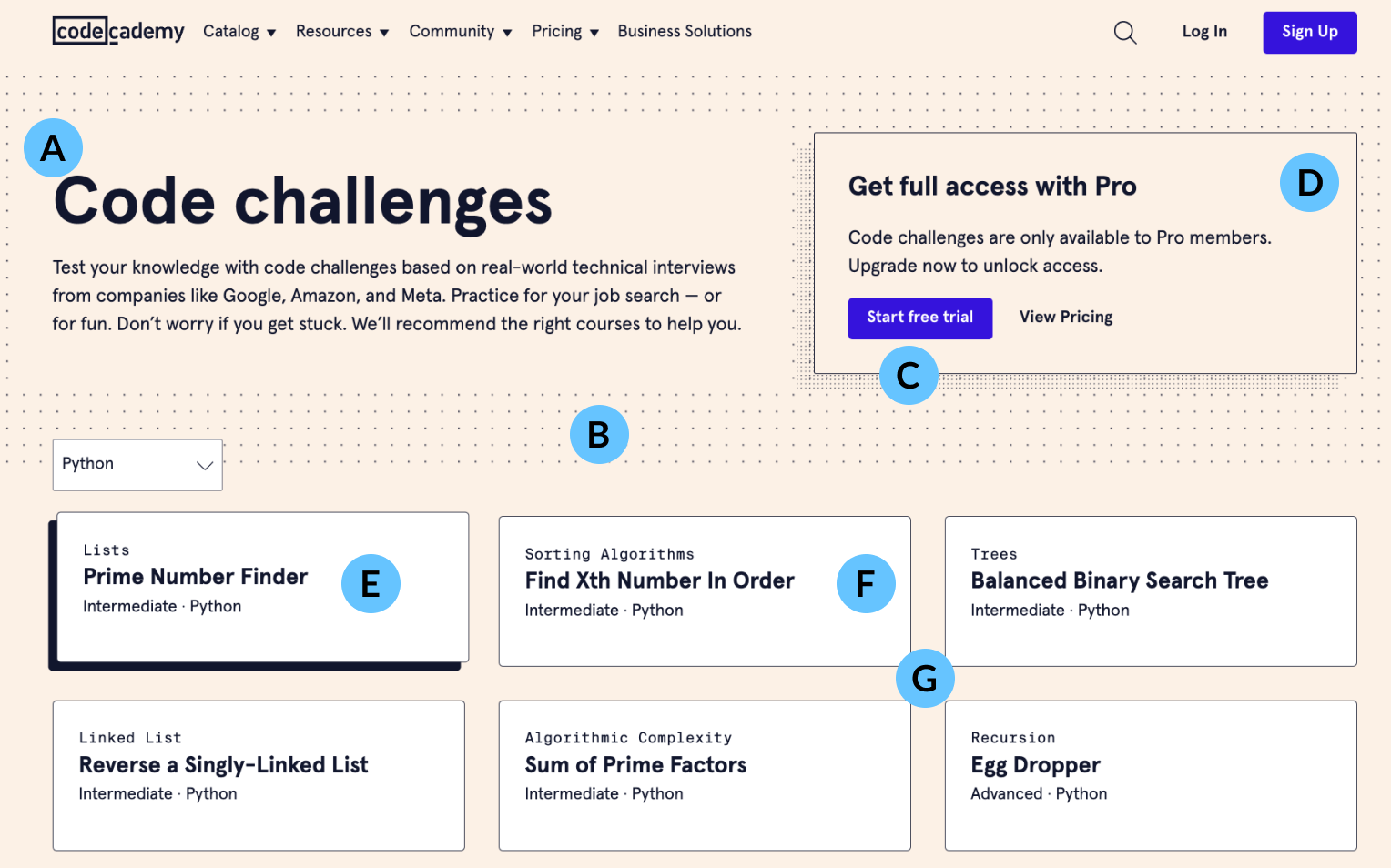
Codecademy was the gentlest first step I tried, as long as you go in knowing the free tier is really a trial. Its step-by-step editor checks each line as you type, which gives a nervous beginner constant reassurance, and the language catalogue is broad, over 300 courses spanning Python, JavaScript, HTML and CSS, SQL, and Java. Career and skill paths add structure, and an AI learning assistant is built into the paid tiers. The catch is that projects, paths, and certificates all sit behind a subscription, so the free version behaves more like an extended demo, and many find it pricey next to free rivals.
• Line-by-line checking gives beginners constant reassurance
• Broad catalogue: over 300 courses across many languages
• Structured paths plus a built-in AI assistant on paid tiers
• Best for the softest possible on-ramp into code
| Price | Free / $14.99 mo Plus |
| Format | Guided in-browser lessons |
| Time to results | Weeks per course |
| Certificate | On paid tier |
Boot.dev: best for backend, if you like a bit of a game
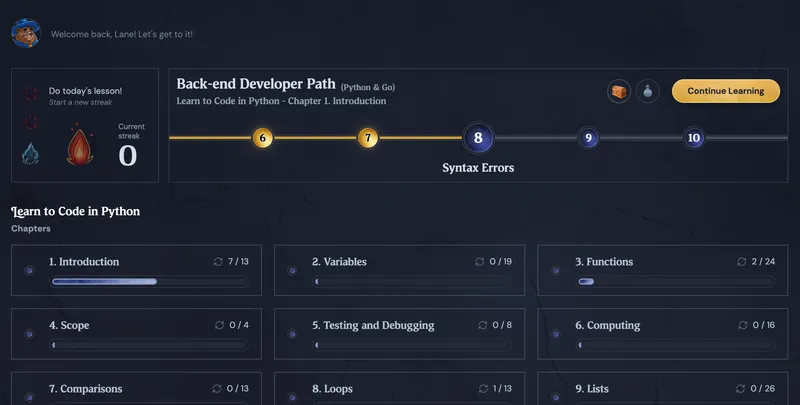
Boot.dev is the rare platform aimed squarely at backend, and its XP loop actually kept me showing up. The curriculum does backend properly, programming fundamentals in Python, then Go, SQL, HTTP servers, Docker, and CI/CD, and everything is hands-on, so you are building real projects like an HTTP server and APIs almost immediately. The gamification, XP, quests, and streaks, is built to beat tutorial hell, and it worked on me. An active Discord and a founder-led curriculum give it real credibility. The flip side is that it is backend-only and language-narrow, so it is not for people still exploring, and most of it sits behind a subscription.
• Backend done properly: Python, Go, SQL, Docker, and CI/CD
• Hands-on from the start, building real APIs and servers
• Gamified XP and quests designed to beat tutorial hell
• Best if you specifically want to become a backend developer
| Price | Free intro / ~$30 mo |
| Format | Learn by doing, gamified |
| Time to results | A few months |
| Certificate | Completion only |
Frontend Masters: best for leveling up past beginner
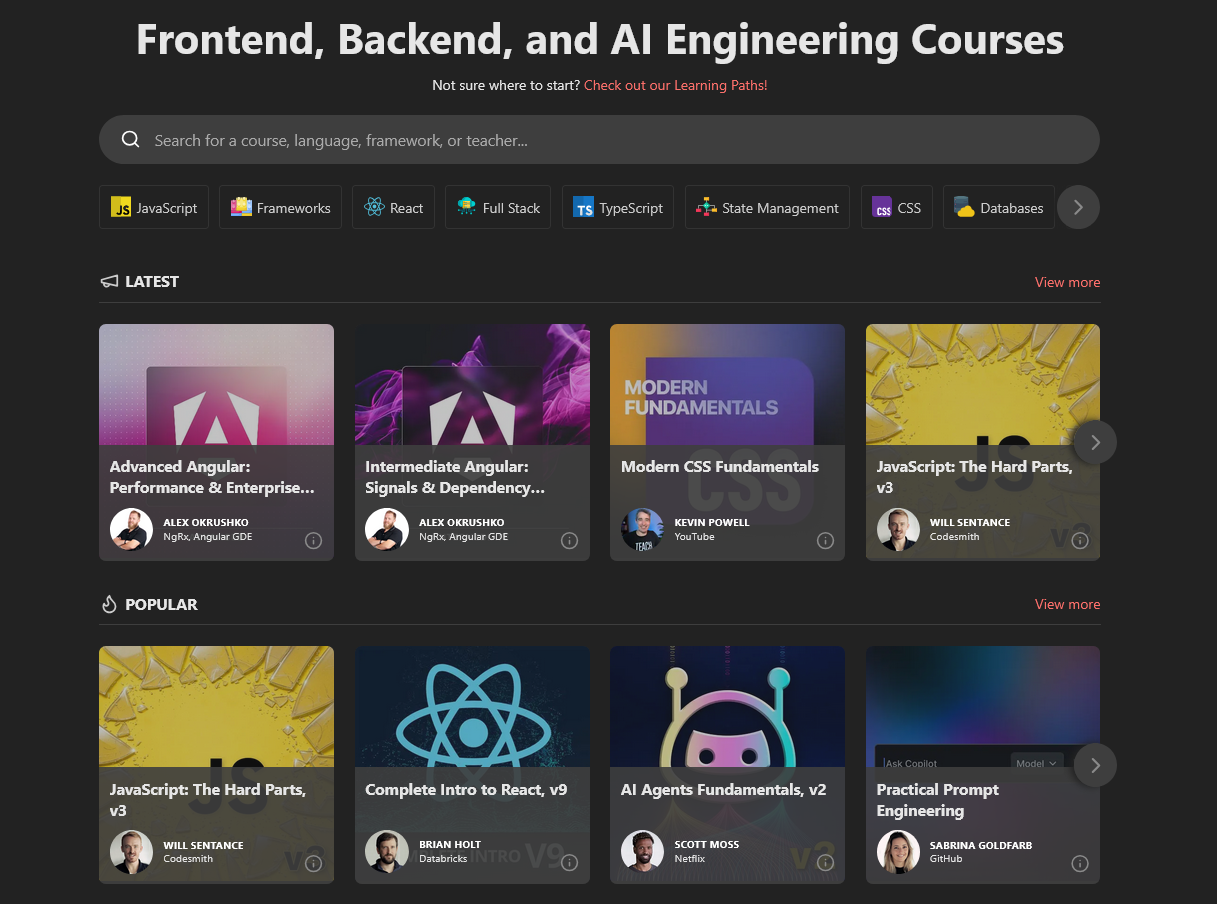
Frontend Masters is where I go when I already know a thing and want to actually understand it; it is not a starting point. The instructors are senior practitioners, and the depth shows, this is the hard parts of JavaScript, real Node and API design, and advanced CSS. The whole library comes with one subscription, and a free account gives lifetime access to five complete courses so you can test the waters, while GitHub Student Pack members get six months free. The trade-off is that beginners will feel lost without fundamentals first, and the traditional video format has no in-browser exercise checker to hold your hand.
• Deep, workshop-style courses from senior practitioners
• One subscription for the full library; five courses free forever
• Six months free with the GitHub Student Pack
• Best once you are past beginner and want real depth
| Price | 5 free / $39 mo |
| Format | Workshop-style video |
| Time to results | Ongoing, pick as needed |
| Certificate | Paths, not the draw |
Timtis: best for learning AI-assisted coding tools
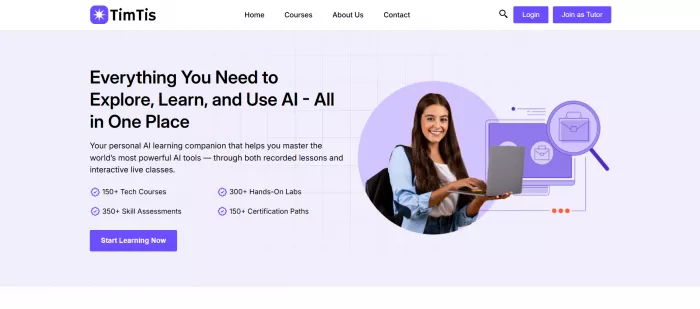
Timtis is the newcomer here, and the most organised place I found to actually learn AI coding tools like Cursor and Copilot. It teaches the tools most tutorials still ignore, Cursor, GitHub Copilot, and Aider, with projects rather than theory, and it gives you three ways to learn: recorded for cheap self-study, live with a mentor, or a hybrid of the two. A built-in AI helper answers questions mid-lesson, and you finish with a completion certificate to show. Worth knowing that it focuses on AI tooling rather than teaching programming from scratch, so it works best beside a fundamentals resource, and the catalogue is still growing.
• Teaches AI coding tools most courses skip: Cursor, Copilot, Aider
• Learn recorded, live with a mentor, or hybrid
• Built-in AI helper, plus a completion certificate
• Best if you already code and want to master AI tooling
| Price | Paid, course or sub |
| Format | Recorded, live, hybrid |
| Time to results | Days per tool |
| Certificate | Yes, completion |
How to choose in one line
| Your goal | Start with |
|---|---|
| Starting from zero and want it free | freeCodeCamp, then The Odin Project |
| Think like a developer, not follow tutorials | The Odin Project |
| Truly understand computer science | CS50 |
| Already code a little, want the React and Node job stack | Full Stack Open |
| Learn frontend by doing, not watching | Scrimba |
| Need the gentlest possible first step | Codecademy |
| Want to be a backend developer | Boot.dev |
| Past beginner and want depth | Frontend Masters |
| Master AI coding tools like Cursor and Copilot | Timtis |
A path that works
The winning move is to sequence a few. The order below is the one I would give a friend starting today.
1. Get the foundations. Start free with freeCodeCamp's Responsive Web Design and JavaScript sections, or lean on Codecademy if you want more hand-holding through your very first lines.
2. Learn to think like a developer. Move into The Odin Project and start building without a script. If you want the computer science layer underneath, run CS50 alongside it.
3. Go deep on a stack. Take Full Stack Open for serious React and Node, or point yourself at Boot.dev if backend is the goal you already have in mind.
4. Sharpen and specialize. Use Scrimba for interactive frontend reps, and reach for Frontend Masters when you want the advanced topics. Once you are comfortable, Timtis is a structured way to pick up AI coding tools like Cursor and Copilot.
Final verdict
My honest answer to “where do I start” is shorter than I expected. If you want one free place that takes a complete beginner to real projects and a certificate, freeCodeCamp is still the one I recommend first, and nothing I tested displaced it. The moment you can write a little JavaScript on your own, pair it with The Odin Project so you learn to build rather than follow. Those two, both free, will carry most people further than any paid subscription.
The paid platforms earn their money in specific lanes, not as a default. Scrimba is the best pure-frontend teacher I used because the format refuses to let you coast. Boot.dev is the one I would hand to anyone set on backend. Frontend Masters is where you go once you are already dangerous and want to be good. And if you have ever felt like you can use a framework but do not really understand what is happening beneath it, CS50 is worth the detour. If your real target is the new wave of AI coding tools, Timtis is the most structured place I found to learn them, though it is young enough that I would start with a single course.
Comments