Let me guess how you got here
It is late, a presentation is due, and the blank first slide has been staring back at you for twenty minutes. I know that feeling well, which is why our team did what most roundups skip: we actually built decks with these tools, timed them, exported the results, and verified every price against the official pricing pages instead of reciting marketing copy.
Two of the four tools below went through full hands-on tests on this site. We handed Gamma a deliberately awkward prompt and watched it assemble a finished, animated deck in under a minute. We asked Slidesgo for a deck titled “Hip-Hop Explained by My Parents,” purely to see if it would flinch. It did not.
This article is the summary those tests earned, plus verified data on two more heavyweights: Beautiful.ai and Canva’s Magic Design. The quick answer sits right below. The receipts follow. The scoreboard at the end shows exactly how each tool earned its number.
Four winners, four different jobs
BEST OVERALL Gamma 4.5 / 5 Fastest idea-to-deck we have tested, with the best free-tier output. One prompt, under a minute, a genuinely polished draft. | BEST VALUE + EDUCATION Slidesgo 4.2 / 5 30,000+ editable templates, native PowerPoint export, and a teacher toolkit nobody else matches, for a few dollars a month. |
BEST FOR BUSINESS DECKS Beautiful.ai 3.9 / 5 The strongest brand control and predictable pricing with no credit math. The catch: there is no free plan at all. | BEST ALL-IN-ONE SUITE Canva Magic Design 3.8 / 5 Good AI decks inside the design tool your team may already pay for. Ideal when slides are one job among many. |
If you want a single sentence: start with Gamma’s free plan tonight, and read on to see whether one of the other three fits your situation better.
Six criteria, weighted like real deadlines
Speed and design carry the most weight because they are the whole reason you reach for an AI maker instead of a blank canvas. Writing quality and export fidelity come next, since a deck you must rewrite or cannot move into PowerPoint is a trap. Free-plan honesty and value for money round it out.
SCORING CRITERIA AND WEIGHTS
| CRITERION | WEIGHT | WHAT WE LOOKED AT |
|---|---|---|
| Speed to first draft | 25% | Measured or documented time from prompt to a usable deck |
| Design quality | 25% | Layout, imagery, and typography of the raw output, before edits |
| Writing quality | 15% | How much of the generated text survives a human read |
| Export fidelity | 15% | How cleanly decks move to PPTX, Google Slides, and PDF |
| Free plan honesty | 10% | What $0 genuinely gets you, watermarks and caps included |
| Value for money | 10% | Real annual cost against what the paid tier unlocks |
| Where the data comes from: our two hands-on tests linked above, each vendor’s official pricing page (checked July 2026), and public review platforms including G2, Capterra, and Trustpilot. No affiliate placements shaped a single score. |
All four tools at a glance
QUICK COMPARISON, JULY 2026
| TOOL | BEST FOR | FREE PLAN | PAID FROM | EXPORTS | STANDOUT NUMBER |
|---|---|---|---|---|---|
| Gamma | Fast, polished AI-native drafts | 400 one-time credits, watermark | $8/mo billed annually | PDF, PPTX, Google Slides, PNG | Draft in under 60 seconds |
| Slidesgo | Templates, students, teachers | 3 AI decks + 3 downloads monthly | ~$3/mo effective, annual | PPTX, Google Slides | 30,000+ templates |
| Beautiful.ai | On-brand business decks | None, 14-day card-required trial | $12/mo billed annually | PPTX, PDF | 300+ Smart Slide layouts |
| Canva Magic Design | Teams already living in Canva | Monthly AI allowance, shared pool | $10/mo effective, annual | PPTX, PDF, and more | 100M+ stock assets |
What each tool is really like
RANK 01 · BEST OVERALL
Gamma 4.5 / 5
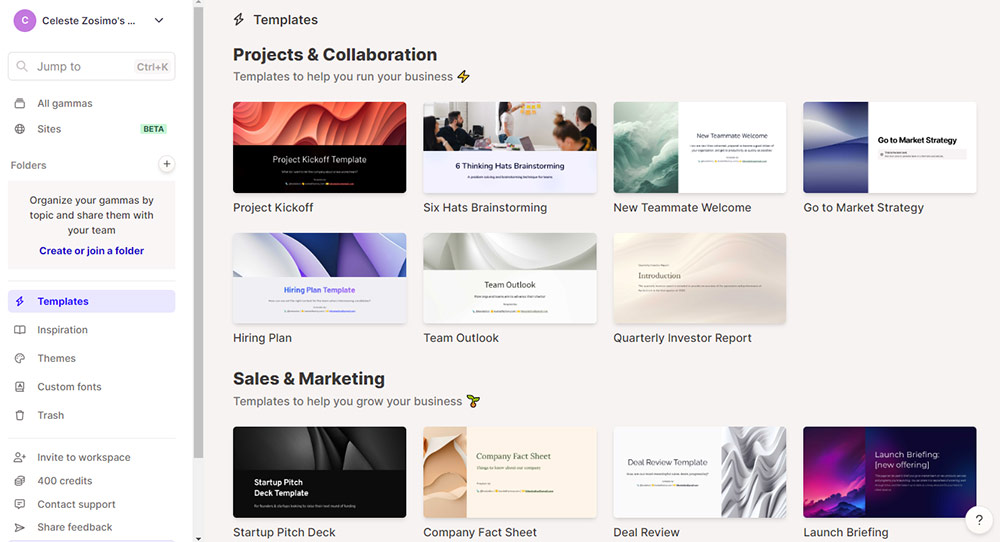
Gamma is AI-native from the ground up. Instead of slides it builds flexible “cards” from a single prompt, writing the copy, choosing layouts, and pulling imagery as it goes. The same engine produces presentations, documents, and simple web pages.
In our full hands-on review, we fed it a deliberately abstract prompt, “The Science of Time Travel,” and watched it build the deck card by card in real time, finished in well under a minute. The present-mode result surprised us: relevant imagery rather than filler stock, typography with real intent, and smooth animation, all on a free account. The company’s scale backs that impression up.
70M USERS WORLDWIDE | $100M ARR, PROFITABLE | 400M+ ASSETS CREATED |
Pricing is freemium with a credit twist. The free tier grants 400 one-time credits that never refresh and stamps a “Made with Gamma” badge on your work. Plus, at $8 a month billed annually, removes the watermark and the credit pool entirely. Pro, at $15 a month annually, adds premium image generation, 50-card decks, custom fonts, and analytics.
WHERE IT WINS
| WHERE IT LOSES POINTS
|
| Pick it if you need a finished-looking deck tonight. Skip it if your company demands pixel-perfect native PowerPoint files. | |
RANK 02 · BEST VALUE + EDUCATION
Slidesgo 4.2 / 5
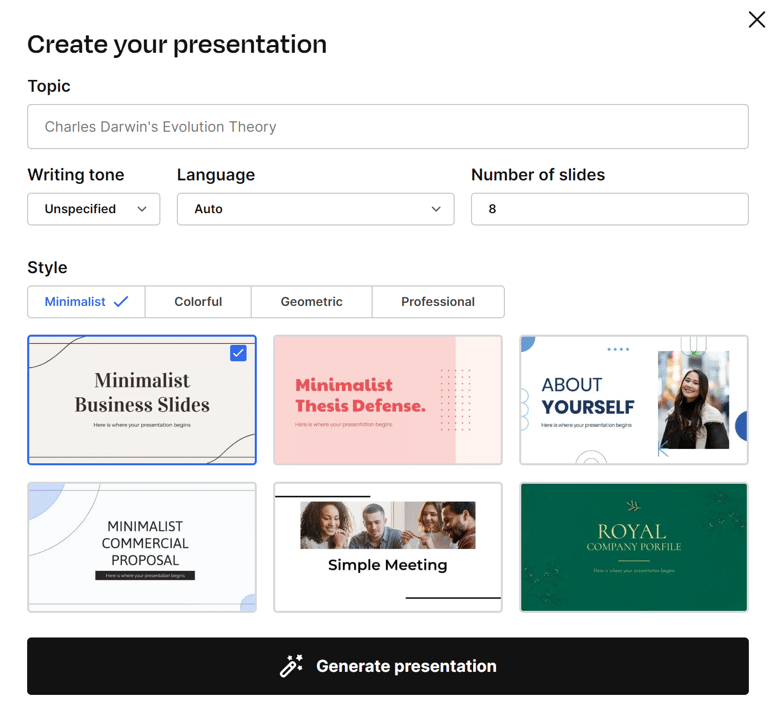
Slidesgo is two products in one: a library of more than 30,000 fully editable templates for PowerPoint and Google Slides, and an AI Presentation Maker layered on top. It is part of Magnific, formerly Freepik, and that asset-library heritage shows most in the visuals.
In our first impression, a deliberately offbeat prompt returned an 11-slide deck in three to five minutes. The images genuinely matched the topic, while the text scored a modest 3.3 out of 5: coherent, but the kind of first draft you tidy rather than ship. The market data tells a split story worth knowing.
30,000+ EDITABLE TEMPLATES | 4.7 / 5 G2 RATING | ~2.3 / 5 TRUSTPILOT RATING |
That Trustpilot number is almost entirely about billing and cancellation friction, not the slides themselves, so if you subscribe, start monthly and set a renewal reminder. The free tier renews every month with 3 AI decks and 3 template downloads, plus a required attribution slide. Premium lists at about $5.99 monthly or roughly $35.99 a year in USD, around $3 a month effective, with regional pricing sometimes far lower. Note the fine print: “unlimited” carries a fair-use cap of about 150 generations a month.
WHERE IT WINS
| WHERE IT LOSES POINTS
|
| Pick it if you are a teacher, student, or template lover on a budget. Skip it if you expect the AI to write client-ready copy. | |
RANK 03 · BEST FOR BUSINESS
Beautiful.ai 3.9 / 5
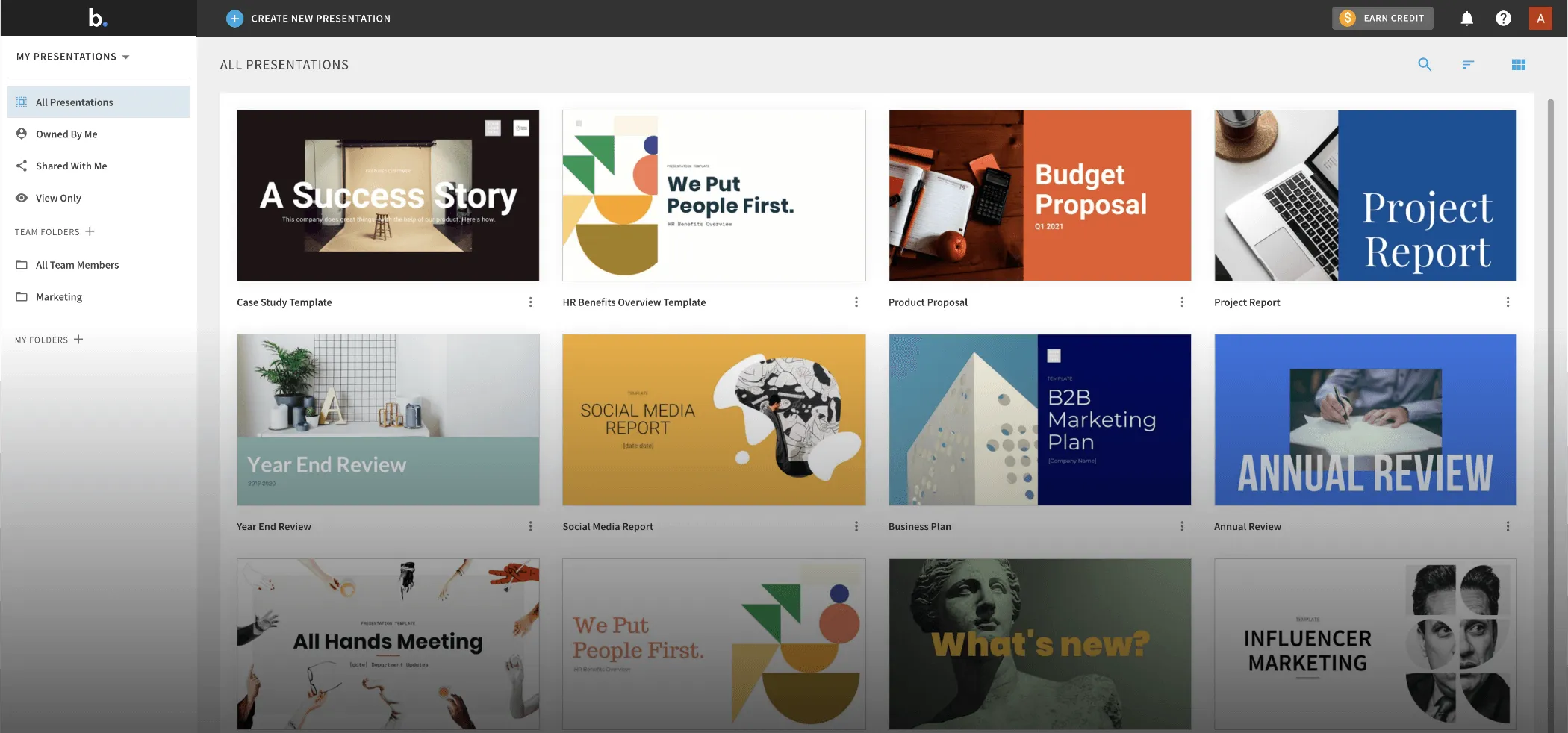
Beautiful.ai’s core idea is Smart Slides: a library of over 300 layouts that automatically reflow and fix themselves as you add content, so a deck stays aligned and on-brand no matter who edits it. DesignerBot adds prompt-based generation on top, and paid plans include unlimited AI with no credit system to track.
The pricing model is where you need to read carefully. There is no free plan. Every path in starts with a 14-day trial that requires a credit card and charges automatically when the trial ends. Pro costs $12 a month billed annually, or a steep $45 if billed monthly. Teams pay $40 per user per month annually, and a one-off single presentation is available for $45.
$144 PRO, PER YEAR | 300+ SMART SLIDE LAYOUTS | 14 days TRIAL, CARD REQUIRED |
WHERE IT WINS
| WHERE IT LOSES POINTS
|
| Pick it if clients pay for your decks and brand consistency matters. Skip it if you want to try before entering a card number. | |
RANK 04 · BEST ALL-IN-ONE
Canva Magic Design 3.8 / 5
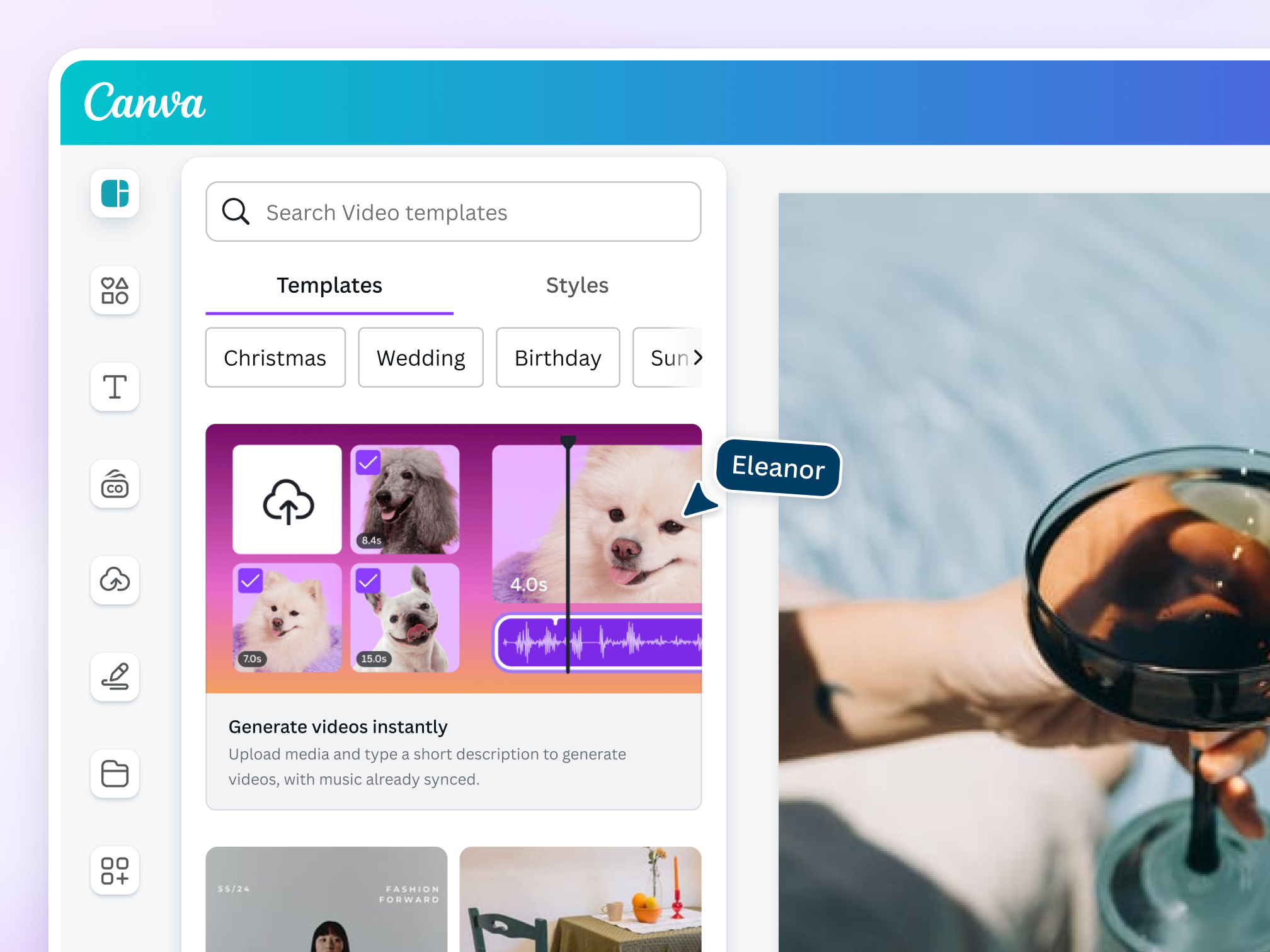
Magic Design bolts AI deck generation onto the world’s most popular design suite. Type a topic and Canva returns multiple draft decks within moments, then hands you the full editor: a Brand Kit that auto-applies your logo, colors, and fonts, more than 100 million stock assets, and one-click resizing of a deck into social posts or documents.
The free plan is real but the math is fuzzy. Your AI allowance is a monthly pool shared across every Magic Studio tool, roughly 200 standard uses, and a single multi-slide generation can burn several at once. Canva Pro, at $15 a month or $120 a year, raises the allowance substantially and unlocks premium templates and the Brand Kit. Reviewers consistently rate the deck output as good but in need of editing, and layouts can shift when a file is opened in PowerPoint.
100M+ PREMIUM ASSETS | $120 PRO, PER YEAR | 1 tool FOR EVERY DESIGN JOB |
WHERE IT WINS ✓ One subscription covers all design work ✓ Brand Kit keeps everything consistent ✓ The most familiar editor for most people | WHERE IT LOSES POINTS ✕ Credit consumption is hard to predict ✕ Less specialised than presentation-first rivals ✕ PPTX layouts can shift on export |
| Pick it if Canva is already open in your browser every day. Skip it if presentations are the only thing you make. | |
The numbers, side by side
SPEED AND FREE-PLAN REALITY CHECK
| TOOL | TIME TO FIRST DRAFT | WHAT $0 ACTUALLY GETS YOU | FREE BRANDING? |
|---|---|---|---|
| Gamma | Under 60 seconds measured in our test | 400 one-time credits, enough for a handful of decks, then it stops | “Made with Gamma” badge |
| Slidesgo | 3 to 5 minutes measured in our test | 3 AI decks and 3 template downloads, renewing every month | Required attribution slide |
| Beautiful.ai | A few minutes vendor claim | Nothing permanent, only a 14-day trial with a card on file | Not applicable |
| Canva | Moments to draft options multiple drafts per prompt | A shared monthly AI allowance of roughly 200 standard uses | Watermarks on premium content |
REAL PRICING MATH, VERIFIED JULY 2026
| TOOL | CHEAPEST PAID TIER | ANNUAL TOTAL | IF BILLED MONTHLY | WATCH OUT FOR |
|---|---|---|---|---|
| Gamma Plus | $8/mo annual | $96 | ~$10/mo | Free credits never renew or roll over |
| Slidesgo Premium | ~$3/mo effective | ~$35.99 | ~$5.99/mo | Auto-renewal complaints; set a reminder |
| Beautiful.ai Pro | $12/mo annual | $144 | $45/mo | Trial charges your card automatically |
| Canva Pro | $10/mo effective | $120 | $15/mo | AI pool resets monthly; big jobs drain it fast |
| A note on prices: vendors adjust rates by region and run promotions constantly. Treat this table as the verified picture at publication and confirm on each official pricing page before you pay. |
Which one is right for you?
STUDENT OR TEACHER → Slidesgo Three free AI decks a month that actually renew, a template for every subject, lesson-plan and quiz generators, and files that open natively in PowerPoint or Google Slides. | FOUNDER, FREELANCER, MARKETER → Gamma When the meeting is tomorrow, a one-minute draft that already looks designed is worth more than any template library. Share by link, or pay $8 a month to drop the watermark. |
SALES OR CONSULTING TEAM → Beautiful.ai Locked layouts keep every rep on brand, viewer analytics show who opened what, and unlimited AI means nobody rations credits mid-quarter. | ALREADY PAYING FOR CANVA → Canva Magic Design Do not buy a second subscription until a limit actually bites. Magic Design plus your existing Brand Kit covers most everyday decks at no extra cost. |
Every score, in one table
Scores run 1 to 5 and combine our hands-on results with verified pricing and independent review data, weighted as described above.
WEIGHTED RESULTS, JULY 2026
| CRITERION (WEIGHT) | GAMMA | SLIDESGO | BEAUTIFUL.AI | CANVA |
|---|---|---|---|---|
| Speed to first draft (25%) | 5.0 | 4.0 | 4.2 | 3.6 |
| Design quality (25%) | 4.7 | 4.5 | 4.6 | 4.2 |
| Writing quality (15%) | 4.0 | 3.3 | 3.8 | 3.5 |
| Export fidelity (15%) | 3.6 | 4.6 | 4.0 | 3.4 |
| Free plan honesty (10%) | 4.2 | 4.4 | 1.5 | 3.8 |
| Value for money (10%) | 4.7 | 4.7 | 3.6 | 4.0 |
| Weighted overall | 4.5 | 4.2 | 3.9 | 3.8 |
Gamma takes the crown on speed, design, and free-tier generosity. Slidesgo quietly wins the export and value rows, which is exactly why it is the smarter pick for anyone whose world runs on PowerPoint files.
Bonus · QUICK QUESTIONS, HONEST ANSWERS
My honest closing adviceSo, which AI PPT maker is best? For most people reading this, Gamma, and by a comfortable margin. But “best” is personal, so here is the move I would make in your seat: open two free accounts tonight, side by side. Use Gamma on the evenings you need a finished-looking deck in a minute, and Slidesgo in the weeks you need templates, classroom material, or a clean native PowerPoint file. Whichever one blocks you first is the one worth paying for. That is your answer, discovered for free. Reach for Beautiful.ai the day a client is paying for polish and your brand needs guardrails. Stay inside Canva if your whole working life is already there. And wherever you land, set a calendar reminder before the renewal date, because the loudest complaints we found across every review platform were about billing, never about the slides. If one of these tools rescues your next deadline, come back and tell us which one in the comments. And if you want the full stories behind the scores, our hands-on tests of Gamma and Slidesgo are waiting. Deadlines are easier to survive together. |
Comments